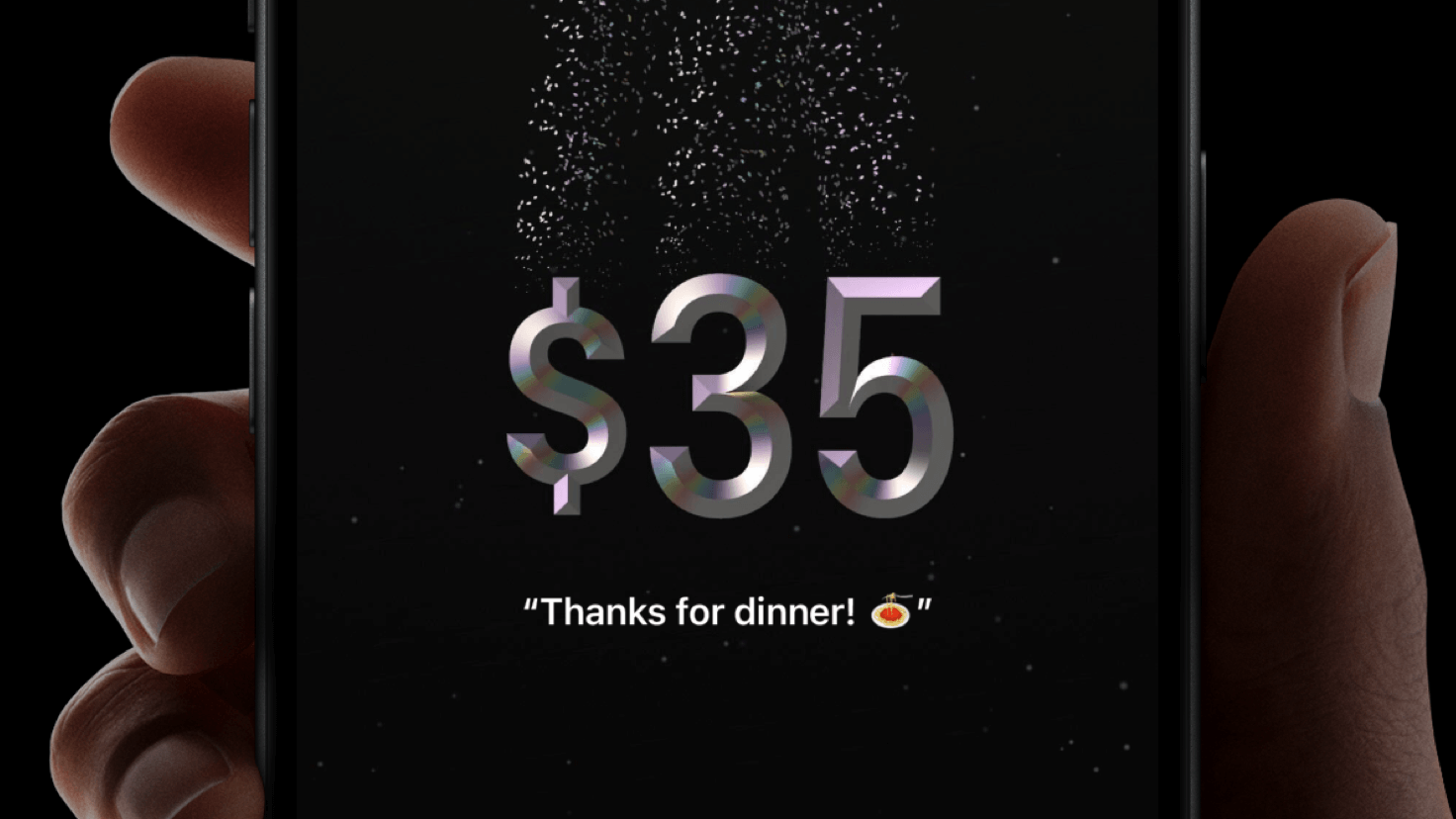
New to iOS 18, Tap to Cash is an easy way to send Apple Cash to someone nearby.1 Whether you’re at a birthday brunch or just scored a garage sale find, now you can pay other people just by holding your iPhone near someone else’s iPhone.
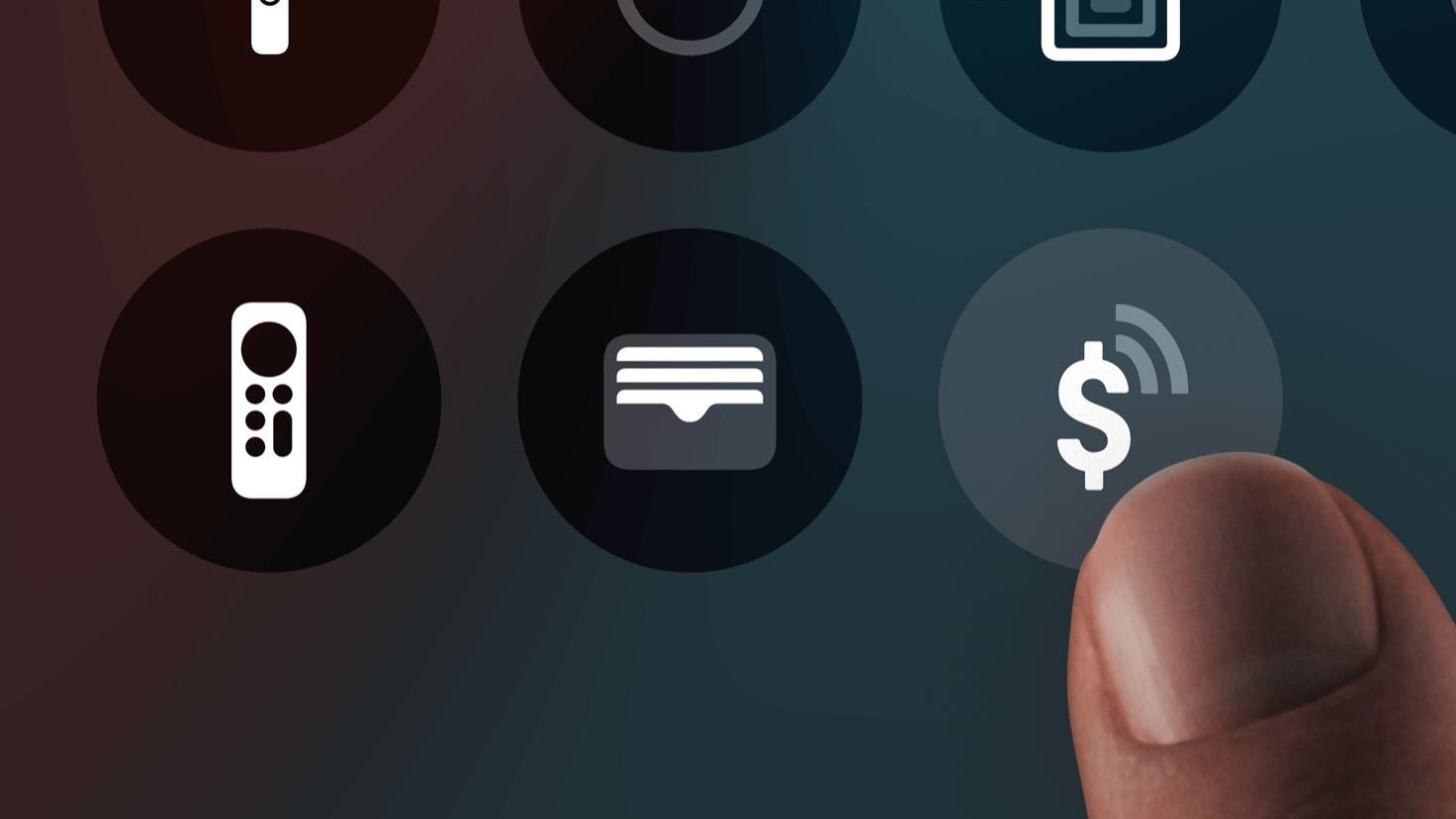
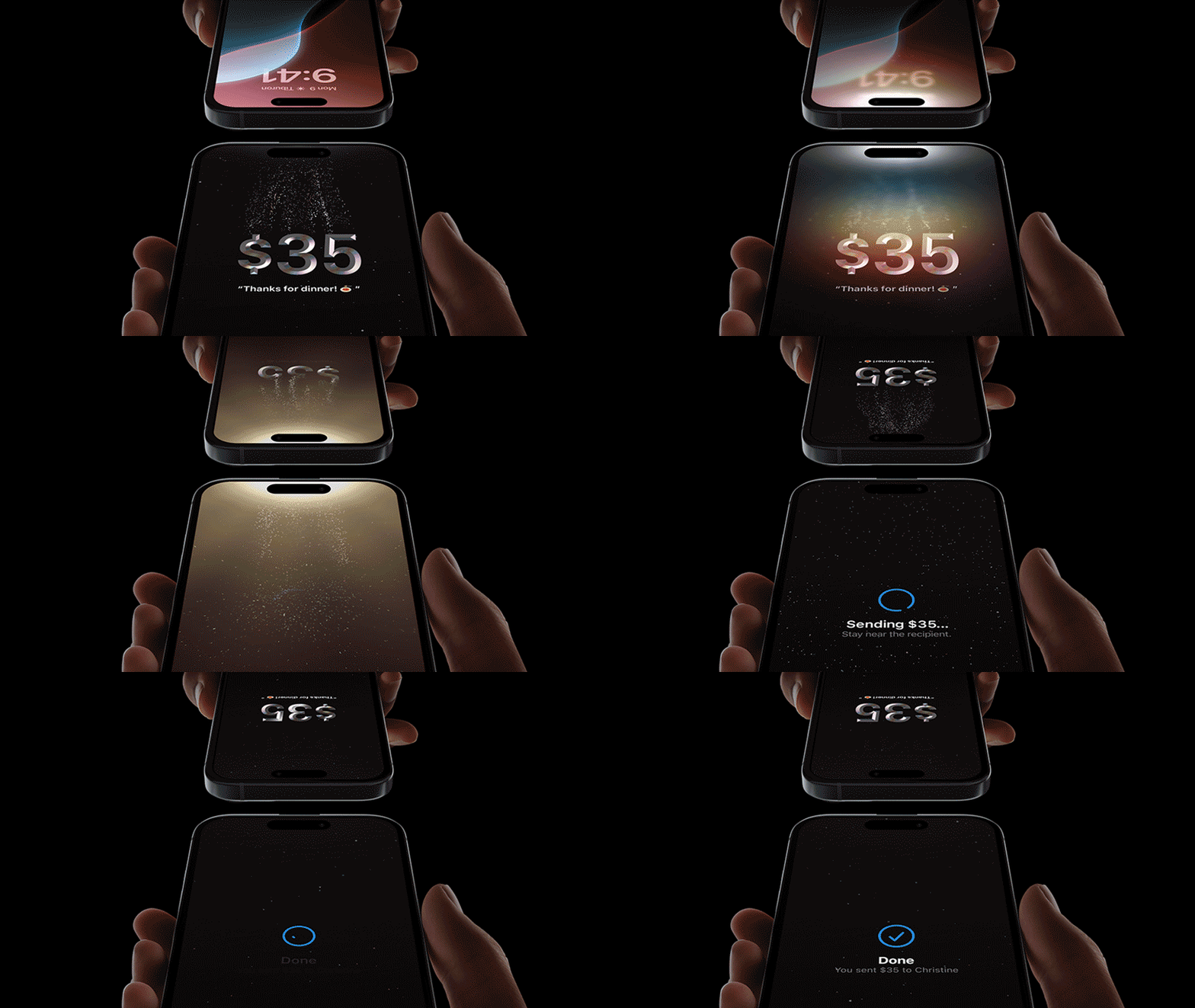
Simply select “Send or Request” in your Apple Cash card in Wallet and choose Tap to Cash. Or, you can add the widget to your Lock Screen and Control Center for quick access. Just enter an amount. Authenticate. And hold your iPhone next to another iPhone and watch the cash send in a flash.
Apple Cash payments are private and between you and the person you’re sending to.2 No public feeds. And with Tap to Cash, you don’t have to share a phone number or email address to send money.
Secure as always.
Every transaction requires authentication with Face ID, Touch ID or passcode, so only you can send money. Plus it's encrypted, so payments stay secure.
1. Apple Cash services are provided by Green Dot Bank, Member FDIC. Apple Payments Services LLC, a subsidiary of Apple Inc., is a service provider of Green Dot Bank for Apple Cash accounts. Neither Apple Inc. nor Apple Payments Services LLC is a bank. Learn more about the Terms and Conditions. Only available in the U.S. on eligible devices. To send and receive money with an Apple Cash account, you must be 18 and a U.S. resident. If you’re under 18, your family organizer can set up Apple Cash for you as part of their Apple Cash Family account, but you may not be able to access features that require a supported payment card. Security checks may require more time to make funds available. Apple Cash Family accounts can only send or receive up to $2000 within a rolling seven-day period. Tap to Cash transactions can only be used to send or receive up to $2000 within a rolling seven-day period. Other limits apply, see Terms and Conditions for details. To access and use all Apple Cash features, you must have an eligible device with Wallet that has the latest version of iOS.
2. Transactions and comments sent by children using Apple Cash Family are visible to parents, guardians, and the family organizer. Adding Apple Cash into third party financial management services gives those services visibility into the account activity they request access to.


 is here.