Meet your new MacBook Pro.

Get ready to unleash the power of the ultimate pro laptop. Here are some tips to help you get the most out of your Mac.

Let’s get started
Bring over all
your content.

Your MacBook Pro is designed to be easy to set up. Use Migration Assistant to transfer your settings, user accounts, and documents from your previous computer. And when you sign in to your iCloud account, information from your iPhone or iPad appears automatically.

Learn more
Touch ID
Security at the
touch of a finger.

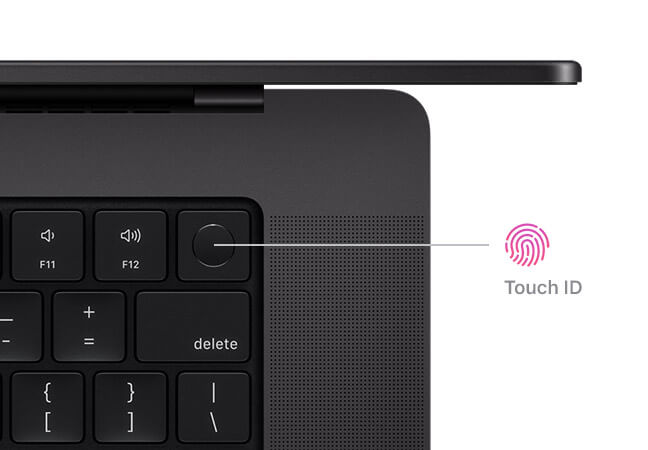
Touch ID gives you a fast, easy, secure way to unlock your Mac and sign in to apps and sites. Your fingerprint data is converted into an encrypted mathematical representation that helps eliminate the need to remember passwords.

Learn more
All your Apple devices. All working together.

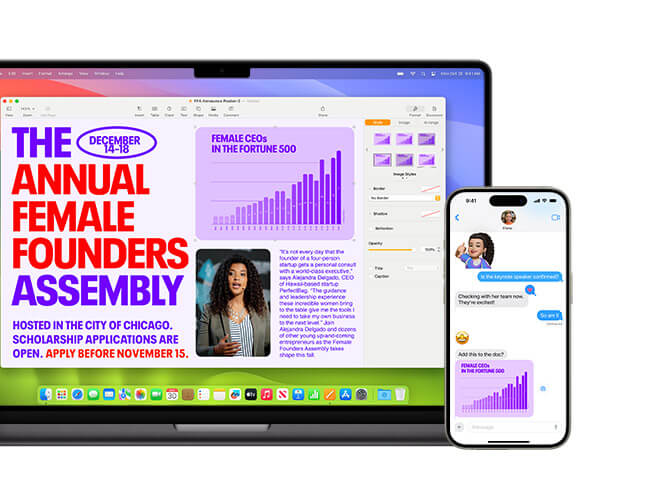
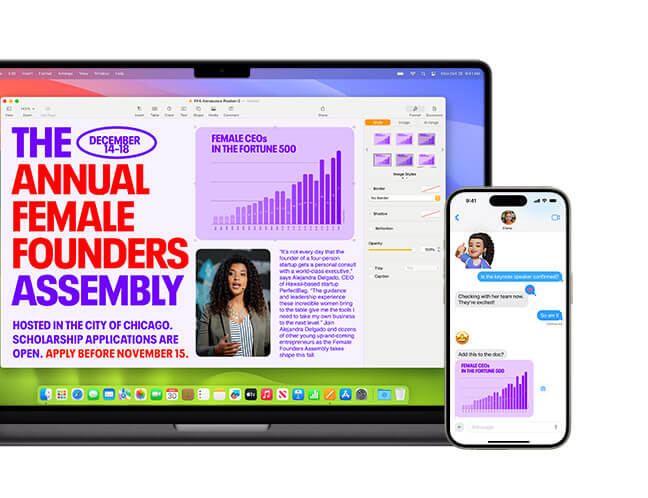
When you use your Apple devices together, you get even more magic. Copy on iPhone and paste on Mac. Scan documents or take photos with your iPhone and see them instantly on your Mac. Use your Mac for texting and calling. And that’s just the start.

Learn more
Go all out with macOS.

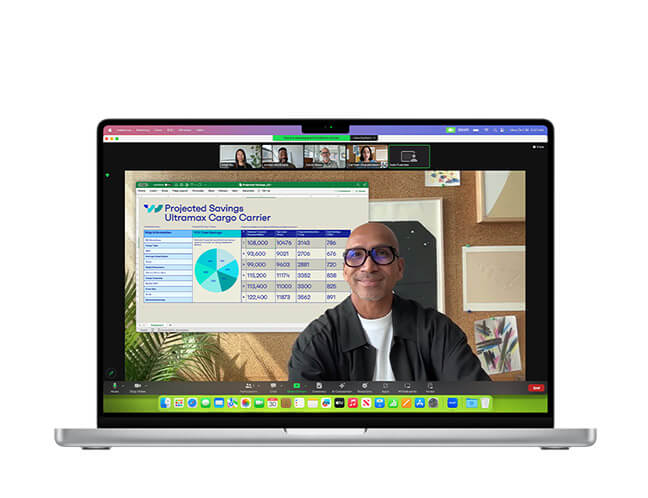
With macOS, work and play on your Mac are even more powerful. Elevate your presence on video calls. Access information in all-new ways. Boost gaming performance. And discover all sorts of ways to personalize your Mac.

Learn more
Do more with apps by Apple.

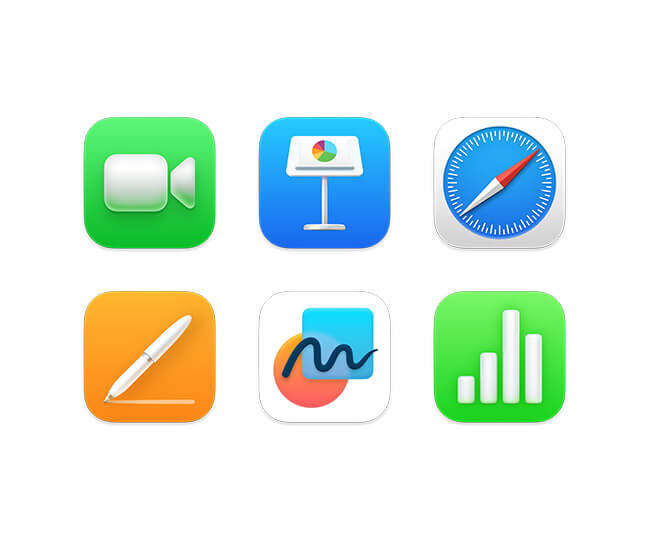
Your Mac comes with powerful built-in apps. So you can connect, create, and get things done with intuitive apps designed to be accessible, private, and secure.

Explore apps by Apple
Create with pro apps.

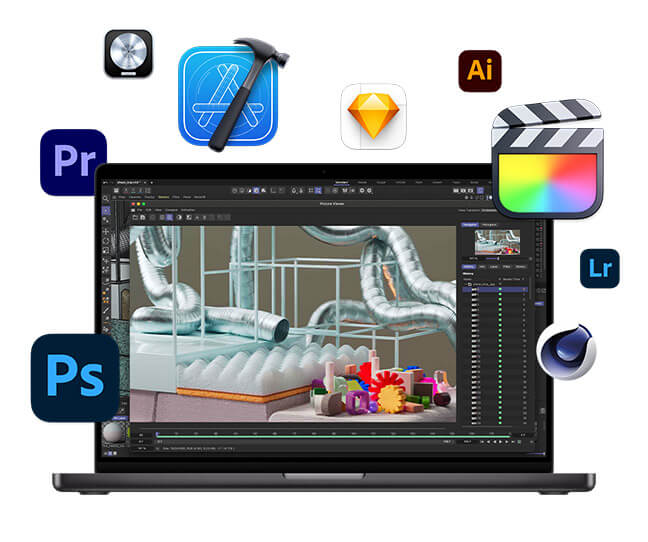
Push your creativity further with thousands of apps — all optimized for your MacBook Pro.

Visit the Mac App Store
Try Final Cut Pro for free*
Try Logic Pro for free*
Explore Mac accessories.

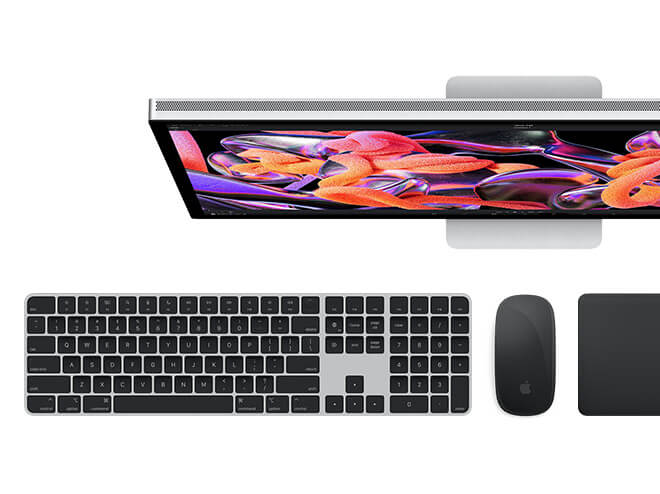
Upgrade your setup with Studio Display. And add convenient wireless accessories like Magic Keyboard with Touch ID and Magic Mouse.

Shop
AppleCare+ for Mac

Buy AppleCare+ within the first 60 days of purchasing your new Mac and get additional technical support and hardware coverage. AppleCare+ even includes accidental damage protection.**

To learn more, call 1-800-275-2273, visit the AppleCare+ page, or on your Mac go to System Settings > General > About and choose Add AppleCare+ Coverage.

Today at Apple

Join hands-on sessions just for Mac. Get started with video editing, presentations, and more.

Find sessions near you

Meet your new MacBook Pro.

Get ready to unleash the power of the ultimate pro laptop. Here are some tips to help you get the most out of your Mac.

Let’s get started
Bring over all
your content.

Your MacBook Pro is designed to be easy to set up. Use Migration Assistant to transfer your settings, user accounts, and documents from your previous computer. And when you sign in to your iCloud account, information from your iPhone or iPad appears automatically.

Learn more
Touch ID
Security at the
touch of a finger.

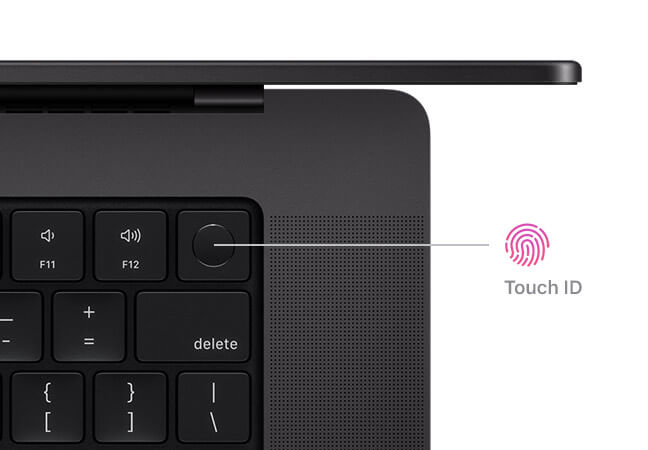
Touch ID gives you a fast, easy, secure way to unlock your Mac and sign in to apps and sites. Your fingerprint data is converted into an encrypted mathematical representation that helps eliminate the need to remember passwords.
Learn more
All your Apple devices. All working together.

When you use your Apple devices together, you get even more magic. Copy on iPhone and paste on Mac. Scan documents or take photos with your iPhone and see them instantly on your Mac. Use your Mac for texting and calling. And that’s just the start.
Learn more
Go all out with macOS.

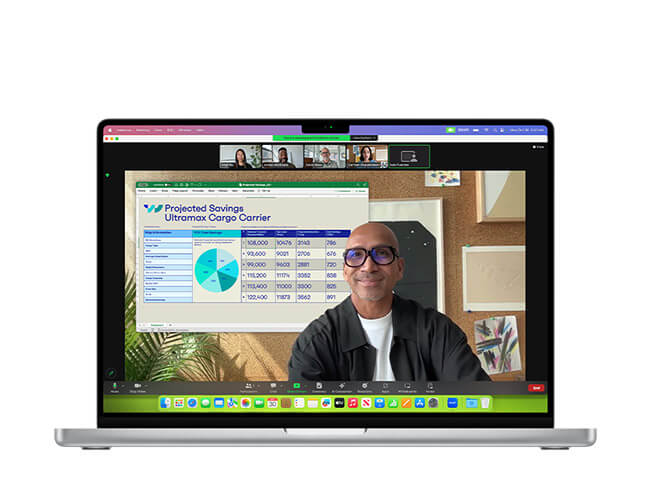
With macOS, work and play on your Mac are even more powerful. Elevate your presence on video calls. Access information in all-new ways. Boost gaming performance. And discover all sorts of ways to personalize your Mac.
Learn more
Do more with apps by Apple.

Your Mac comes with powerful built-in apps. So you can connect, create, and get things done with intuitive apps designed to be accessible, private, and secure.
Explore apps by Apple
Create with pro apps.

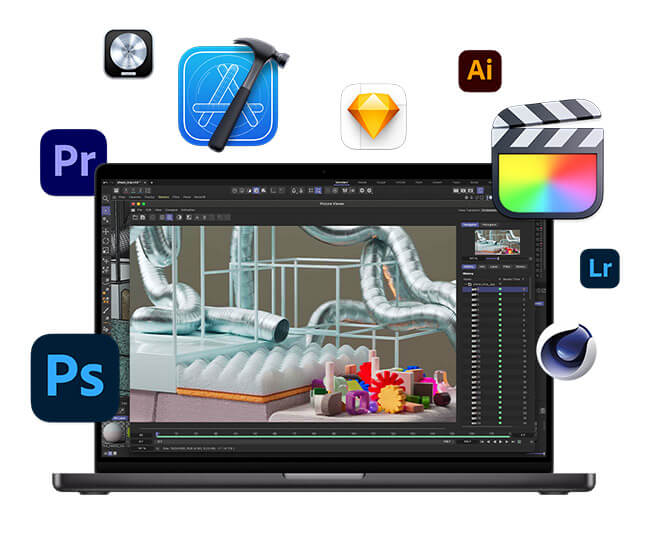
Push your creativity further with thousands of apps — all optimized for your MacBook Pro.
Visit the Mac App Store
Try Final Cut Pro for free*
Try Logic Pro for free*
Explore Mac accessories.

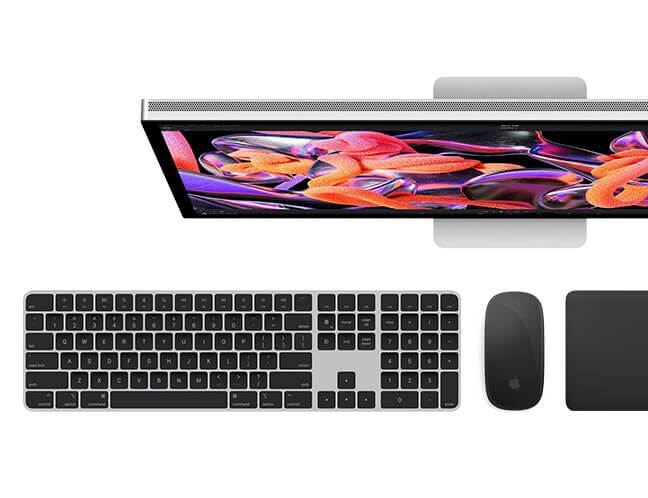
Upgrade your setup with Studio Display. And add convenient wireless accessories like Magic Keyboard with Touch ID and Magic Mouse.

Shop
AppleCare+ for Mac

Buy AppleCare+ within the first 60 days of purchasing your new Mac and get additional technical support and hardware coverage. AppleCare+ even includes accidental damage protection.**

To learn more, call 1-800-275-2273, visit the AppleCare+ page, or on your Mac go to System Settings > General > About and choose Add AppleCare+ Coverage.

Today at Apple

Join hands-on sessions just for Mac. Get started with video editing, presentations, and more.

Find sessions near you

Shop Online    |    Find a Store    |    1-800-MY-APPLE    |    Get the Apple Store App

* 90-day free trial. Terms apply.

** AppleCare+ for Mac provides coverage for unlimited incidents of accidental damage from handling. Each incident is subject to a service fee of $99 for screen damage or external enclosure damage, or $299 for other accidental damage, plus applicable tax.

TM and © 2024 Apple Inc. One Apple Park Way, MS 96-DM, Cupertino, CA 95014. All rights reserved.

Privacy Policy   |   My Apple ID   |   Legal

If you prefer not to receive commercial email from Apple, or if you’ve changed your email address, please click here.