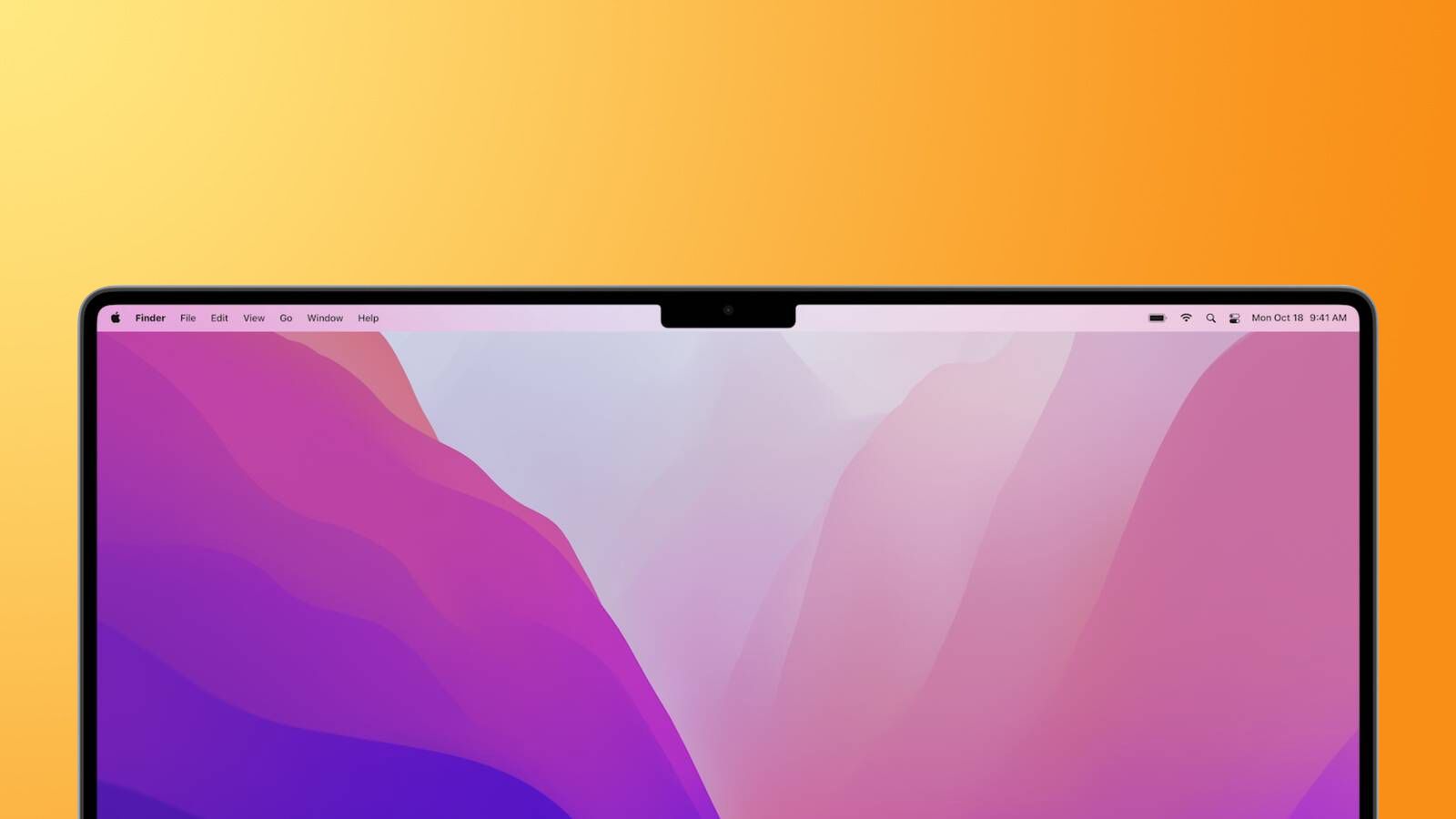
With fullscreen recordings on Mac, Zight controls are in your menu bar. But what can you do if the controls sometimes are under the "notch" of your laptop, and you need to stop a recording?
If you're experiencing disappearing recording controls, we have a quick fix for you!
There are 3 ways to temporarily fix this:
-
Command + clicking to move Zight app icon to the right, making it less likely to happen
-
Using the start/stop shortcut: Command + Shift + 6.
-
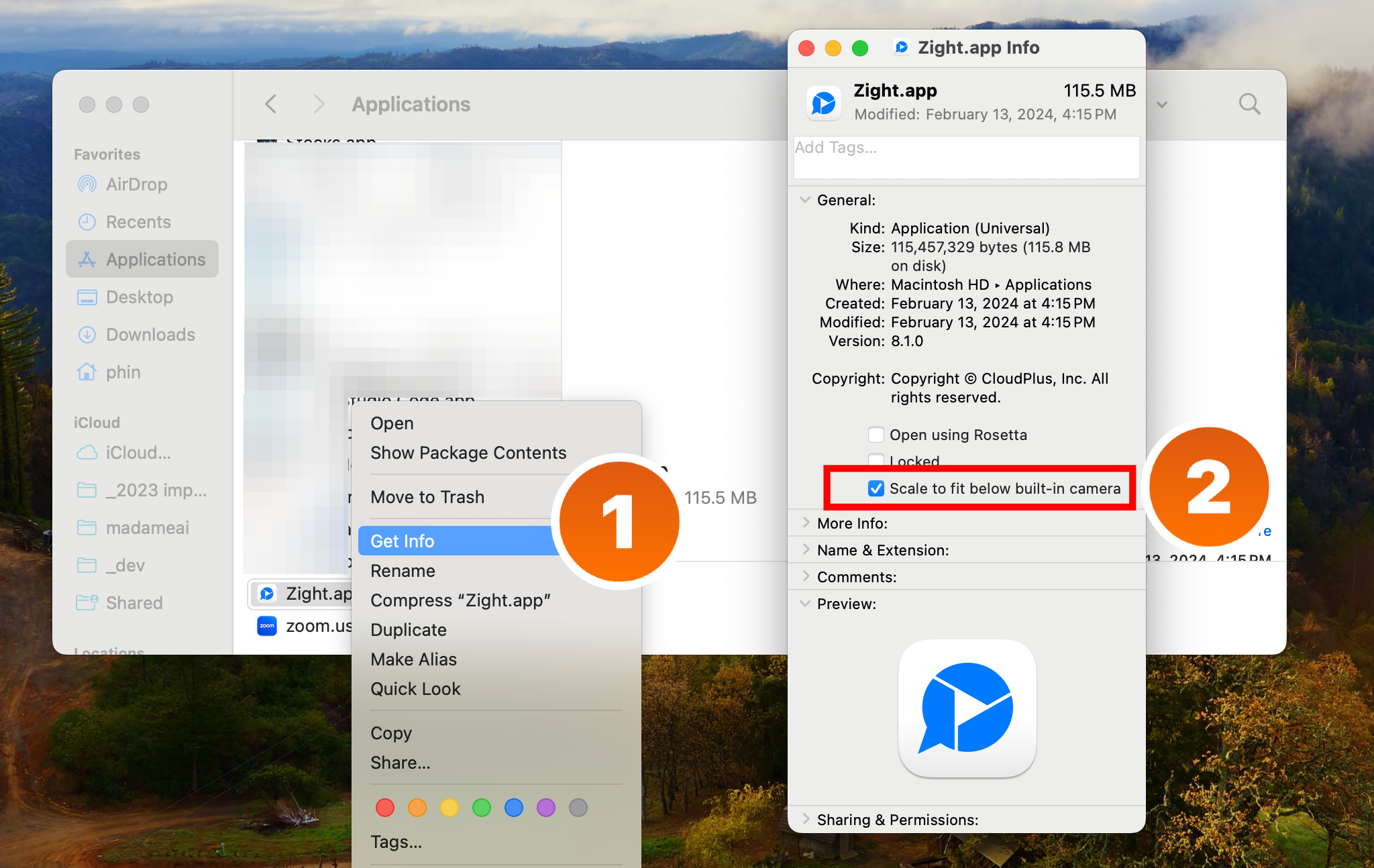
or for more permanent results, we encourage you to navigate to your Applications folder, right click on Zight and select "Get info".