✨ Performance improvements |
|
|
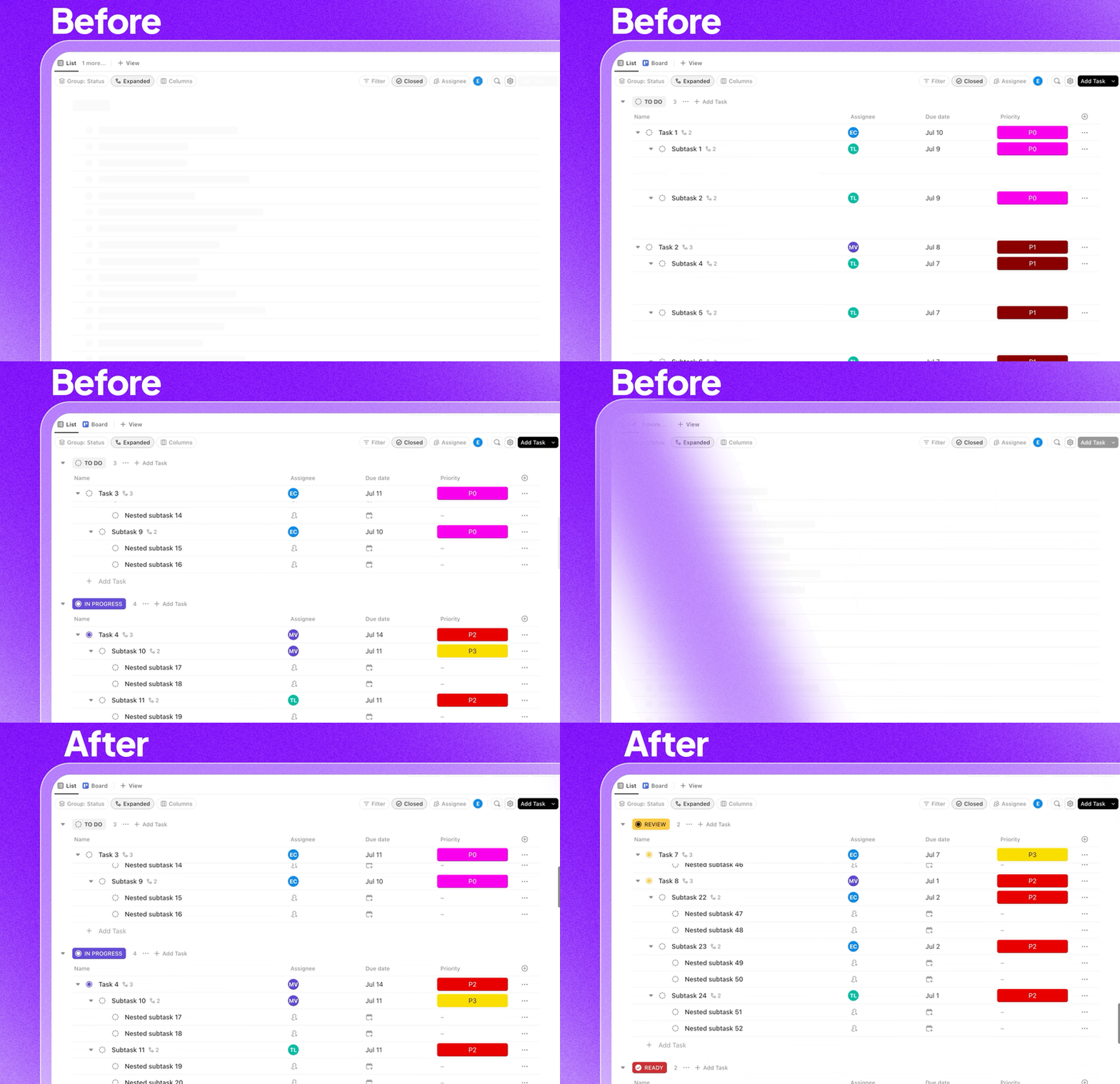
Experience snappier, smoother workflows with powerful performance upgrades to List view: |
|
|
Faster navigation: Over 50% of all Lists now load in under one second, making your experience noticeably quicker. Quicker initial load: We’ve reduced the time it takes for Lists to appear, cutting up to eight seconds off the slowest load times. Subtasks load instantly: We’ve overhauled how subtasks load in List view, eliminating delays and making “Expanded” subtasks appear nearly instantaneously. Smarter data loads: We optimized how much data is sent to your browser, reducing the amount by over 60% for most users.
|
|
|
✨ Smarter scheduling: Durations, dependencies, and weekends |
|
|
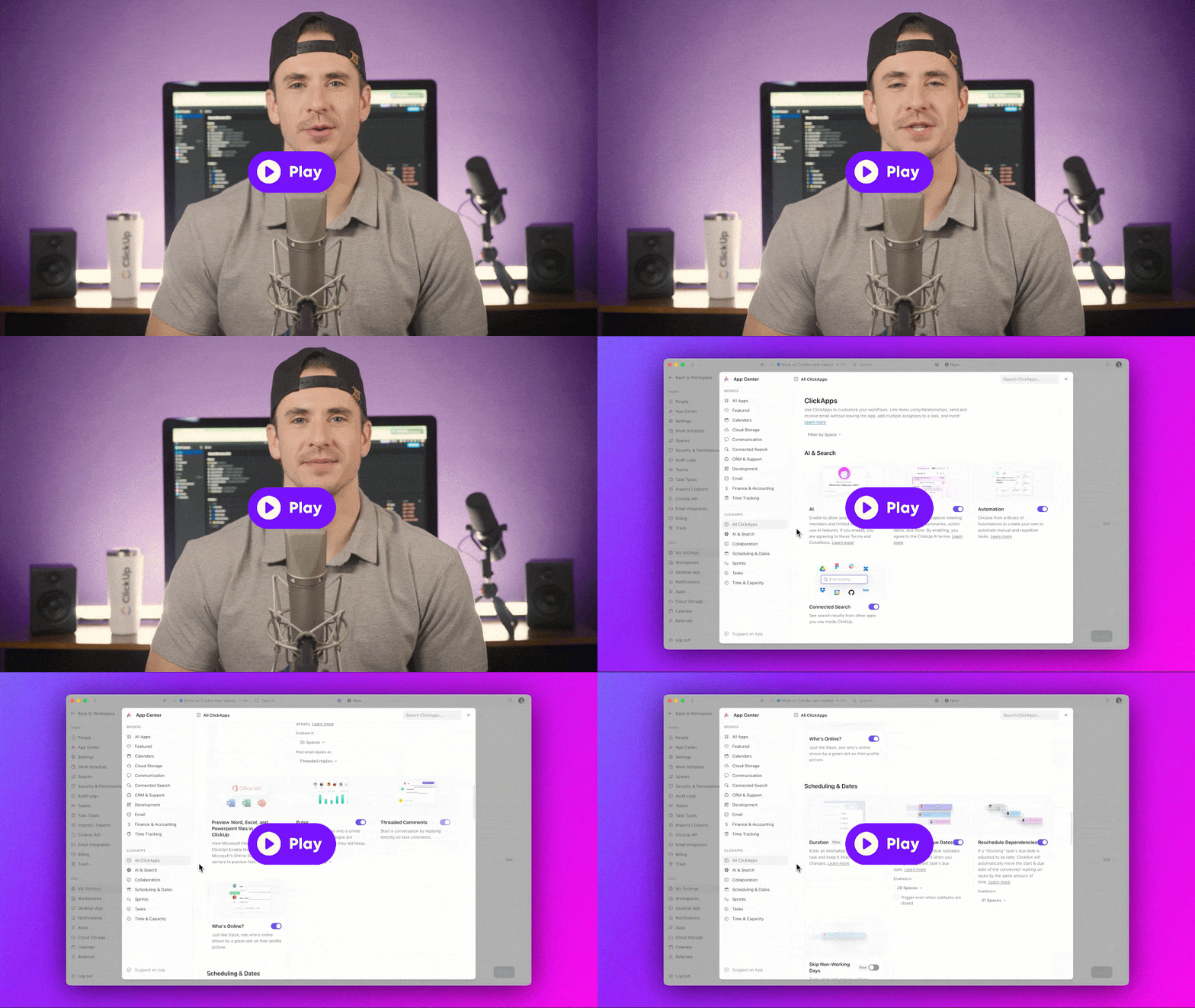
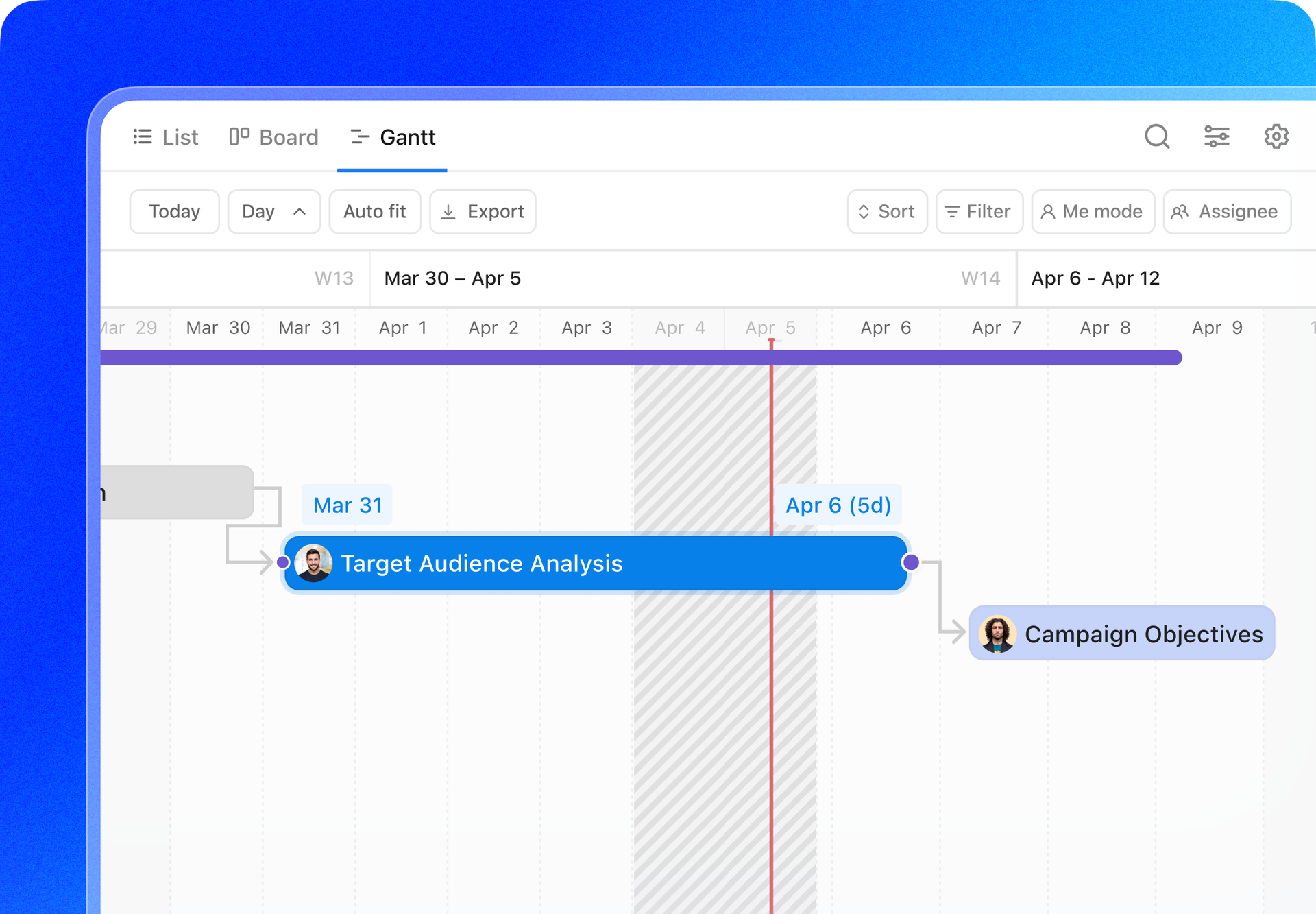
Set task durations and automatically skip weekends, freeing you from manual adjustments and ensuring work is scheduled when you're available. Enjoy consistent scheduling across all views, so tasks move accordingly in Lists, Gantt view, and beyond. Enable the Scheduling ClickApps in the App Center to get started. |
|
|
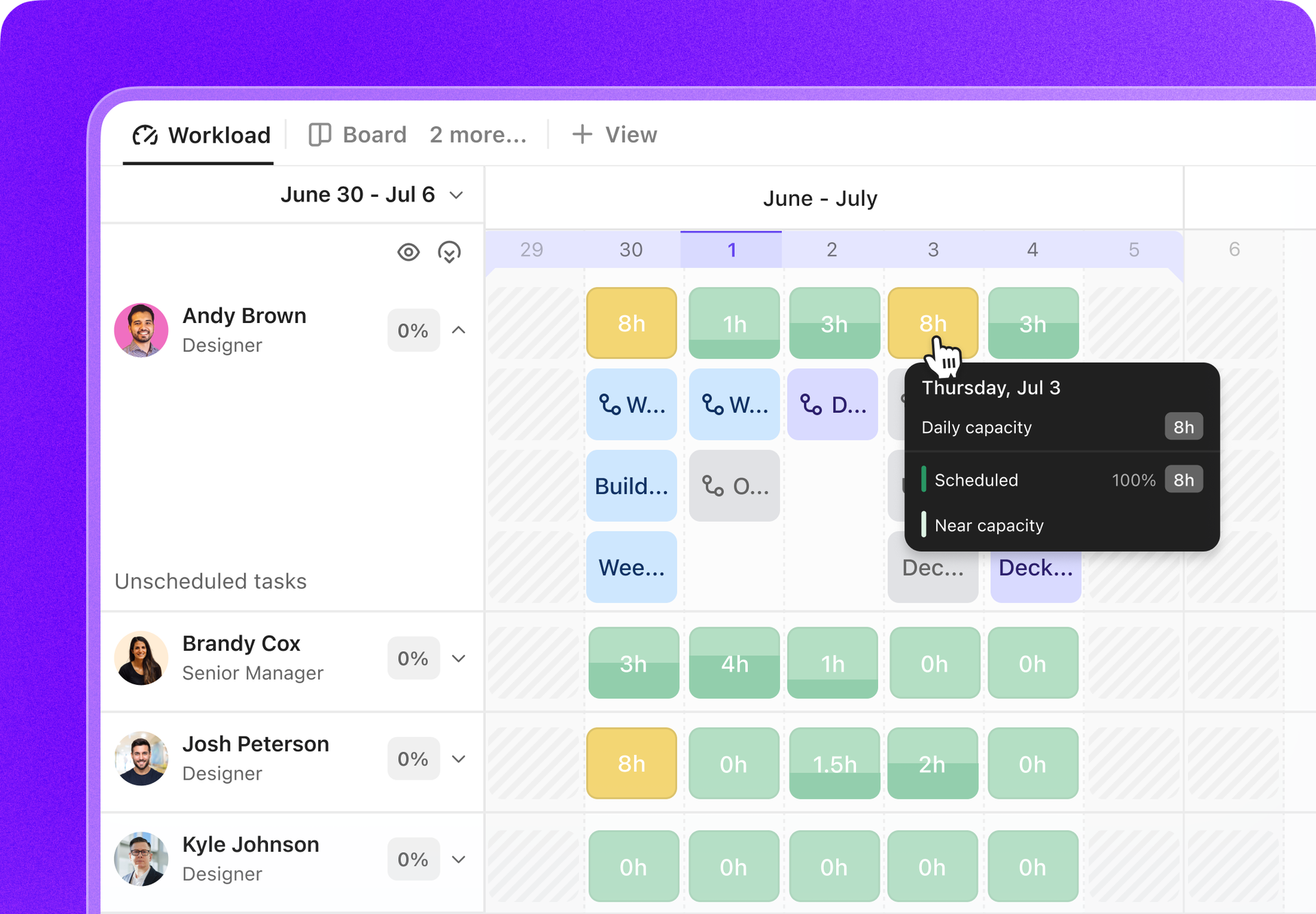
Take control of team planning with the enhanced Workload view! Now, you can scroll infinitely to plan ahead, zoom in or out for daily, weekly, or monthly insights, and create tasks instantly by clicking anywhere on the canvas. Quickly spot team capacity with simplified red, yellow, and green color coding, and enjoy a faster, more beautiful design. |
|
|
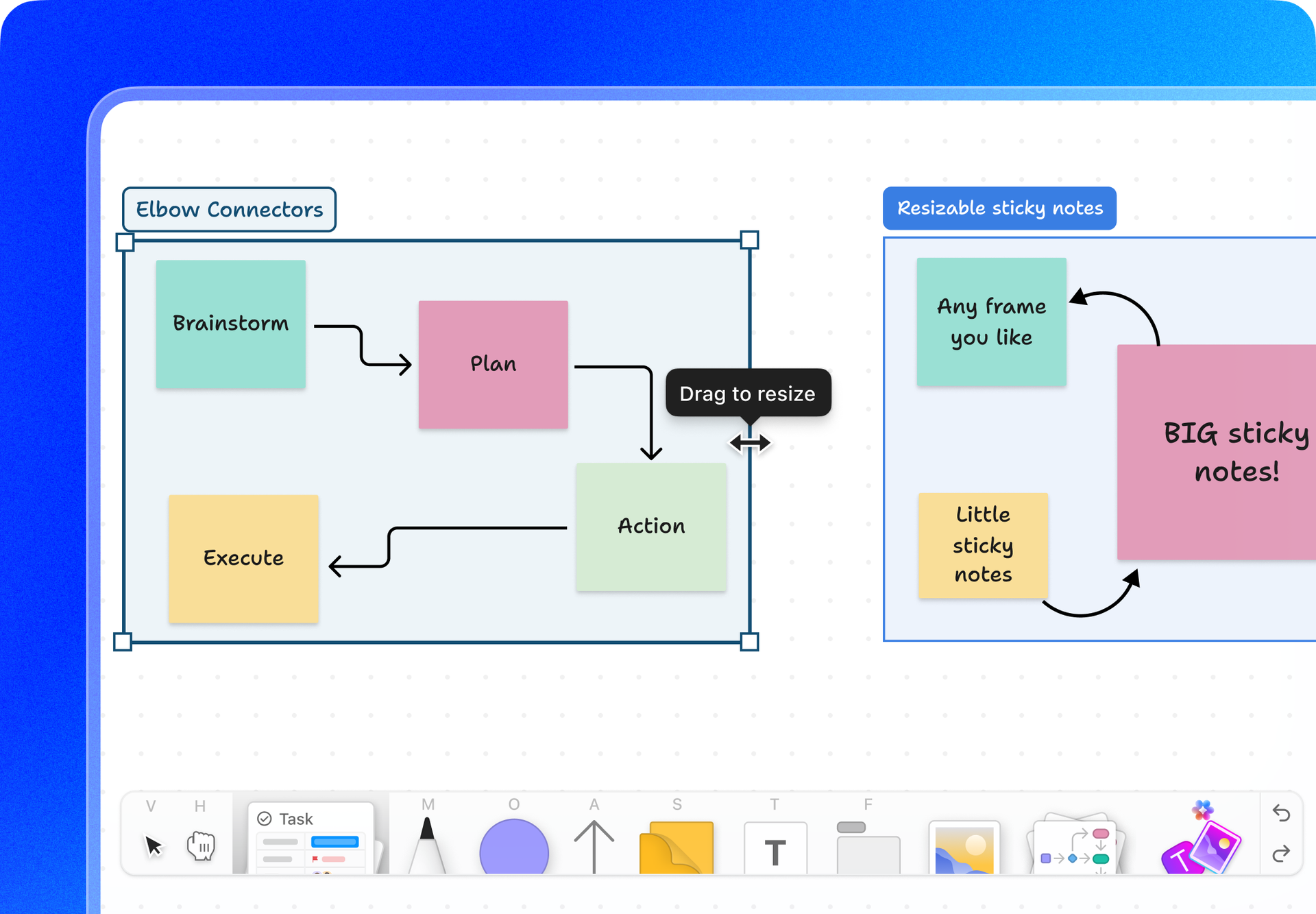
✨ Elbow arrows, frame colors, and resizable sticky notes in Whiteboards |
|
|
Easily showcase complex process flows, highlight key points, and group related content with more flexible Whiteboards. Connect objects using elbow arrows, resize sticky notes to fit your ideas, and add colors to frames for better organization. |
|
|
✨ More enhancements this week |
|
|
We're always refining the details. Here are some more improvements you'll appreciate: |
|
|
Trigger Automations based on how long a task or subtask has been in a specific status—perfect for monitoring work and keeping projects on track. |
|
|
Organize, share, and manage your Voice Clips in the Clips Hub. Enjoy a gallery view of your recordings where you can rename, share, and delete Clips. |
|
|
Now, set up Automations in ClickUp that trigger based on Google Calendar events, making it easier to sync your tasks and schedules. |
|
|
Work smarter with spreadsheet-style tools in Table view, including multi-cell copy/paste, drag-to-fill for quick data duplication, and a refreshed, intuitive design. Plus, prevent accidental edits with the new Spreadsheet Mode. |
|
|
|