͏ ͏ ͏ ͏ ͏ ͏ ͏ ͏ ͏ ͏ ͏ ͏ ͏ ͏ ͏ ͏ ͏ ͏ ͏ ͏ ͏ ͏ ͏ ͏ ͏ ͏ ͏ ͏ ͏ ͏ ͏ ͏ ͏ ͏ ͏ ͏ ͏ ͏ ͏ ͏ ͏ ͏ ͏ ͏ ͏ ͏ ͏ ͏ ͏ ͏ ͏ ͏ ͏ ͏ ͏ ͏ ͏ ͏ ͏ ͏ ͏ ͏ ͏ ͏ ͏ ͏ ͏ ͏ ͏ ͏ ͏ ͏ ͏ ͏ ͏ ͏ ͏ ͏ ͏ ͏ ͏ ͏ ͏ ͏ ͏ ͏ ͏ ͏ ͏ ͏
Making the world more productive, together. |
|
|
| AI image generation, Outlook Calendar integration, Agents for Lists, and more
|
|
|
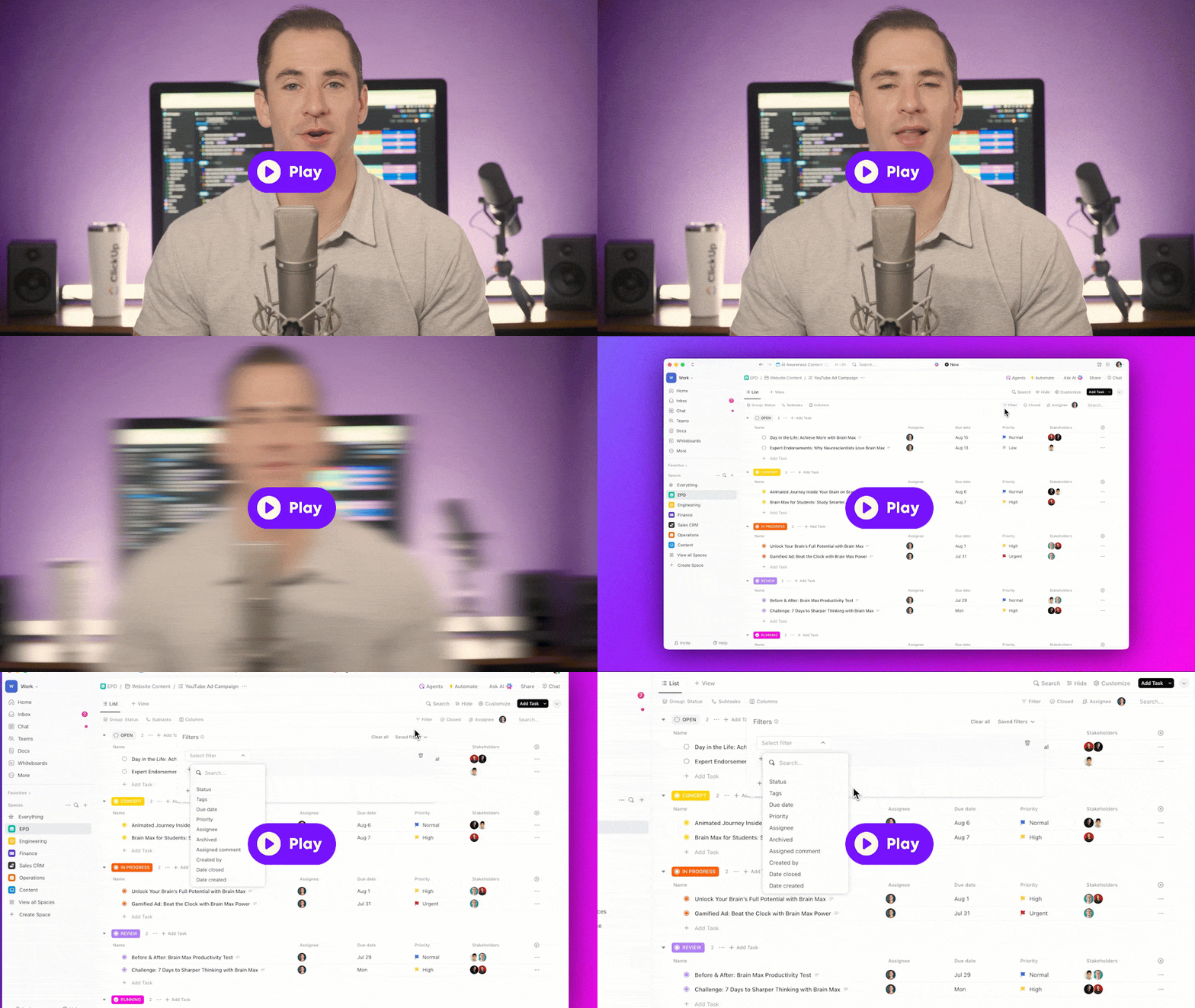
Check out this week's updates:
|
|
|
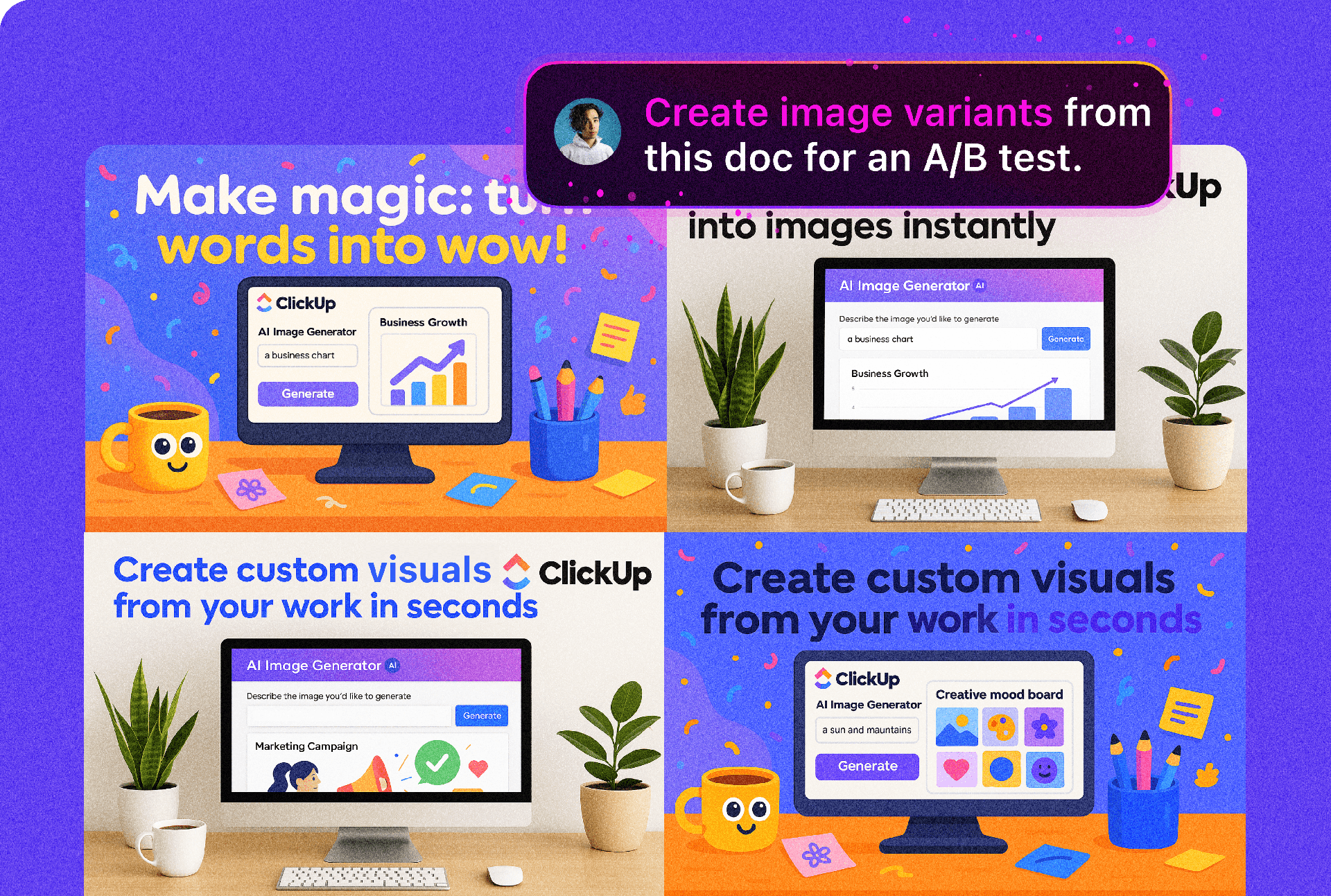
AI image generation: Instantly create high-quality visuals right in ClickUp with GPT-4o-powered image generation.
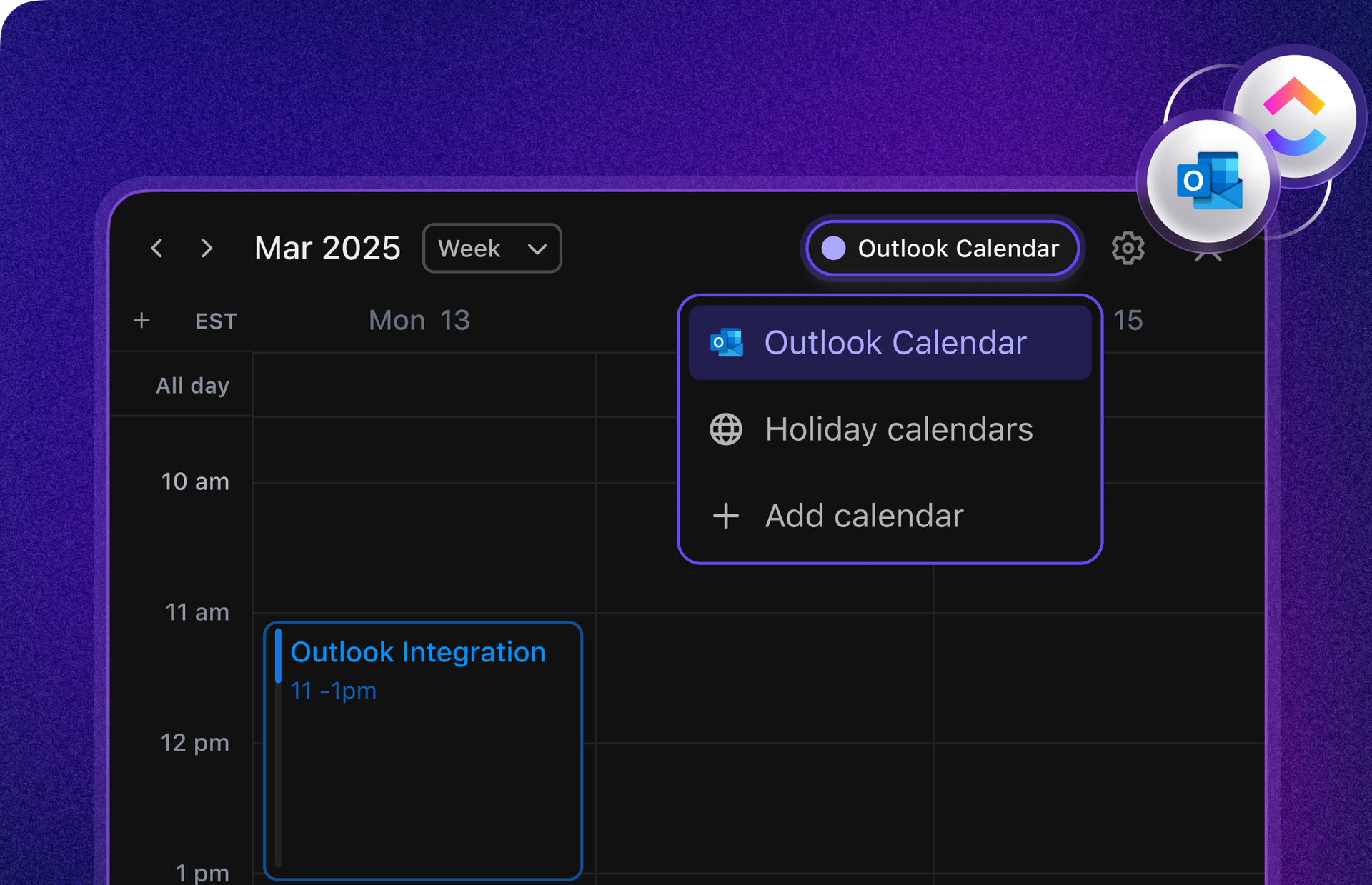
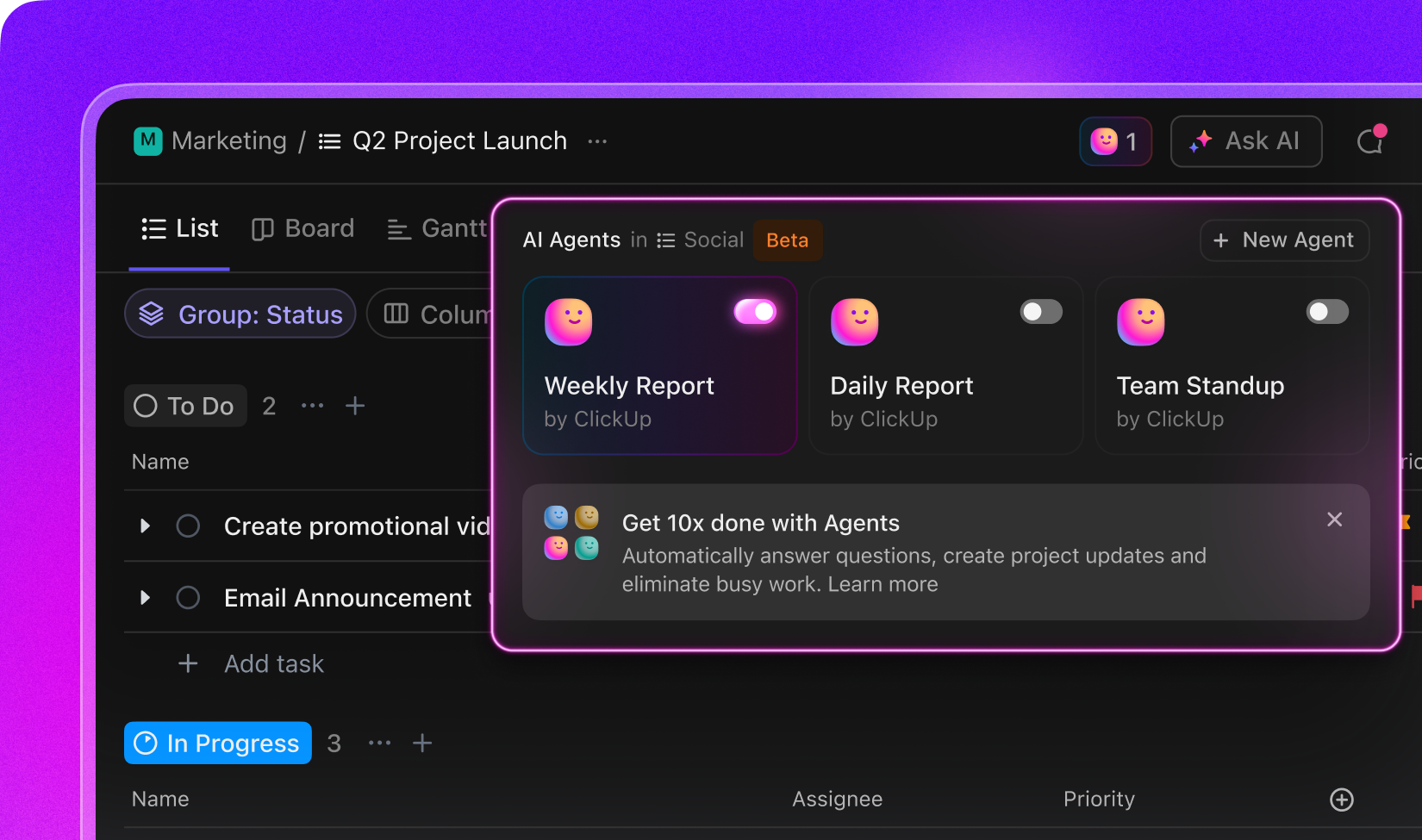
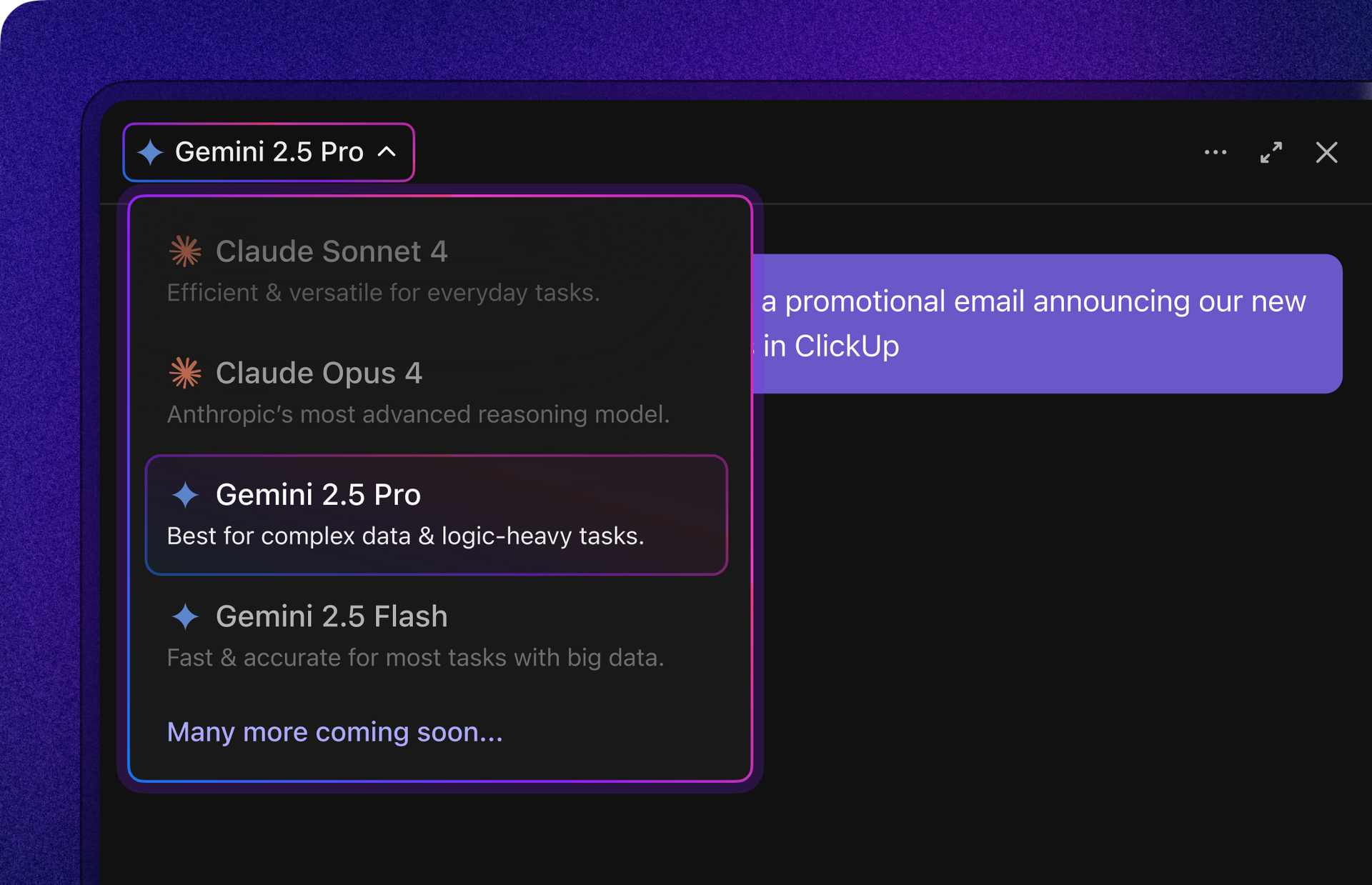
Outlook Calendar integration: Manage Outlook events, auto-block time for tasks, and see your workload in ClickUp Calendar. List Agents: Turn on weekly or daily AI reports and team StandUps for Lists—no code required. New premium AI models: Tap into Gemini and Claude for advanced writing, reasoning, and creative work.
|
|
|
|
✨ AI image generation in ClickUp |
|
|
Create high-quality images right inside ClickUp! Unlike other image generation tools, ClickUp AI is connected to your work, allowing you to transform anything from your Workspace into clear visuals.
|
|
|
✨ Outlook Calendar integration |
|
|
The wait is over: you can now view and manage Outlook events in ClickUp Calendar! Auto-block time for key tasks, join calls instantly, and see your schedule so you never overcommit. |
|
|
✨ List Agents: Weekly reports, daily reports, and team StandUps on Lists |
|
|
Turn on a smart, recurring summary of your List, with just a click! Activate one of our pre-built Autopilot Agents or build your own to handle any work you can imagine, no code required. Check out this video to see them in action! |
|
|
✨ New premium AI models in ClickUp: Gemini and Claude |
|
|
Chat with the latest Gemini or Claude AI models, right within ClickUp! Tap into the unique strengths of each model, from solving complex reasoning challenges to writing incredible copy and code, and more. |
|
|
✨ Performance improvements |
|
|
Now, when you filter by the People Custom Field, you'll get results up to 85% faster—no more waiting or timeouts. Instantly find the information you need and keep your projects moving without delays.
|
|
|
✨ More enhancements this week |
|
|
We're always refining the details. Here are some more improvements you'll appreciate: |
|
|
Set a custom bot name and intro message for your AI Notetaker. Tailor the introduction to match your style and provide clear context to attendees—just update your preferences in the Notetaker settings!
|
|
|
ClickUp's updated spreadsheet importer lets you import data files into an existing Folder or List. Seamlessly map or create new Custom Fields and preview your data before import. Plus, AI-powered smart mapping remembers your preferences, making every import fast and accurate.
|
|
|
The Automations Manager now displays "Created" and "Updated" dates for Automations and webhooks, giving you clear visibility into their history. Easily track changes, identify outdated Automations, and gain valuable context for troubleshooting or audits. |
|
|
|
💡 Help us build the future of ClickUp |
|
|
Remap parent task dates based on subtasks (in progress): A parent task’s start and due dates automatically reflect the earliest start date and latest due date of all its subtasks and nested subtasks, staying in sync as subtasks are updated.
|
|
|
|