͏ ͏ ͏ ͏ ͏ ͏ ͏ ͏ ͏ ͏ ͏ ͏ ͏ ͏ ͏ ͏ ͏ ͏ ͏ ͏ ͏ ͏ ͏ ͏ ͏ ͏ ͏ ͏ ͏ ͏ ͏ ͏ ͏ ͏ ͏ ͏ ͏ ͏ ͏ ͏ ͏ ͏ ͏ ͏ ͏ ͏ ͏ ͏ ͏ ͏ ͏ ͏ ͏ ͏ ͏ ͏ ͏ ͏ ͏ ͏ ͏ ͏ ͏ ͏ ͏ ͏ ͏ ͏ ͏ ͏ ͏ ͏ ͏ ͏ ͏ ͏ ͏ ͏ ͏ ͏ ͏ ͏ ͏ ͏ ͏ ͏ ͏ ͏ ͏ ͏
Making the world more productive, together. |
|
|
| Brain Personal Assistant for Google Calendar, Lists, Deep Search, and more
|
|
|
This week's ClickUpdates unlocks major additions to Brain, such as managing your Google Calendar with AI, asking questions about filtered List views, Deep Searching your Workspace, and so much more! Plus, you can now schedule your messages in Chat to send later.
|
|
|
|
✨ Schedule Chat messages to send later |
|
|
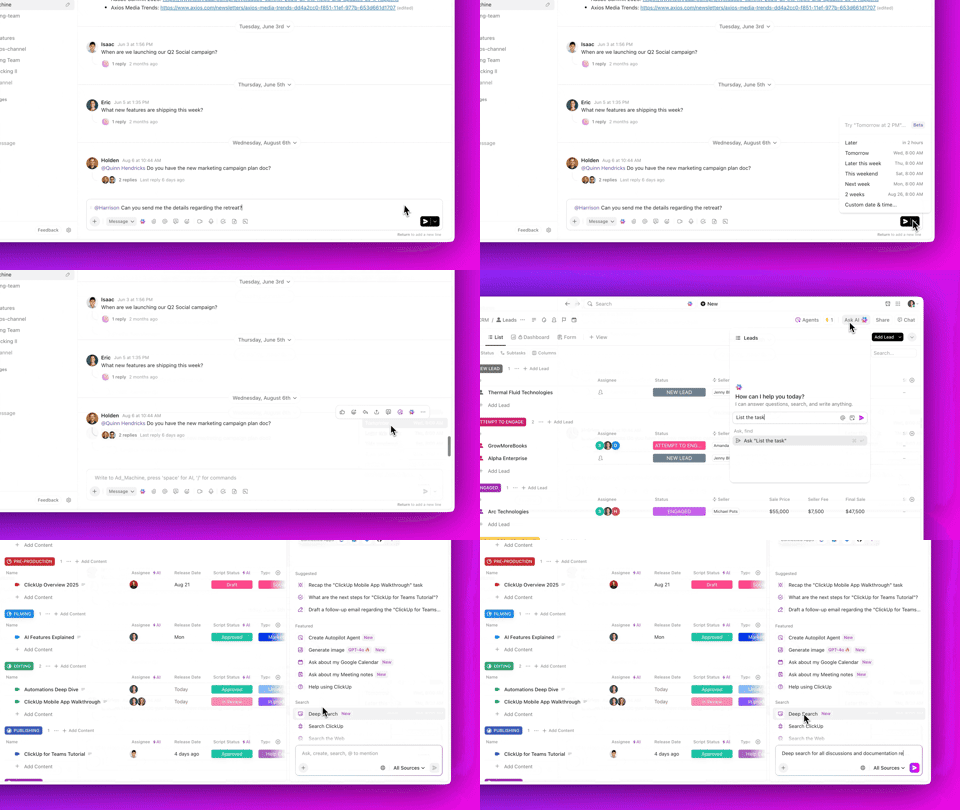
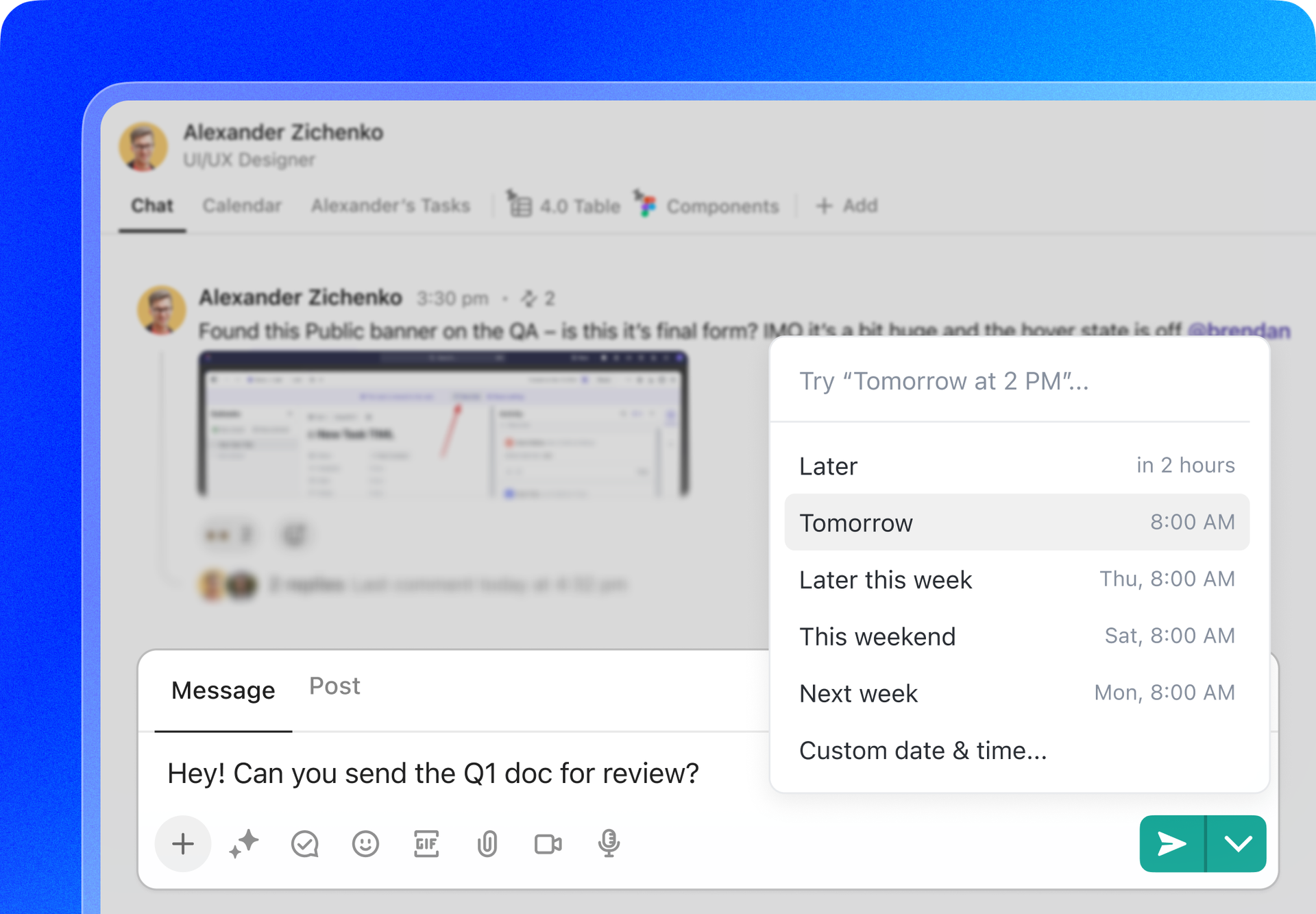
Send Chat messages at a future date and time. Draft your message, pick when you want it delivered, and let ClickUp handle the rest, so you never disturb teammates after hours or forget to send an important update. |
|
|
✨ Brain works in List views, just like you |
|
|
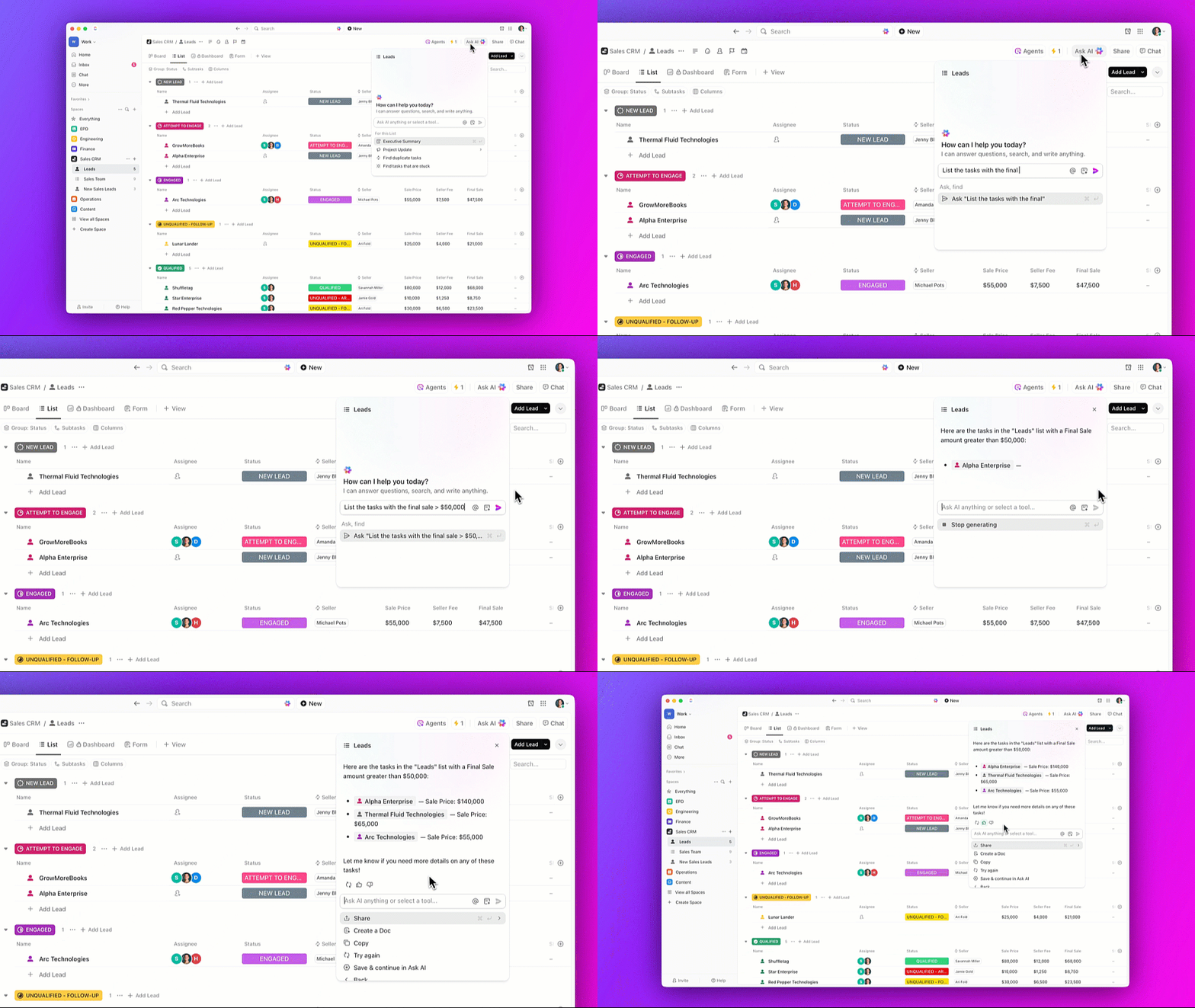
ClickUp Brain can now access your List view and filter tasks just like you would. It can retrieve tasks using filters such as “show me all tasks that are overdue” or “show me tasks only assigned to me.” |
|
|
✨ Deep Search: Even more thorough answers and insights |
|
|
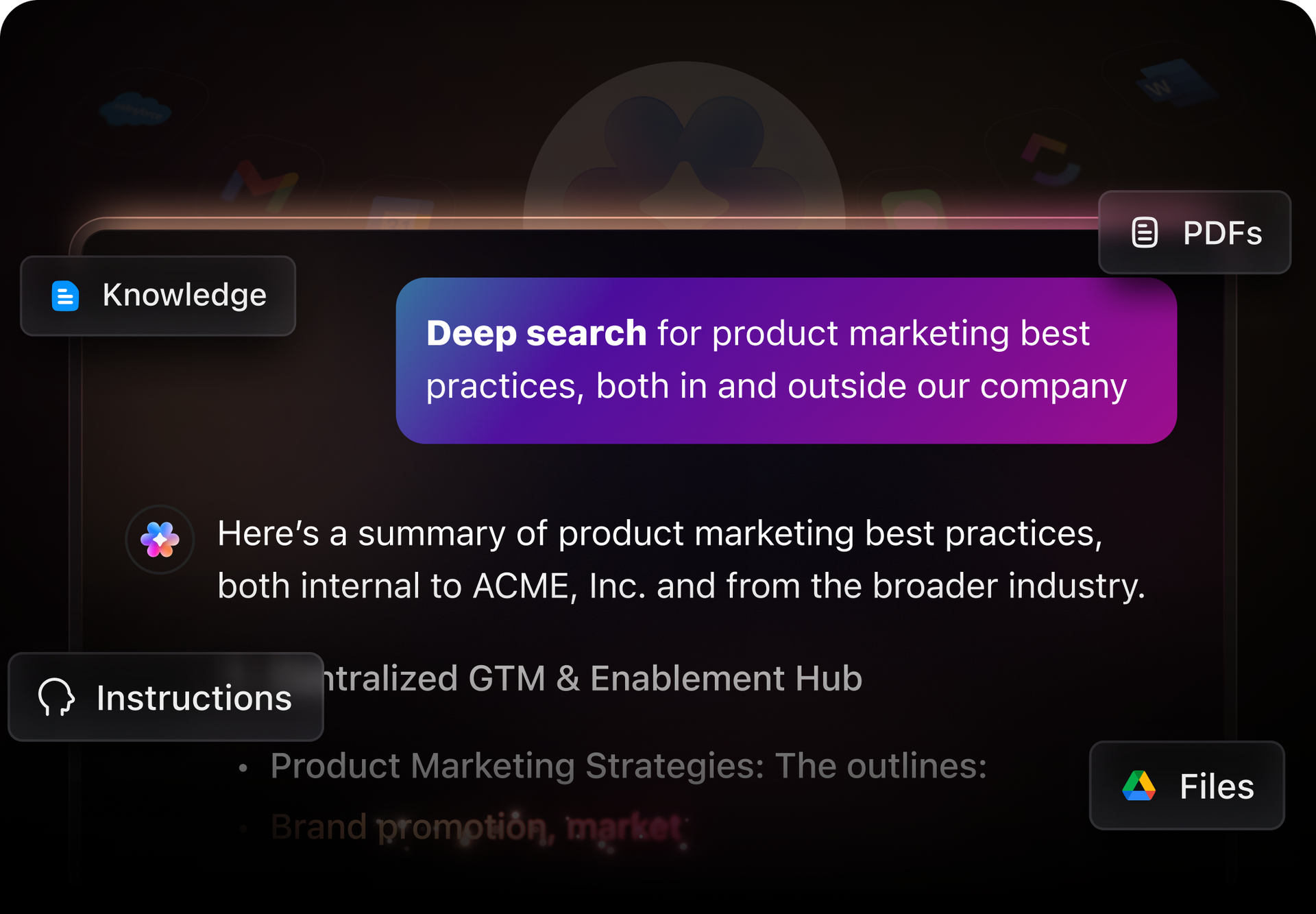
ClickUp Brain generally provides the most relevant and recent results, but now it can take extra time to think deeper. Ask Brain to perform a "Deep Search" to analyze broader context and uncover connections across your entire Workspace history.
|
|
|
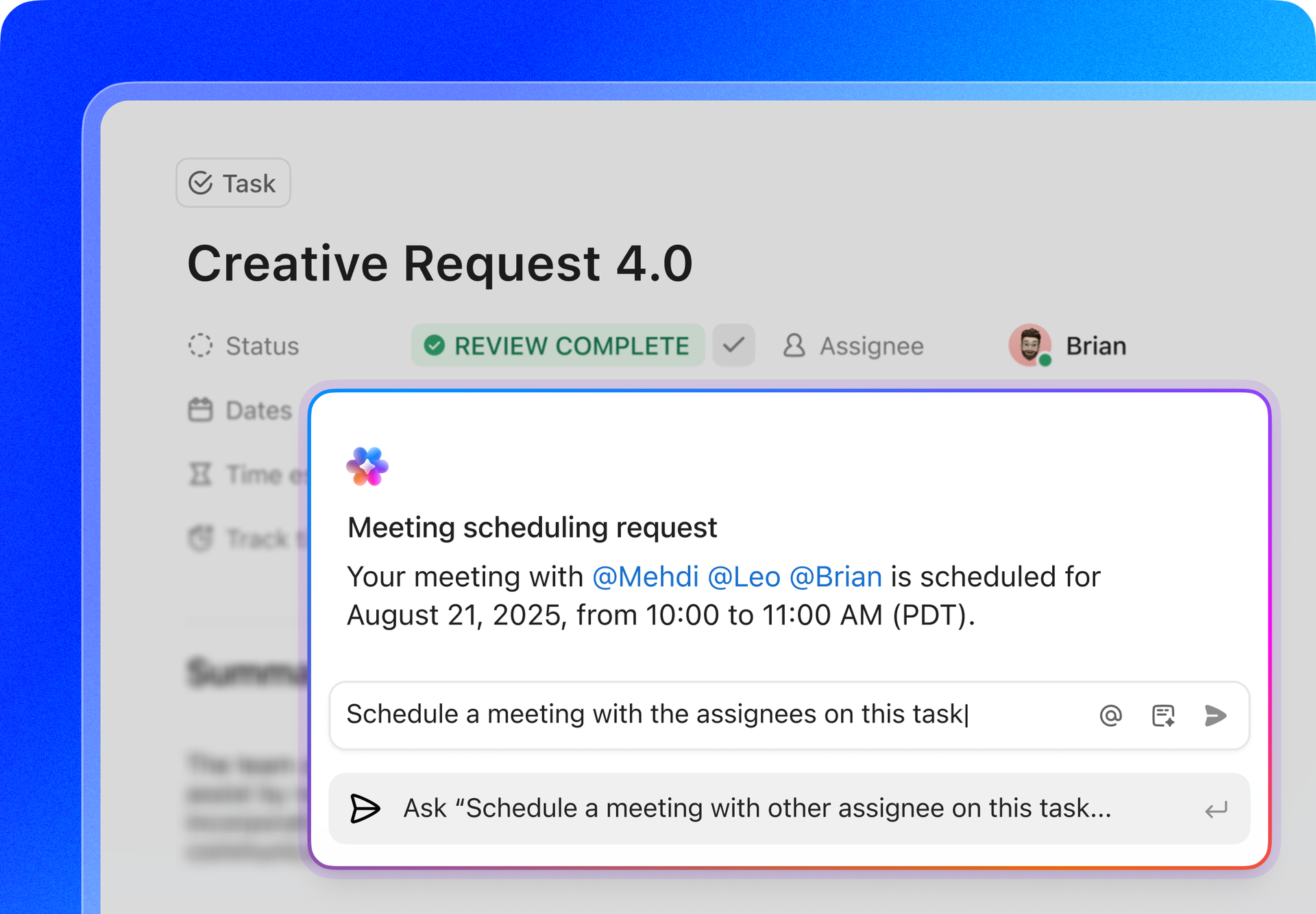
✨ Create, update, and search Google Calendar meetings using Brain |
|
|
You can now create meetings directly from tasks, update existing meetings through Brain, and ask questions about your schedule. Brain works both in chat and within individual tasks, automatically using context to populate meeting details. Simply ask "Schedule a meeting with the other assignee on this task" or "What's on my calendar tomorrow?" and Brain handles the rest. |
|
|
✨ More enhancements this week |
|
|
We're always refining the details. Here are some more improvements you'll appreciate: |
|
|
Trigger Automations and manage tasks with one click. New Button Custom Fields let you manually trigger webhooks, Automations, and actions like sending emails, creating linked tasks, and more. |
|
|
The updated Bitbucket integration offers better reliability and a smoother connection to ClickUp. Commits, branches, and pull requests display rich link previews and automatically link to tasks. |
|
|
ClickUp automatically sleeps the oldest inactive tabs to optimize browser performance and reduce resource usage. Wake tabs as needed for a smooth experience. |
|
|
Choose if the Overview is the default landing page for each Space and Folder by toggling it ON or OFF. If OFF, ClickUp remembers your last active view as the landing page for quicker access. |
|
|
|
💡 Help us build the future of ClickUp |
|
|
|