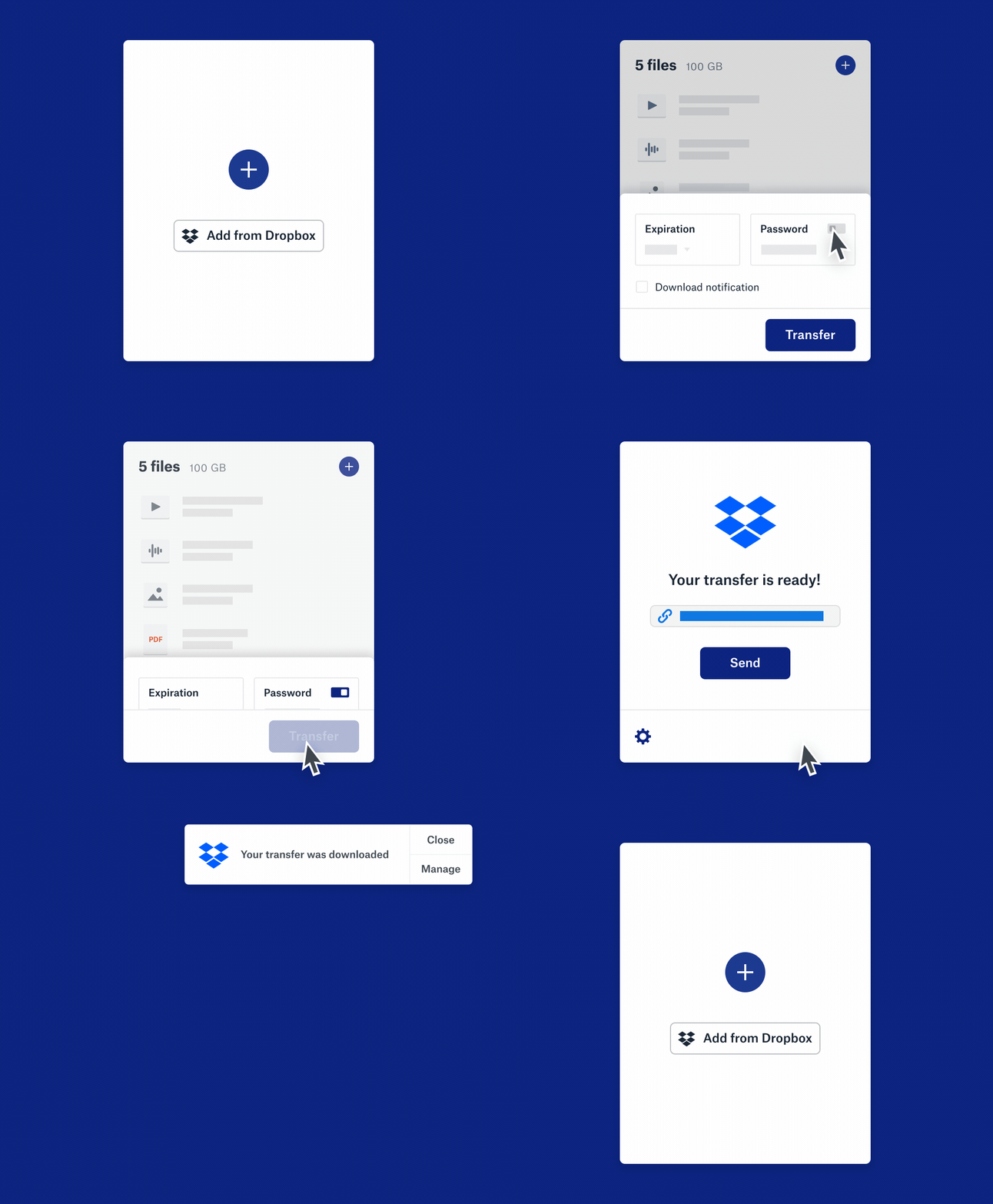
| Share any file or folder easily, with anyone | By just sharing a link, you can send anything – from Office Docs and PDFs to zipped folders and large CAD files – to anyone, even if they don’t have a Dropbox account. Add password protection and expiration dates to ensure only the right people see your files.*
Big needs? With Dropbox Transfer, you can send large files up to 100 GB without taking up space in your Dropbox account.** | | | Share what you want, how you want | | You can save, access, and share your important stuff from anywhere, at any time, on any device. | | | | | All of your large file transfer needs covered | | Dropbox Transfer lets you send up 100 MB per transfer with your Dropbox Basic plan, up to 100 GB with Dropbox Essentials and Dropbox Business and up to 250 GB with Dropbox Business Plus. Send videos, project files, and track downloads. | | | | | | | | This email was sent to [email protected] | | Want to stop getting emails from Dropbox? Unsubscribe | | Dropbox, Inc., PO Box 77767, San Francisco, CA 94107 | | | |