|
| Frame.io Basics |
| Metadata and Collections. |
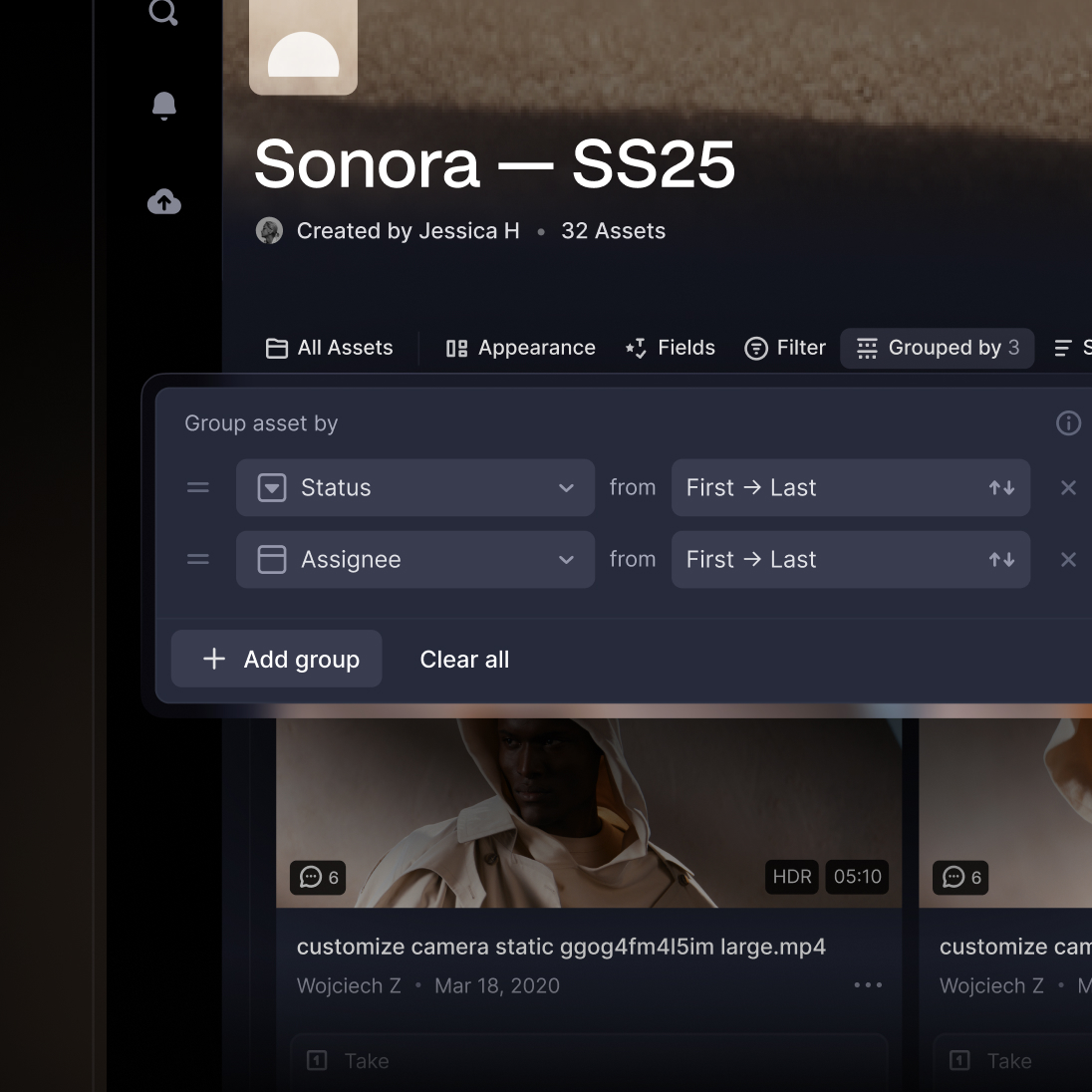
| Flexible metadata lets you tag, sort, group, and navigate assets by assignee, due date, status, and more to meet your team's needs. |
|
|
|
|
|
|
 |
| Organize, view, and share your assets. |
| Create the ultimate custom workflow for your team with a flexible metadata framework. |
|
| Add data to each asset |
| Track essential metadata directly on your assets, visible as fields, which you can assign according to the information that's important for your team. |
|
|
|
| Build your ideal workflow |
| Collections act as flexible building blocks that let you dynamically select, filter, group, and sort your media using metadata. |
|
|
|
| Share how and when you need to |
| You can share Collections — in addition to work-in-progress and assets. These Sharing features give you a more powerful workflow. |
|
|
|
|
|
|
|
|
|
|
|
|
|
|