Plus: 16 best practices for email design
View in browser
In this issue:
newsletters
AI tools
email design
In this issue:
newsletters
AI tools
Masters In Marketing

Not to go all Inception on you, but this week we've got another newsletter about newsletters. Instead of planting secrets in your dreams, we're laying them out for you in 16-point font.


(And if you missed last week's newsletter about newsletters, give this a read.)


In today's email: 

  • AI secrets to grow your newsletter   

  • 16 best practices for email design

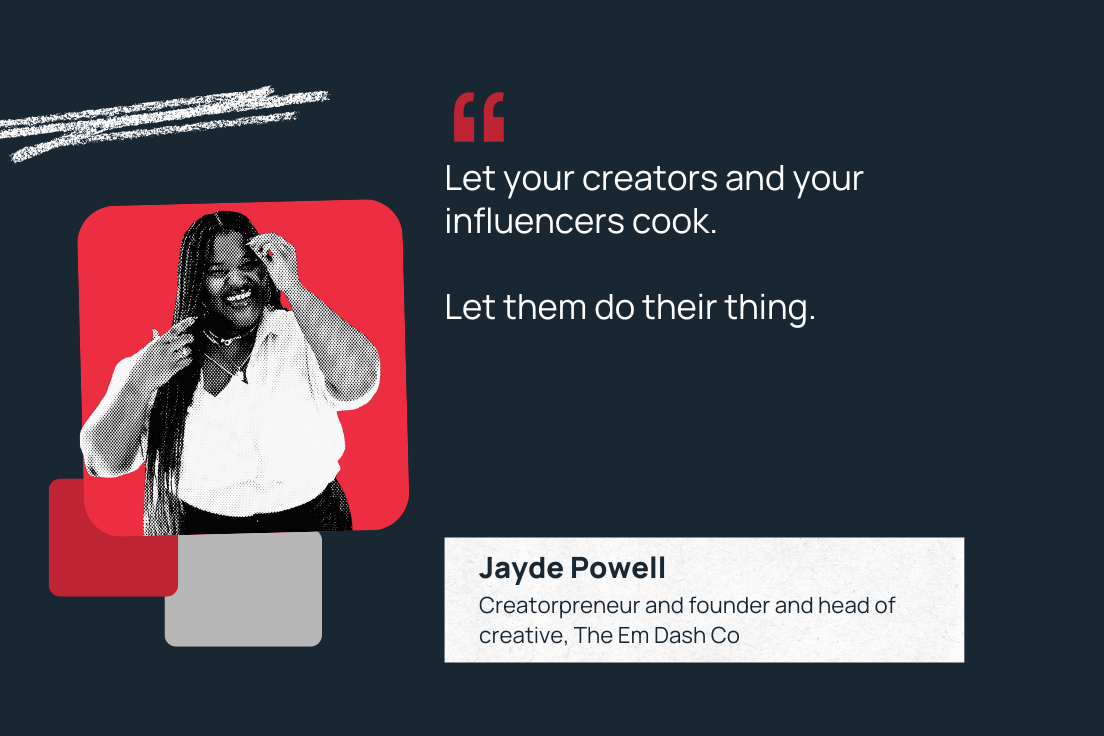
  • ICYMI: INBOUND speaker Jayde Powell on letting your influencers cook


|   Inside Scoop


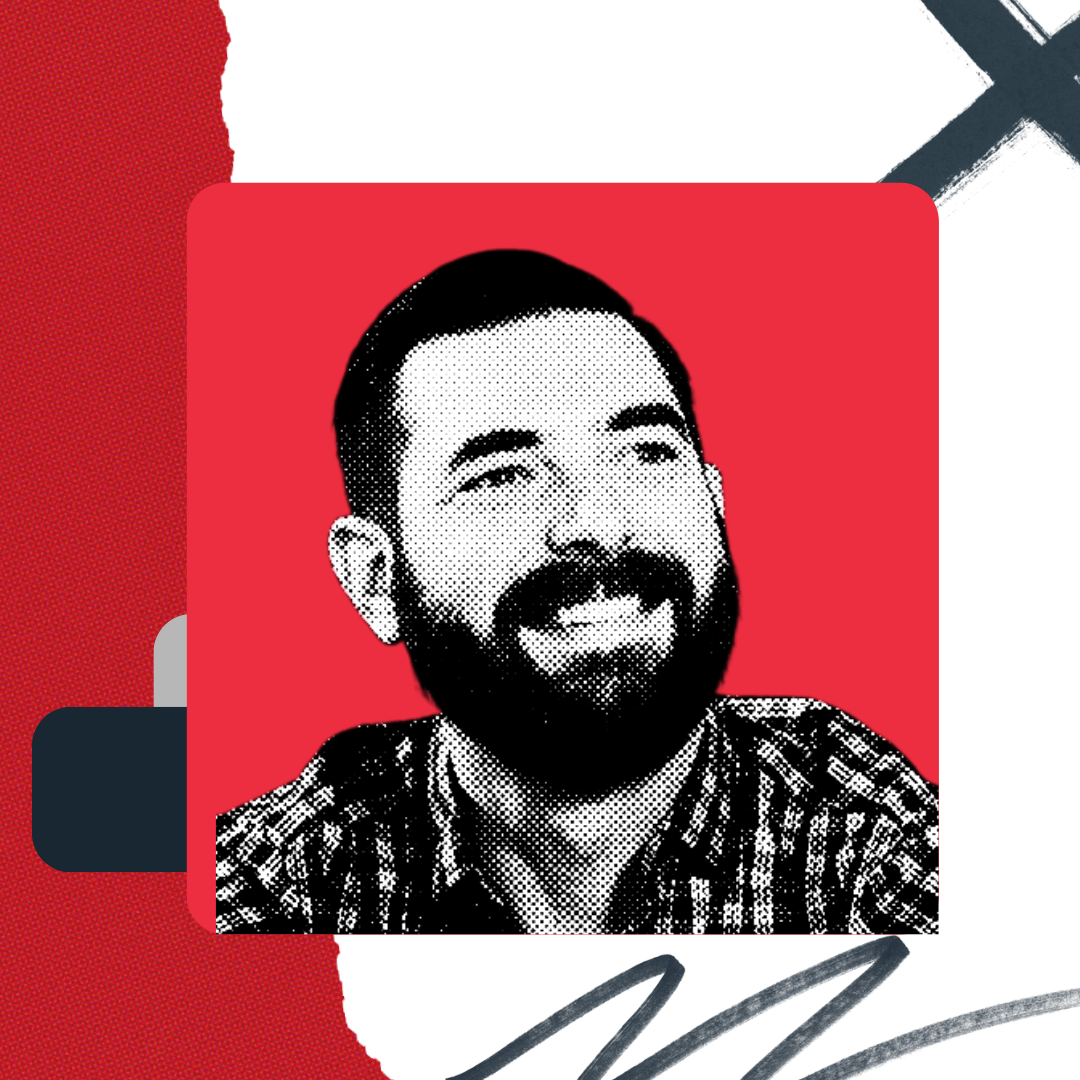
This week, HubSpot contributor and The Next Wave podcast co-host Matt Wolfe shares the inside scoop on how he uses AI tools to grow his newsletter, FutureTools.

Matt Wolfe

I've been testing AI growth strategies for months now to boost my following across YouTube, X, and my newsletter. These tools aren‘t just speeding up the grunt work. They’re helping me create content that stands out in a sea of generic content.


Here's some tips on how I've grown my newsletter, FutureTools, using AI:


Lead magnets


Here’s a quick marketing refresher: A lead magnet is a valuable freebie that encourages people to fill out a form with their info. I’ve found that building high-value lead magnets with AI encouraged people to sign up for my newsletter.


For example, I can take some of my YouTube tutorials that reach really valuable concepts, have them transcribed, and pull those transcriptions into Claude or ChatGPT. Then, I can ask it to make the transcription read more like an e-book or a blog post. This gives me a PDF that can be used as an opt-in offer to get people to join my newsletter.


I get a new subscriber for my newsletter, and the person who filled out the form gets value right away. It’s a win-win. 


Outlining


If you don’t have a newsletter yet, it’s easier than ever to get started thanks to AI. Chatbots can help you with the outline, even if you want to write it yourself. That’s especially true for curation-focused newsletters.


Since I write in the AI niche, for example, I can go and find seven of the biggest news stories in the AI world for a given week. I take those stories, plug them into Claude or ChatGPT, and then tell it to outline a newsletter that features all of those big stories.


I can also feed it some of my past content, so that it will write in my style. When I’m pressed for time, I can quickly create a newsletter that sounds like me and covers important trends. Beyond that, outlines help me add my voice while keeping my newsletter on track. The result is a valuable newsletter that sends consistently.

More of Matt's tips

|   FutureTools

Check Matt's newsletter out for yourself — he does regular AI breakdowns with recent newsletters covering the real cost of AI data centers, the new GPT-5, and Amazon's AI wearables.  

You'll be in the company of 213k other readers who get their AI news from Matt. Can 213k people really be wrong? (I mean, they could. But in this case, I think they're right.) Subscribe here. 

|   What We're Reading


☝️ Buyer persona essentials: My top tips and examples to inspire you


💌  16 best practices for email design, according to an email marketing consultant

🎯  Your brand identity should feel like you — here's how to get there


|   ICYMI

"Let your influencers and creators cook. Let them do their thing."—Jayde Powell

I talked to the inimitable Jayde Powell last week, who has sage advice for brands working with influencers.


Jayde's also a featured speaker at INBOUND next month — come join us! 

This week's email was brought to you by Laura M. Browning. Story by Matt Wolfe.


Subscribe to our other newsletters
Business news, but not boring: The Hustle  |  Stay current on AI: Mindstream


Follow Masters in Marketing on LinkedIn and Instagram


Was this email forwarded to you? Sign up here.

mim-logo-footer

HubSpot, 2 Canal Park, Cambridge, MA, 02141, USA, 888-482-7768

Unsubscribe from all HubSpot email communications

Manage your email subscriptions