Interior designers do not work on one project at a time.
You jump between schedules, presentations, client feedback, supplier conversations, procurement, invoices, and internal reviews all day long. Traditional time tracking expects you to manually keep up with that movement.
Programa now does it for you.
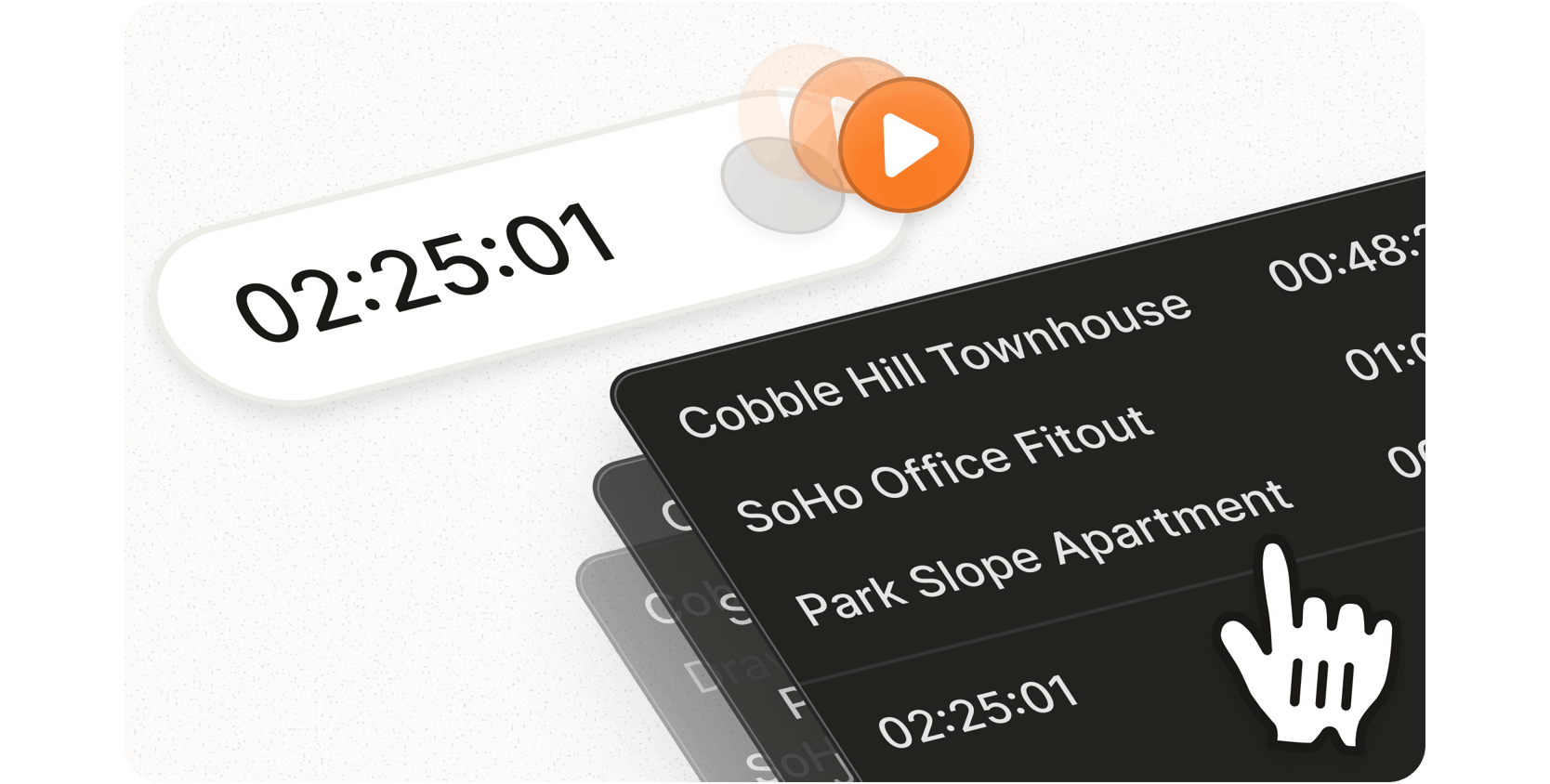
The new Time Tracking experience introduces a Smart Timer that tracks your progress as you move throughout Programa.
Start the Smart Timer once and work across projects as normal.
Stop the timer when you’re finished.
Review the recorded time entries across each project.
Adjust any entries if needed and save.
Plus, we’ve added more flexibility to Time Tracking, with the ability to log time against a project, phase, or task.
The new Smart Timer now lives in the top right corner of Programa, accessible from anywhere in the app. You can also open the refreshed Time Tracking page from the Studio section of the side navigation menu.
For the full list of updates to Time Tracking in Programa, read our Changelog.
Your project meetings have a new home.
Important project decisions are often made in conversation, but the details can quickly become scattered across recordings, notes, transcripts, documents, and follow-up messages.
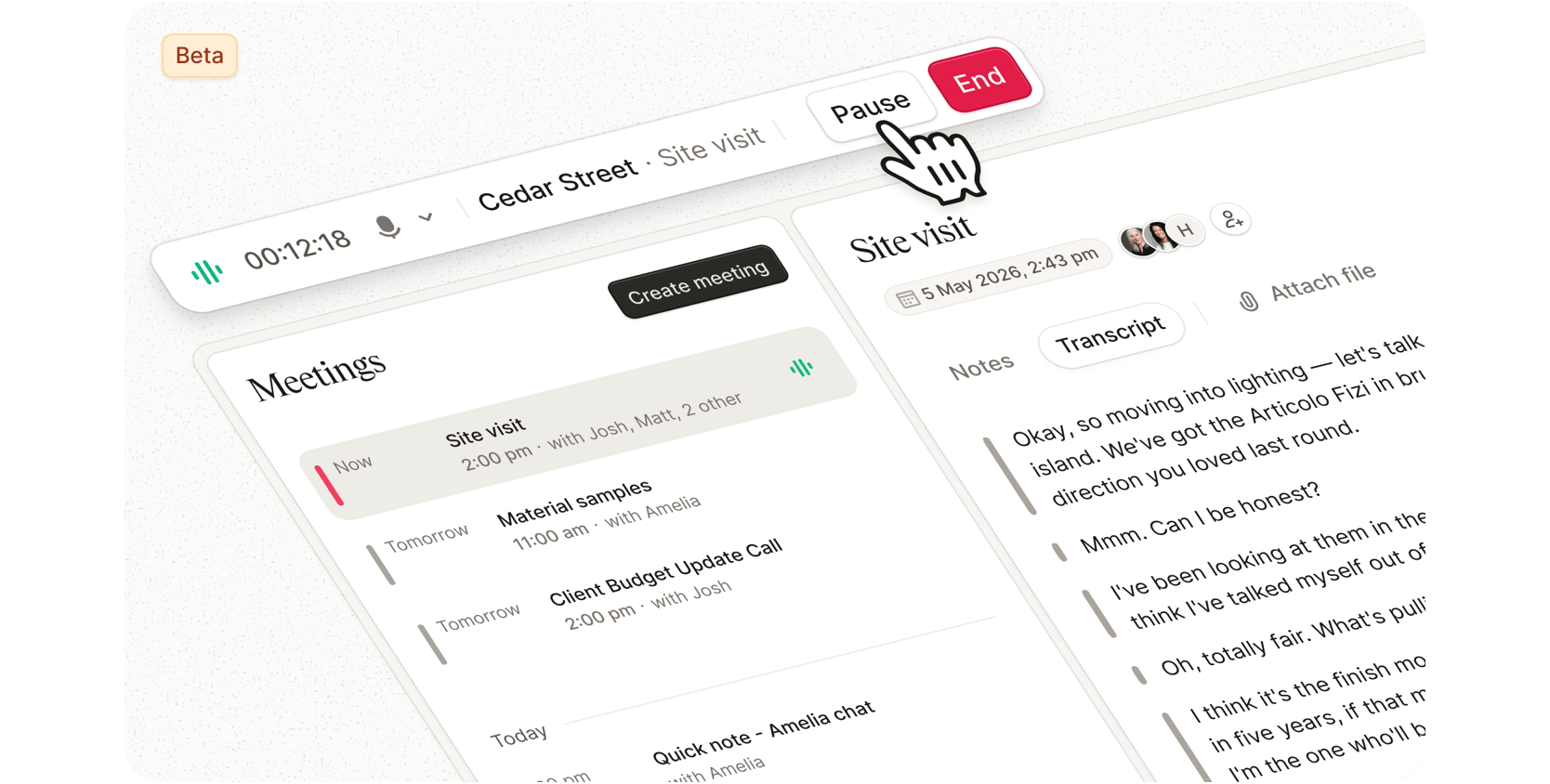
Meeting Notes (Beta) brings that information back into the project.
Whether you’re documenting client feedback on-site, reviewing selections with a supplier, or capturing decisions during a team meeting, the conversations that shape a project now stay connected to where they belong.
Record live Start a recording from the project Meetings page or the Quick Meeting button in the side navigation menu. Use it on desktop or mobile, whether your laptop is on the table or your phone is with you on site.
Upload a transcript Upload an existing meeting transcript and process it inside Programa.
Get structured outputs Programa generates a written summary, decisions and action items, so your team can review what matters without reading through a full transcript.
Keep recordings accessible An active meeting widget stays available in the sidebar while recording, so you can return to the meeting, pause, resume, or stop from anywhere in the app.
Meeting Notes is available now in beta, with additional functionality in development. Open any project, select the Meetings page, and start a new recording or upload a transcript. For added flexibility, you can also start a new meeting from anywhere in Programa using the Quick Meeting option in the side navigation menu.
To learn more about Meeting Notes, read our Changelog.
Your designs deserve a stage.
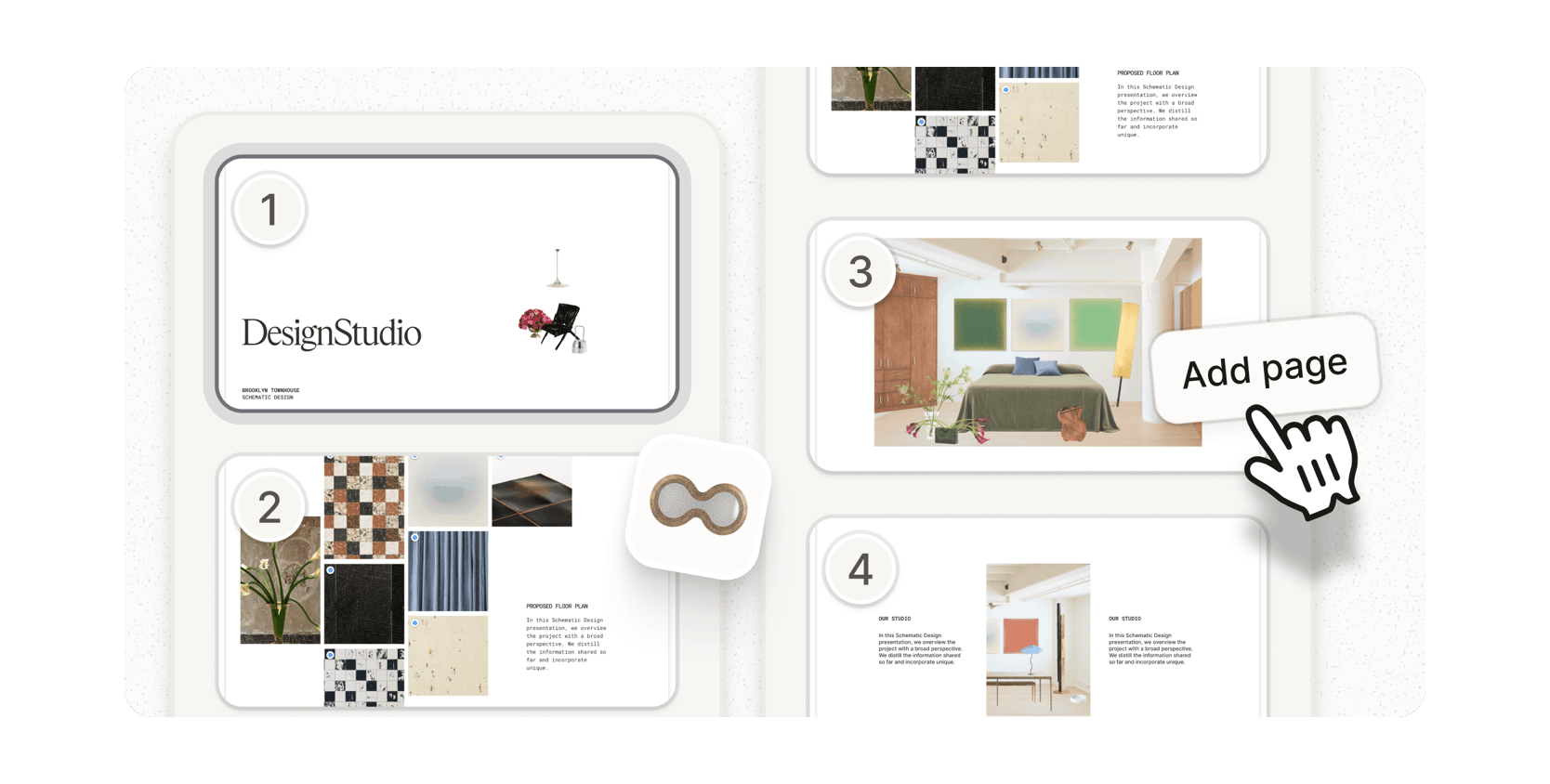
Last week, we launched Presentations, a new feature that lets designers create multi-page presentations directly inside Programa.
Presentations brings floor plans, selections, renders, reference imagery, and client approvals together in one connected file.
Pin live products from your Schedule directly onto drawings and visuals, then collect client approvals or rejections within the Presentation itself, with statuses synced back to the Schedule automatically.
Add reference images to floor plans and elevations to keep project context connected, then customize every page with your studio’s own fonts, colors, and layouts, with tools for adding text, shapes, and edited imagery to create a presentation that feels on-brand from start to finish.
When you’re ready, share the Presentation with clients in a click or export it as a PDF.
Built for every stage of a project, Presentations keeps your project information connected from early concepts to contractor handoff.
Open any project in Programa, head to Files from the side navigation menu in the Project Hub, and select Create File → Presentation to get started.