| Stop searching millions of models. Start with the product. | You have a product specified. Now you need it in the model. You open SketchUp’s 3D Warehouse, search for the product, scroll through pages of results, download a model that looks close, place it, then realise it isn’t quite right. So you search again.
Across the lifespan of a project, that process can add countless more hours spent hunting for models instead of designing.
Your Product Library, now inside SketchUp.
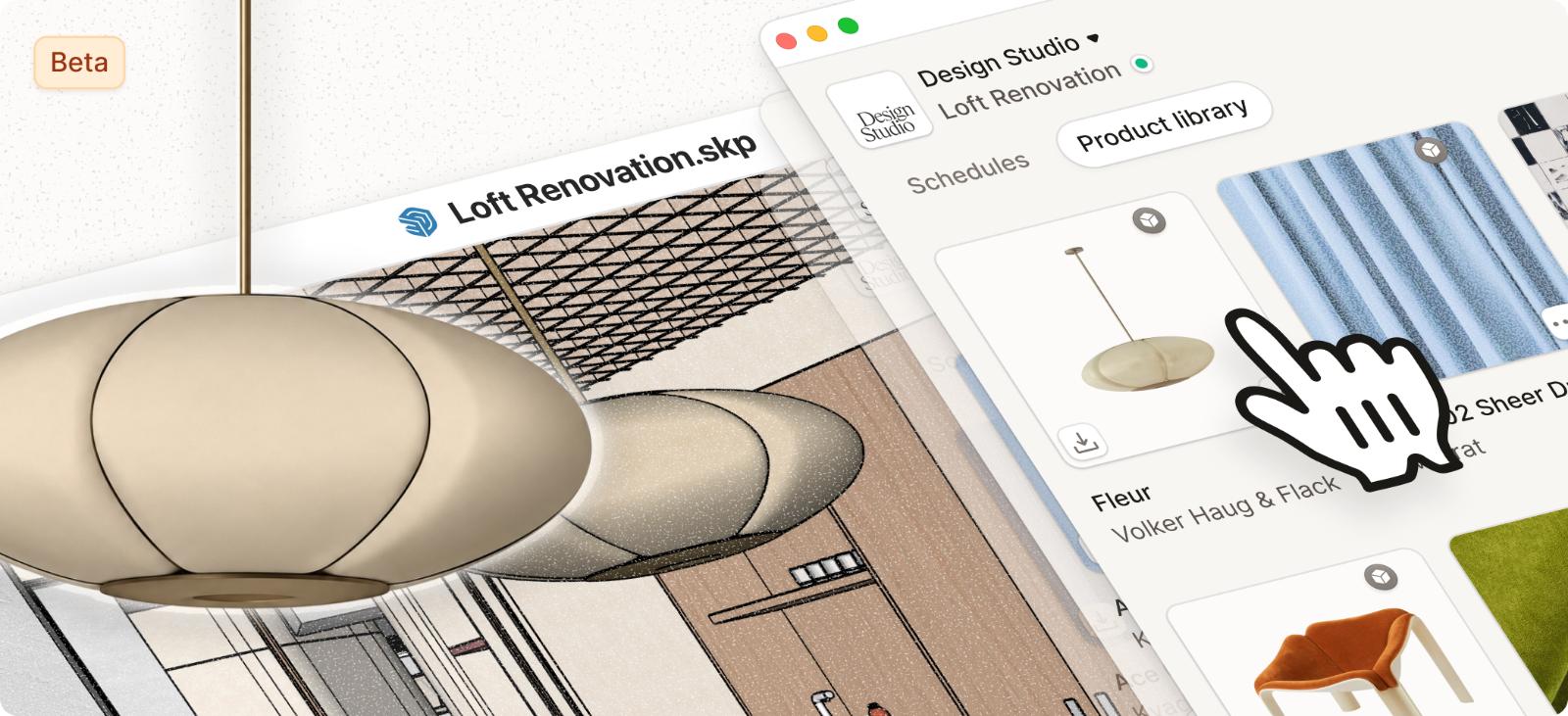
The new Programa SketchUp Extension is now available in the SketchUp Extension Warehouse, starting with the Product Library integration, available in beta.
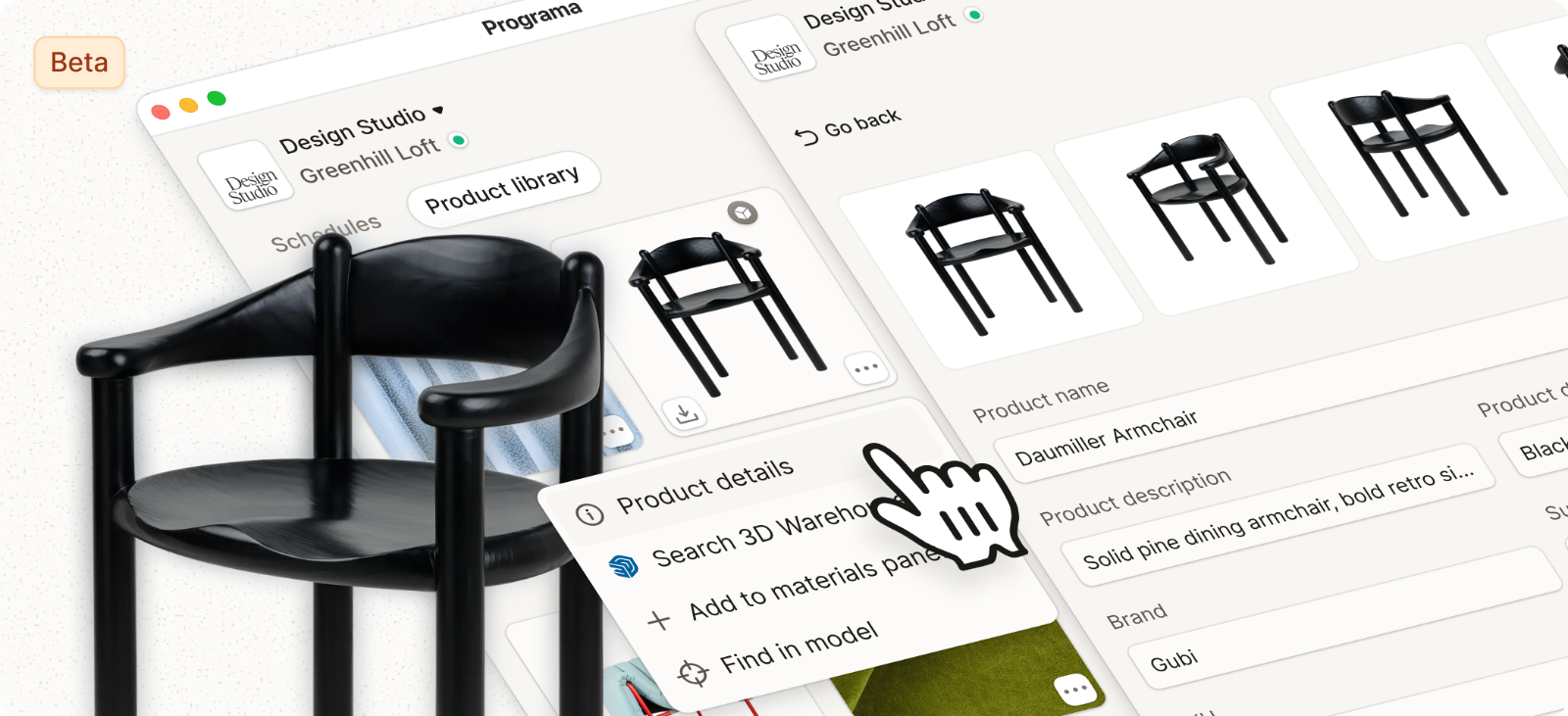
Instead of starting with a keyword search, start with the products you’ve already specified. From inside SketchUp, you can access your full Programa Product Library and browse saved products by name, brand, type, material, or colour.
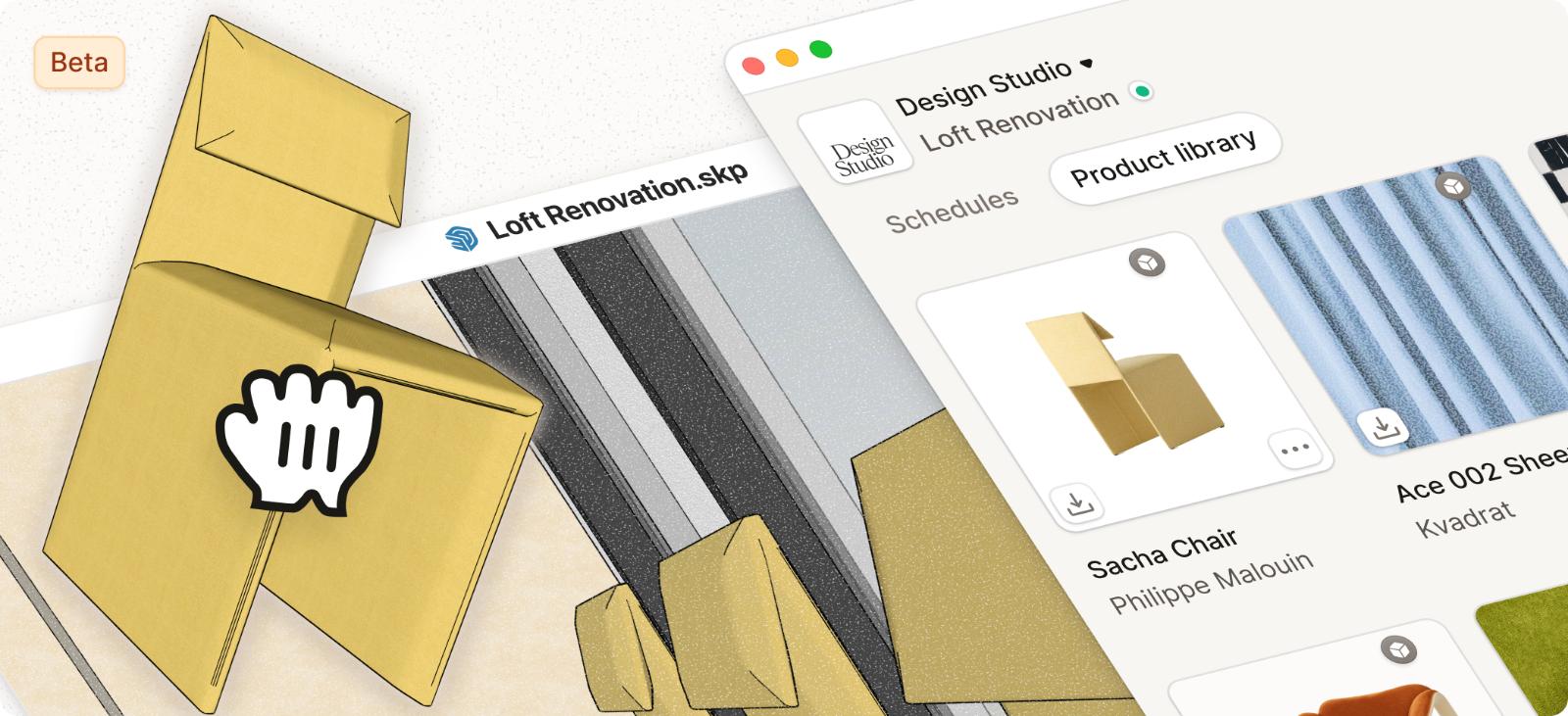
When you need a model, Programa searches SketchUp’s 3D Warehouse on your behalf using the product image, name, and listing details to surface the closest available matches. Choose the result that works best, download it, and drag it directly into your model.
Saved materials and swatches from your Product Library can also be applied directly to faces and components in SketchUp, helping keep product selections and model development connected in the same workflow.
|
| Download the extension | |
| More than a model search. | If a supplier provides a 3D model on their product listing, you can attach that file directly to the product in Programa and access it through the extension, without the need to manually download and re-upload across different platforms.
The extension also remembers your previous downloads. Once you’ve found a suitable model for a product, that match stays connected to the product across future projects.
What’s next
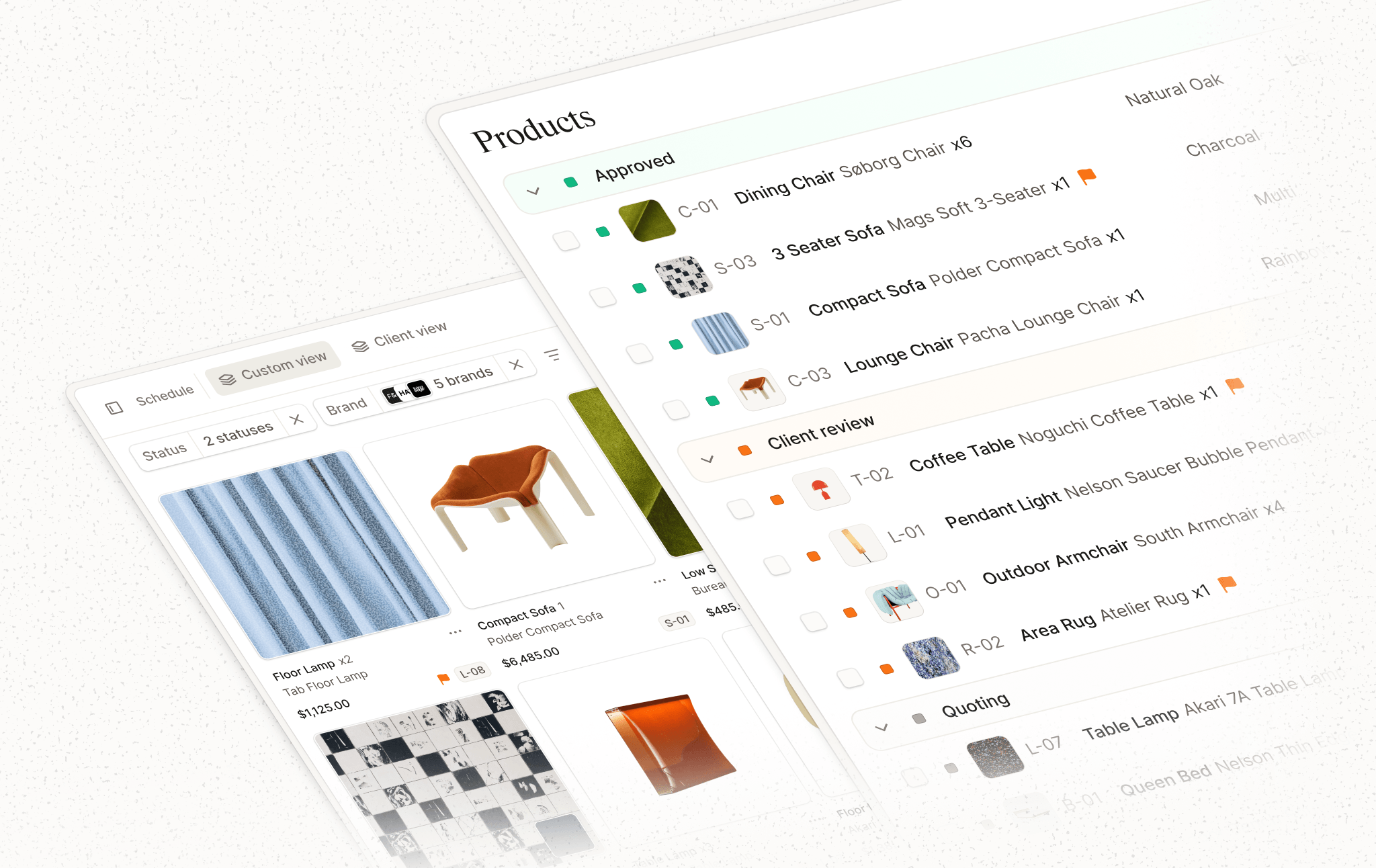
The next stage of the extension is an integration with Programa Schedules, which is currently in development. By connecting your model directly to your Schedule, it will introduce a new level of automation and help keep product information aligned as projects evolve.
|
|
| Where to find it. | Download the Programa SketchUp Extension today from the SketchUp Extension Warehouse.
For setup assistance or more information, visit the Help Center or contact our Customer Support team via in-app chat.
Not using Programa yet? Start your 7-day free trial and see how connected product specification and 3D modelling can work together.
|
| Download the extension | |
|