💡
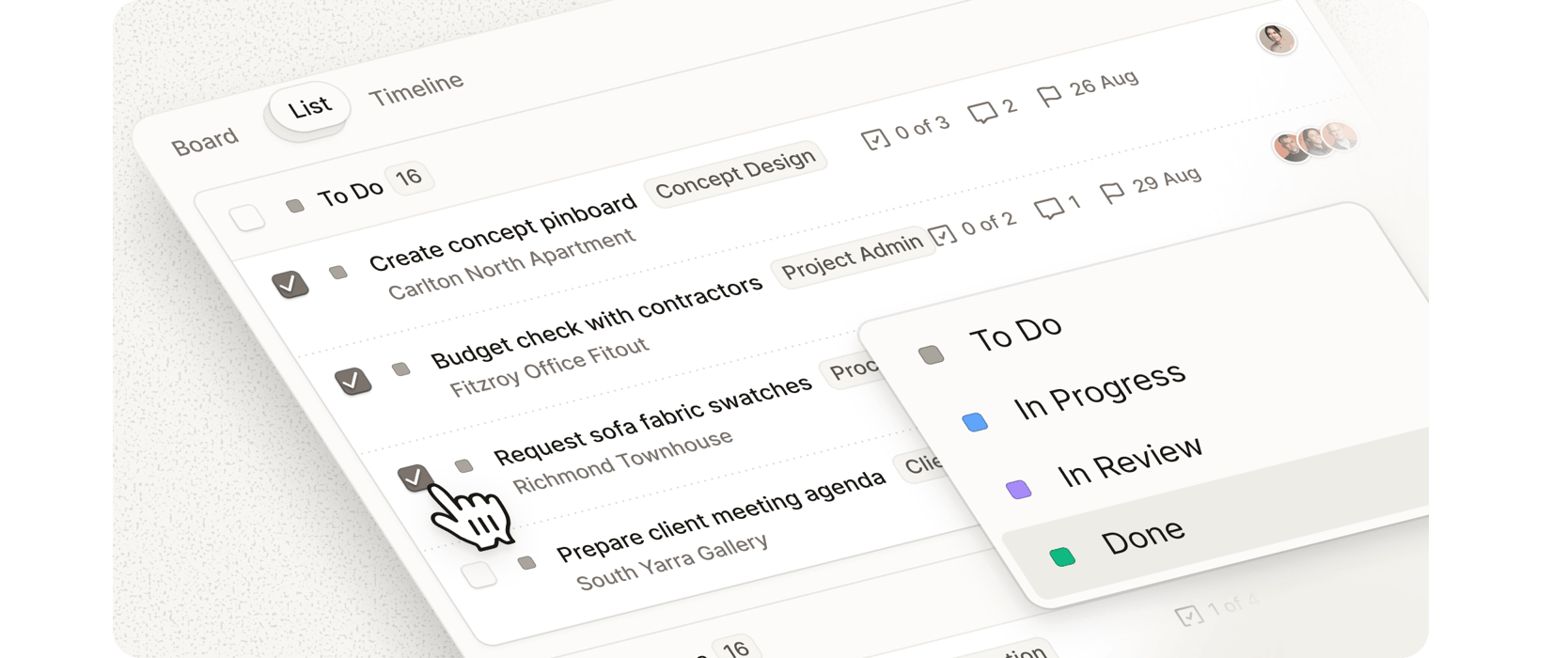
Bulk actions for tasks in List viewSelect multiple Project Management tasks at once to change their status or delete them in bulk, saving time when managing large task lists.
'What’s new' page
You’ll now find a dedicated 'What’s new' page in the side navigation above Guides. It’s your in-app changelog, highlighting recent product updates, improvements, and release notes all in one place.
Ascending and descending sort options expandedSort options with ascending and descending order are now available in Product Library, Purchase Orders, Tasks, and Schedules, giving you more control over how you view and organize your data.
Image cropping in Product LibraryYou can now crop product images directly in your Product Library, giving you more control over how products are displayed.
Background removal for Pinboard itemsRemove backgrounds from images directly within Pinboards, making it easier to create clean, professional presentations for clients.
Inline filename editing for product attachmentsRename product attachments directly from the Schedule item details panel without needing to re-upload files.
Pinned projects now persist across sessionsYour pinned projects will now stay pinned even after logging out, switching browsers, or using a different device.