Programa
Release notes
The latest features, improvements and fixes.
Keep track of what’s shipping in Programa

Programa is evolving quickly. Until now, updates have mostly been shared through release notes or announcements outside the app. That meant it wasn’t always obvious what had changed or where to look for the latest improvements.

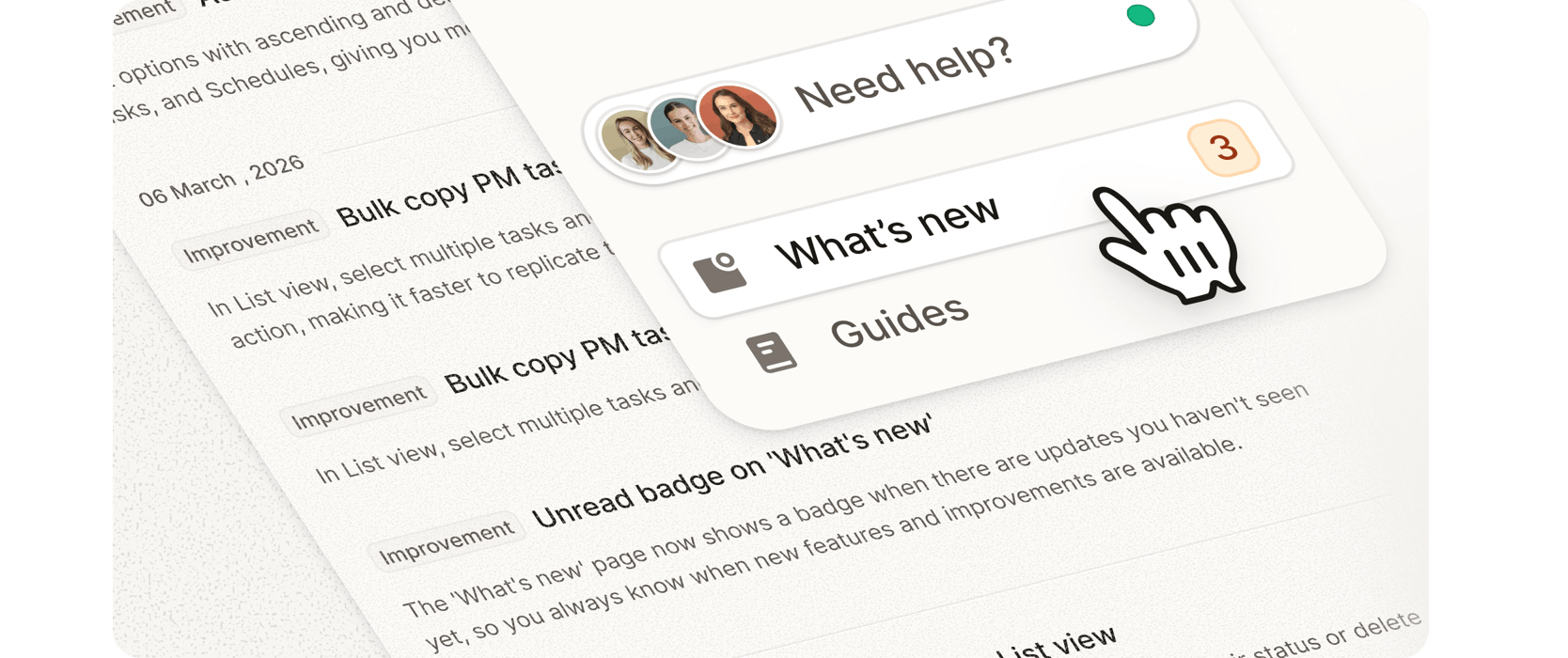
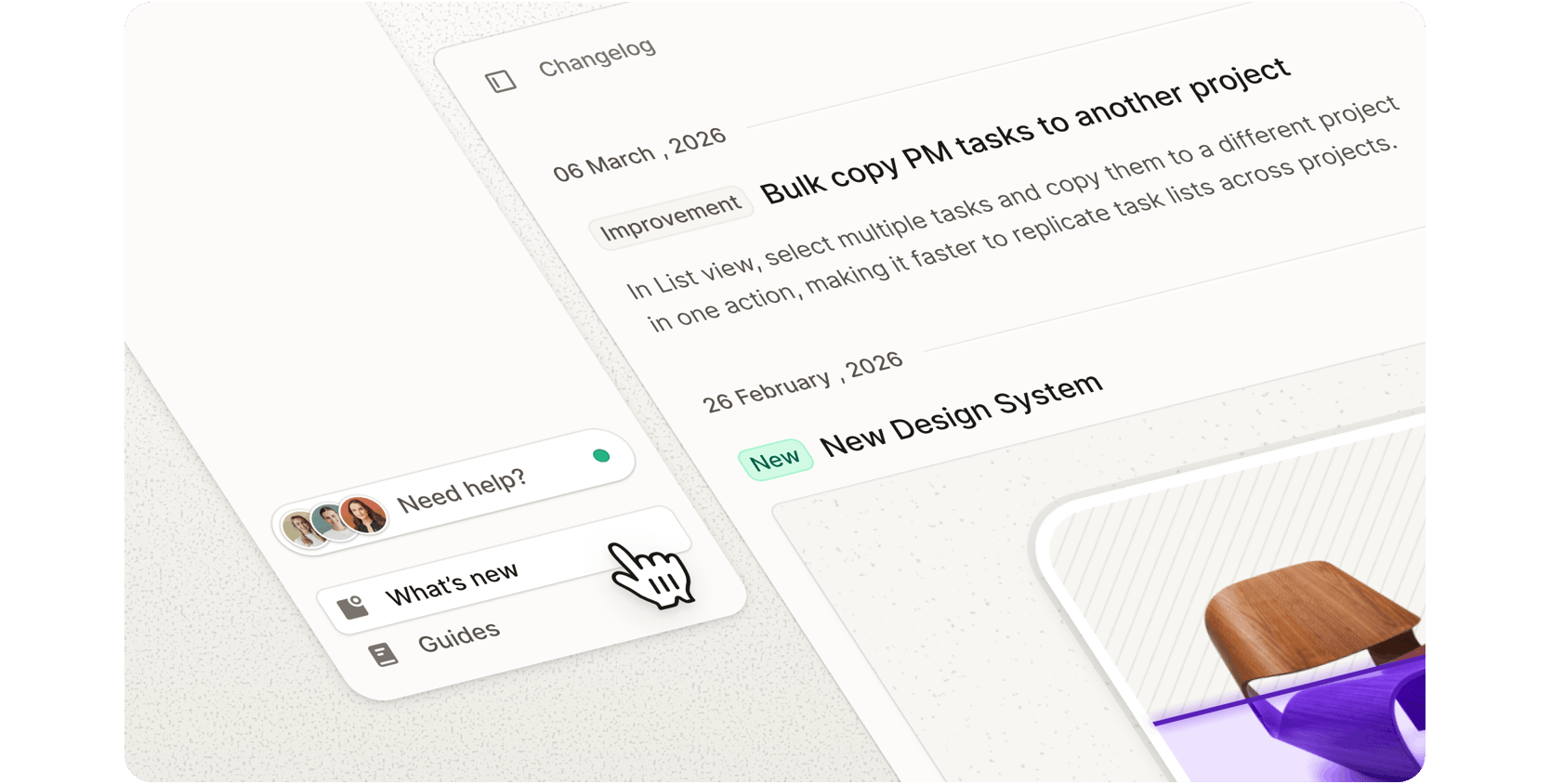
To make this easier, we’ve introduced a dedicated What’s new page inside Programa. It acts as your in-app changelog, bringing together product updates, improvements, and release notes in one place. As new features roll out, this page will help you quickly understand what’s been added, what’s improved, and what might be worth exploring in your workflow.

You can find the new page in the side navigation above Guides. Open it anytime to browse recent updates and see what’s been shipped across the platform. With several major features on the way, it’s the easiest way to stay across everything that’s changing inside Programa.

Recently added features and functionality

Unread badge on 'What's new'

The 'What's new' page now shows a badge when there are updates you haven't seen yet, so you always know when new features and improvements are available.

Bulk copy PM tasks to another project

In List view, select multiple tasks and copy them to a different project in one action, making it faster to replicate task lists across projects.

Collapse and expand projects in Timeline view

You can now collapse and expand individual projects in the Timeline chart, making it easier to focus on specific projects when viewing multiple timelines at once.

Other fixes and improvements
  • Pinboard scroll position now restored after removing an image background.
  • Pinboard grid layout no longer corrupts after using background removal.
  • Schedule section reordering now works correctly.
  • Task reordering in Project Management Board view now works correctly.
  • Address Book contact category now updates correctly when re-importing contacts.
  • Billing seat count now updates immediately after removing a team member.