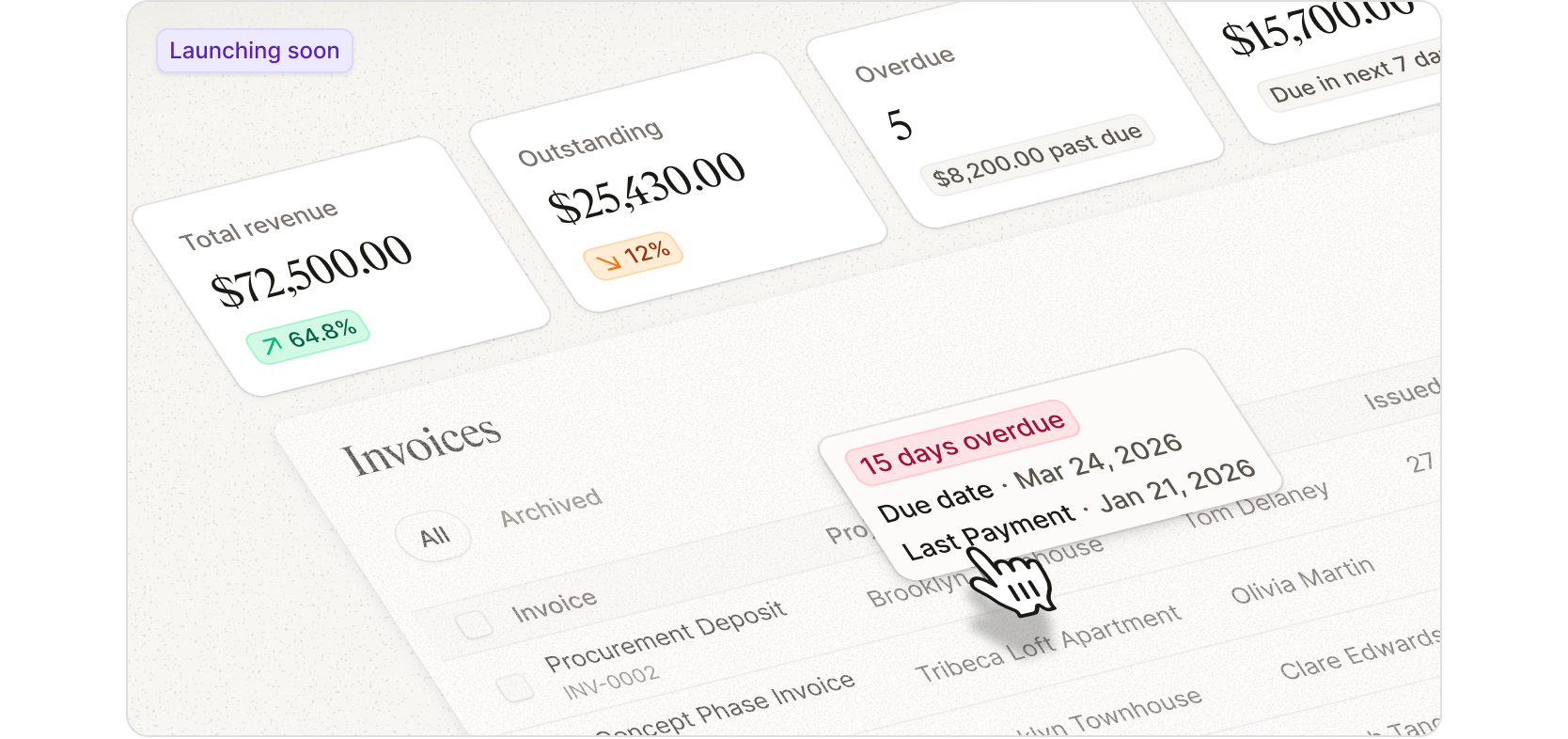
Getting paid should be the simplest part of running a project. But for many studios, invoicing becomes the most frustrating step.
So we rebuilt invoicing from the ground up.
The new invoicing experience keeps everything connected to the project data already inside Programa. It eases the manual billing grind, empowers studios with control over how invoices are structured and creates a payment experience that feels clear and professional for clients.
We’ll be sharing more about the new invoicing experience next week. That will include a closer look at what’s changing, how it works, and where it fits into the way studios bill and get paid in Programa. More soon.
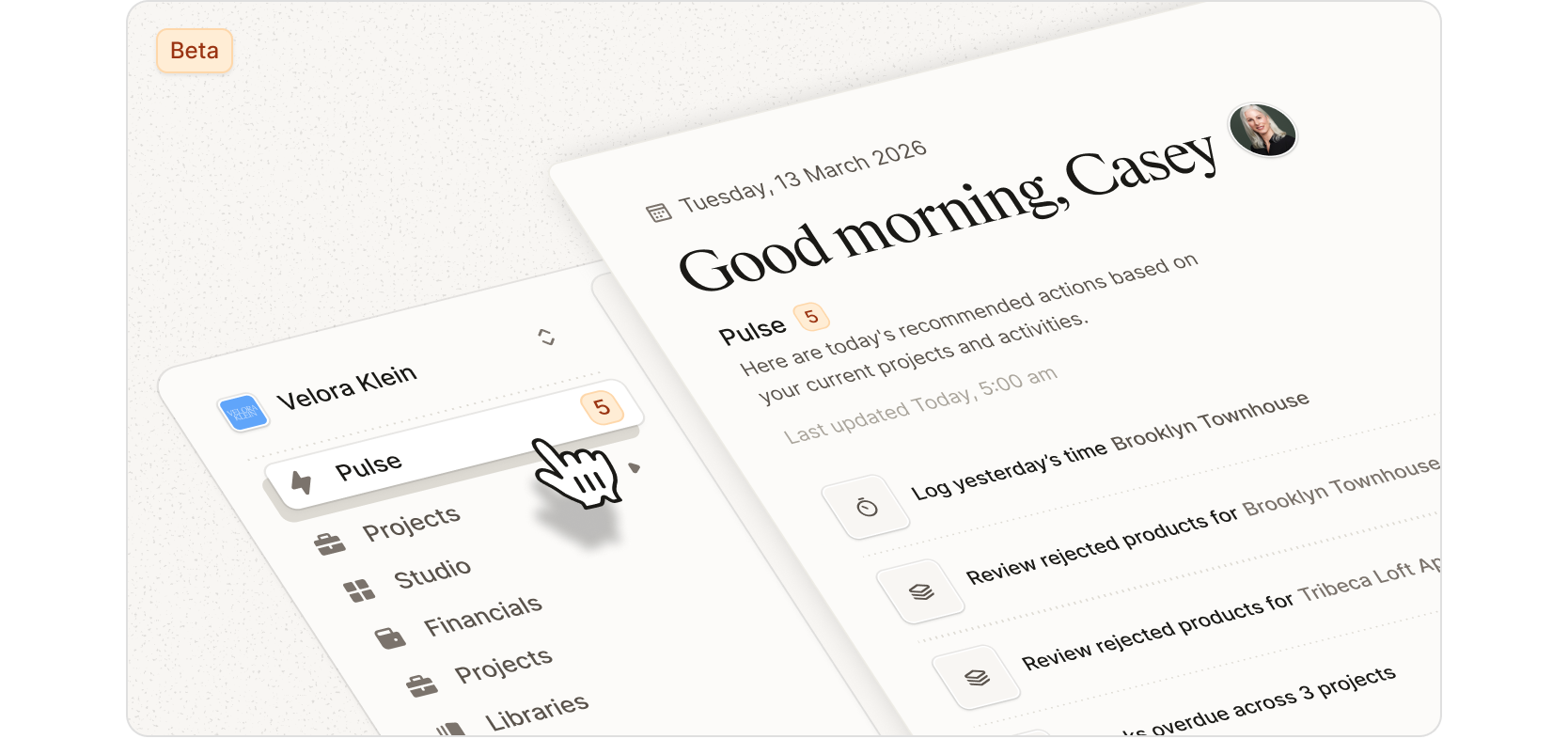
Studio Pulse coming soon
Pulse is the first step toward a smarter Programa that helps run your studio for you. Our goal is to reduce the admin and coordination work that slows designers down and kills project profits so you can spend more time focused on design. Pulse surfaces the tasks and decisions that keep projects moving, highlighting things like client approvals and rejections, overdue project tasks, time entries that need logging, and other items across your active projects that require attention. It updates in real time and can flag things like missing pricing or incomplete information, helping you keep schedules accurate and projects on track.
Over time, Pulse will evolve to automate more of the routine work involved in running a studio. The goal is for Programa to handle more of the coordination, reminders, and follow-ups that normally sit on your plate, so the boring or repetitive parts of managing projects take care of themselves. Pulse is currently rolling out to beta testers, and we’re looking forward to shaping the next phase of this feature with their feedback.
Recently added features and functionality
Independent Product URL toggle for Schedule sharing When sharing Schedules or exporting to PDF, you can now show or hide product URLs independently from supplier information. Previously, product URLs were tied to the supplier toggle.
To-Do List Keep your studio running smoothly with Programa’s To-Do List. More updates and improvements are on the way, with deeper integration between you and your team coming soon.
Other fixes and improvements
Improved the responsiveness of image reordering in Pinboards, making it easier to organise and present ideas quickly.
Schedule search now includes material fields, helping you find products and specifications with greater accuracy.
Improved the reliability of task and subtask syncing between team members so everyone stays aligned.
Moved the delete icon to avoid overlapping with long subtask text, making subtasks easier to manage.
Schedule item status updates now apply only to the selected item, giving you more precise control when managing specifications.
Comments remain editable after saving, making it easier to refine notes and feedback as projects evolve.
Duplicating a Project Template now retains product cover images, keeping templates visually complete.
PDF exports now respect Publish toggle settings, ensuring documents match exactly what you intend to share.
Excel exports for time entries now support cleaner formatting and accurate sum calculations.
For the full list of other fixes, read our Changelog.