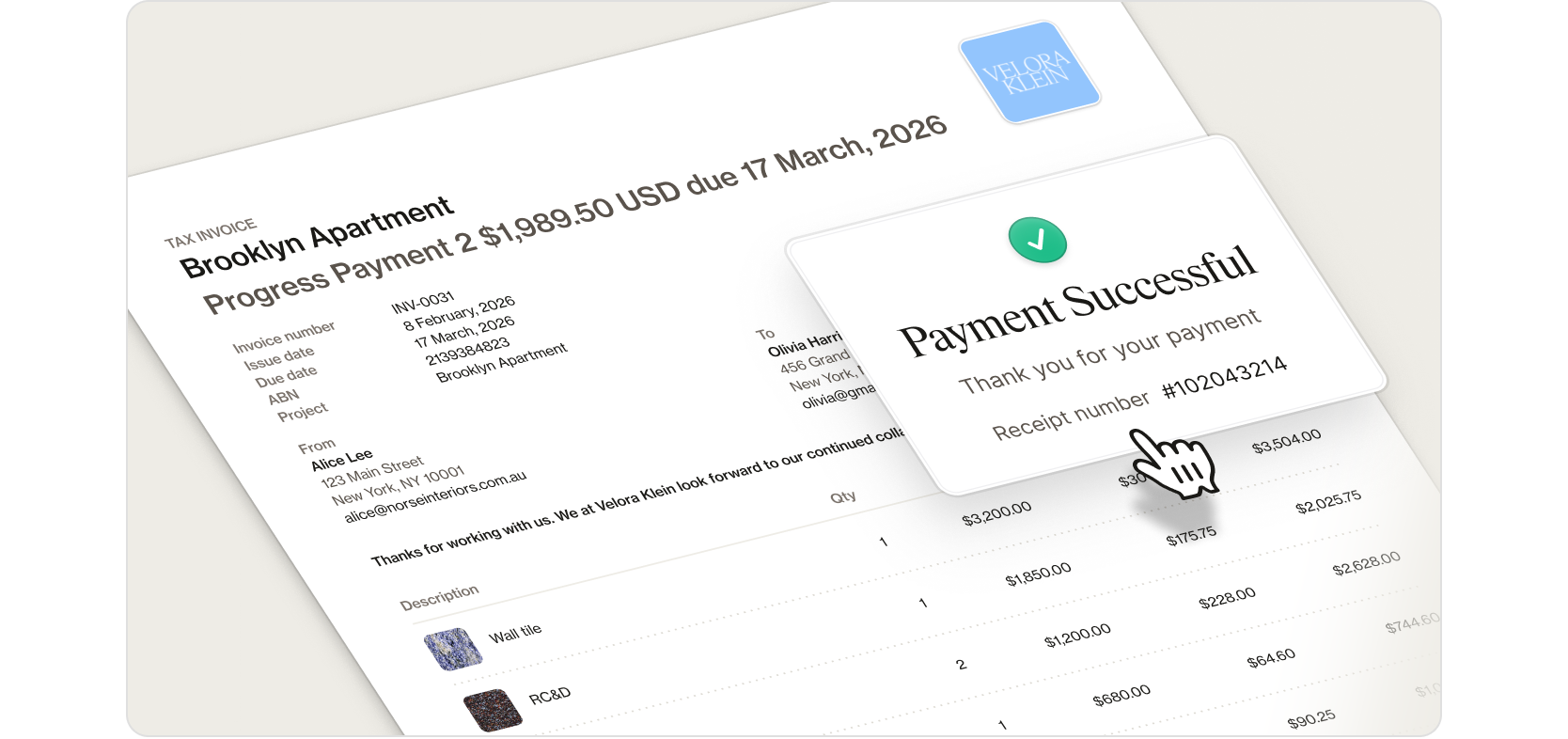
Intuitive, accurate invoices and the safest payments platform ever built for interior designers
After over a year of development and 53,315 lines of new code, our new invoicing experience is now live.
The result is an invoicing workflow built around four key criteria. It’s fast, with invoices built from your existing project data and ready to send in minutes. It’s flexible, with split payments that match real project stages and help support cashflow. It’s well-designed, with branding and product imagery that reflect the quality of your work. And it’s safe, with Programa Pay giving clients a smooth, secure payment experience.
We’re rolling out the new invoicing experience region by region, starting with the United States and Australia. Existing invoicing tools will remain fully supported until the new experience becomes available in your region. If you’d like to know when it becomes available in your region, click here to be notified.
Log in to Programa and navigate to Financials in the side navigation menu to access the new invoicing experience. New to Programa? Click here to start a 7-day free trial.
Recently added features and functionality
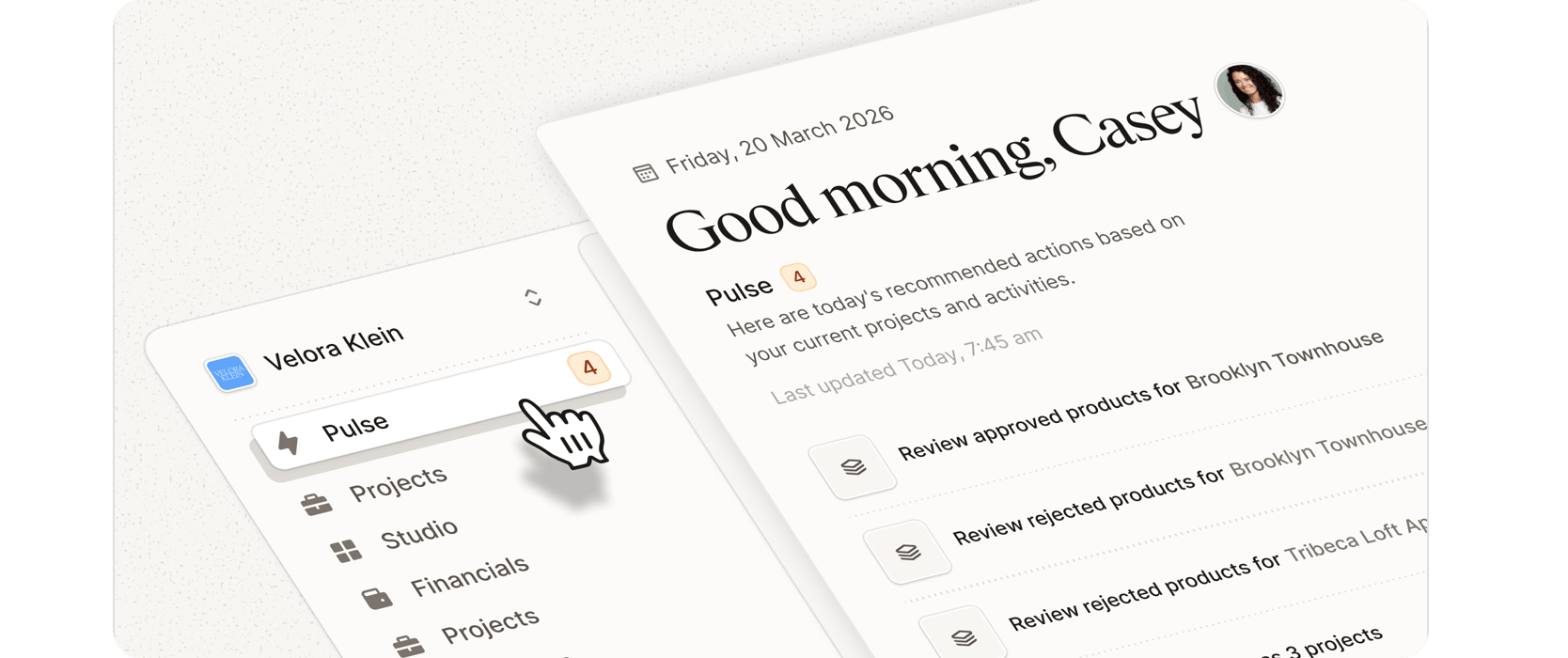
Live updates for Approved and Rejected products in Pulse
Pulse now updates in real time when products are approved or rejected, helping you respond to client decisions faster and keep projects moving without manual refreshes. Pulse is currently in beta and will be rolling out to all users soon.
Smart Schedule Importer now supports DOC codes
When importing Schedules, the Smart Schedule Importer now recognizes and maps DOC code fields automatically, making it easier to bring existing specification data into Programa with your coding system intact.
Other fixes and improvements
Address Book performance is now smoother when resizing the browser window, keeping your contact management responsive.
The edit image panel on shared Schedules now only appears when you have editing access, making it clear what actions are available to you.
Clicking inaccessible links now provides clearer guidance, helping you understand what happened and navigate back quickly.
Client Dashboard links now show a single, clear access point per client, for clarity when sharing project information.
Projects now display consistently within the Projects list, making it easier to find and manage your work.
Creating a new project now flows smoothly back to the Projects page, keeping your workflow uninterrupted.
Time Tracking now displays time entry dates and owners more accurately, making it easier to review and manage logged hours.
Note formatting in the Client Dashboard now appears clearer, helping your project updates look extra polished for clients.
Tax rate editing in Settings is now faster to set up and adjust.
Export actions now provide clearer feedback once processing completes, giving you confidence your file is ready.