Programa
What's New
The latest features, improvements and fixes.

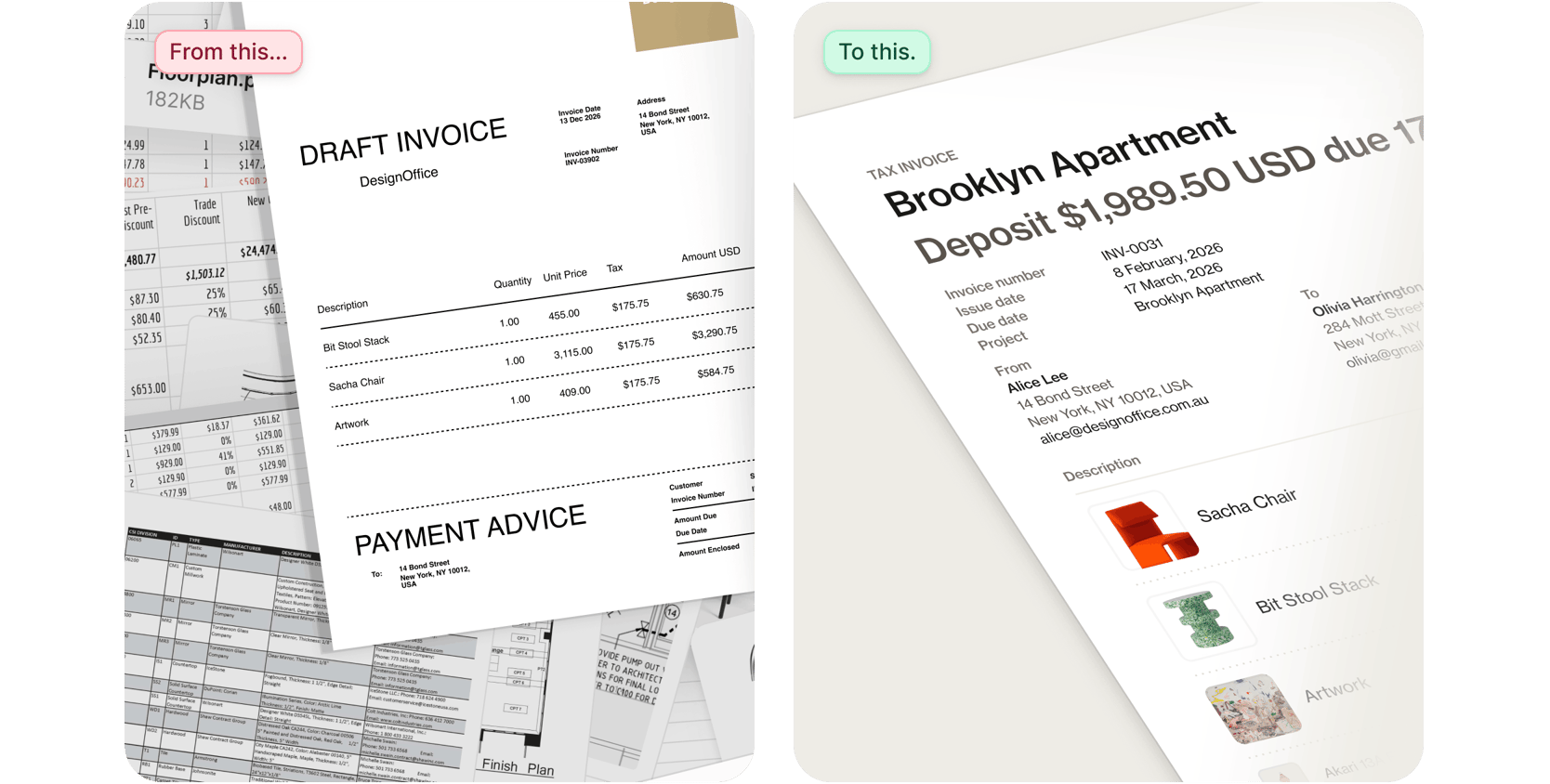
A better way to get paid

The best tools disappear into your process. Our new invoicing tools are built to stay out of your way:
 
  • Create polished, client-ready invoices directly from your project data in minutes. 

  • Split payments into multiple instalments.

  • All with product images, accounting integrations, and a host of functionality aimed at making getting paid the easiest part of any project.

  • Plus, get live help from our real, human support team whenever you need it.

Now available in the United States and Australia, with more regions on the way. Your existing invoicing tools remain fully supported until the new experience reaches your region. Want to know the moment it's available where you are? Sign up to be notified.

Log in to Programa to get started. New to Programa? Click here to start a 7-day free trial.
 
And if you've tried Programa in the past, activate a new free trial now by logging in to your account. 
Recently added features and functionality

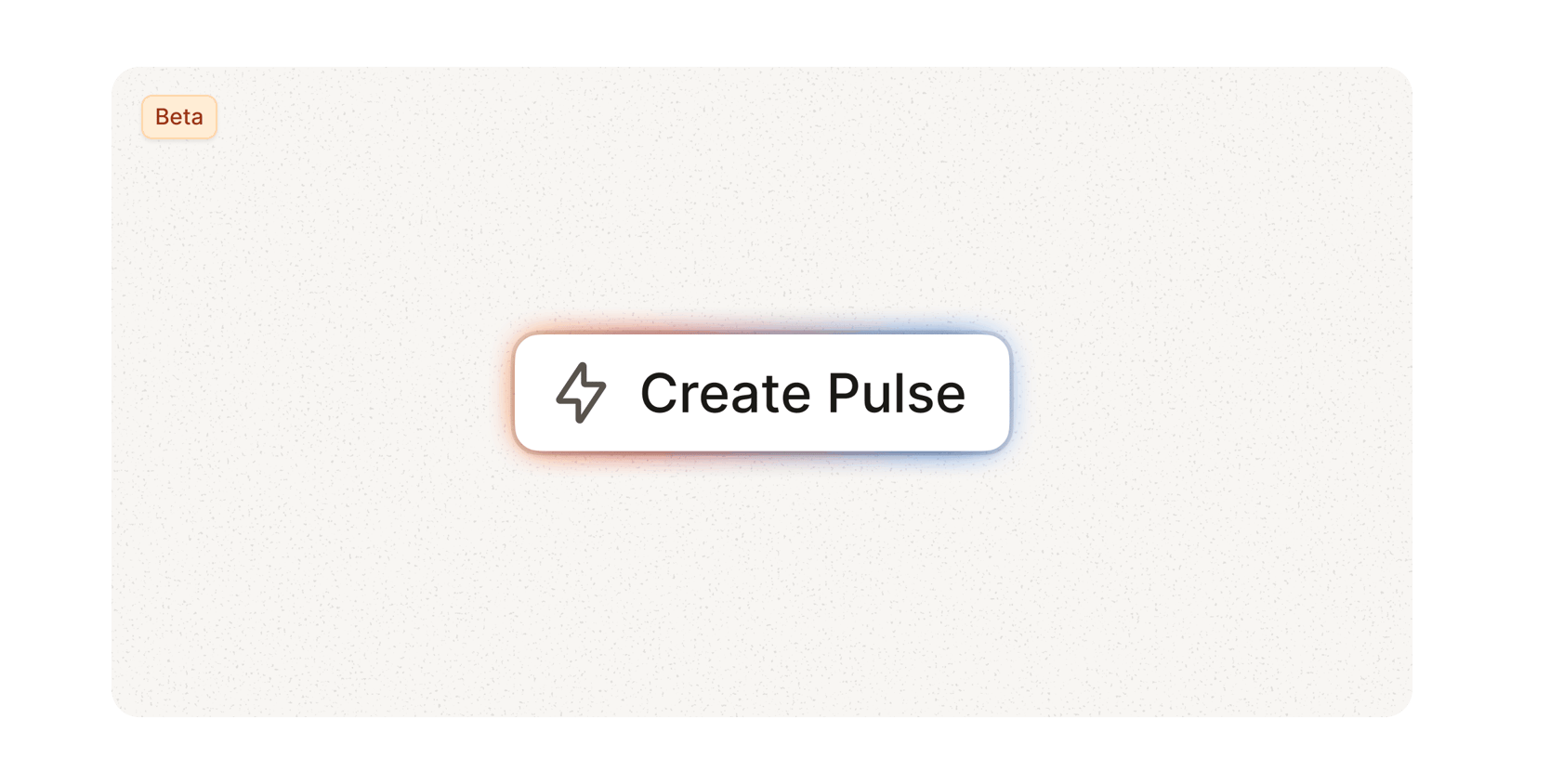
Pulse (Beta)

Your studio runs on a thousand moving parts. Pulse keeps them all in view.

Pulse is the first chapter of StudioOS, our vision for a smarter Programa that works harder behind the scenes so you can focus on the work that actually matters: designing.

No more switching between schedules. No more chasing updates across projects. Pulse brings time-sensitive actions into a single feed.

  • Log yesterday's time in seconds. All your active projects, one screen. Done.

  • Act on product decisions instantly. See every approved or rejected product across every project, and take action without the back-and-forth.

  • Never miss a deadline. Overdue tasks from Project Management surface automatically, so nothing slips through.

Pulse updates in real time as approvals and rejections come in. And now with custom actions built in, you can flag things like missing prices before they become problems downstream.

This is just the beginning of how Programa learns to work the way your studio does.

Other improvements
  • Shared Schedules display "Untitled" placeholder text instead of blank spaces, making it clear when items need naming.

  • Duplicating Schedule items preserves the original product details, so your source data stays intact.
     
  • Product URLs are included in Schedule PDF exports when enabled, giving clients access to additional product & supplier information web pages.

  • Schedule search excludes archived products when the archive toggle is off, ensuring your results stay relevant.


For the full list of other improvements and updates, read our Changelog.