2026 has already been a major year for Programa. In the first three months alone, we’ve released three significant platform upgrades, each designed to make Programa faster, clearer, and more useful for the way interior design studios actually work.
Design System launched in February and introduced a refreshed interface across Programa, with updated layouts, spacing, typography, and color. The result is a calmer, more focused experience that is easier to navigate during long work sessions, while keeping the workflows you already know the same.
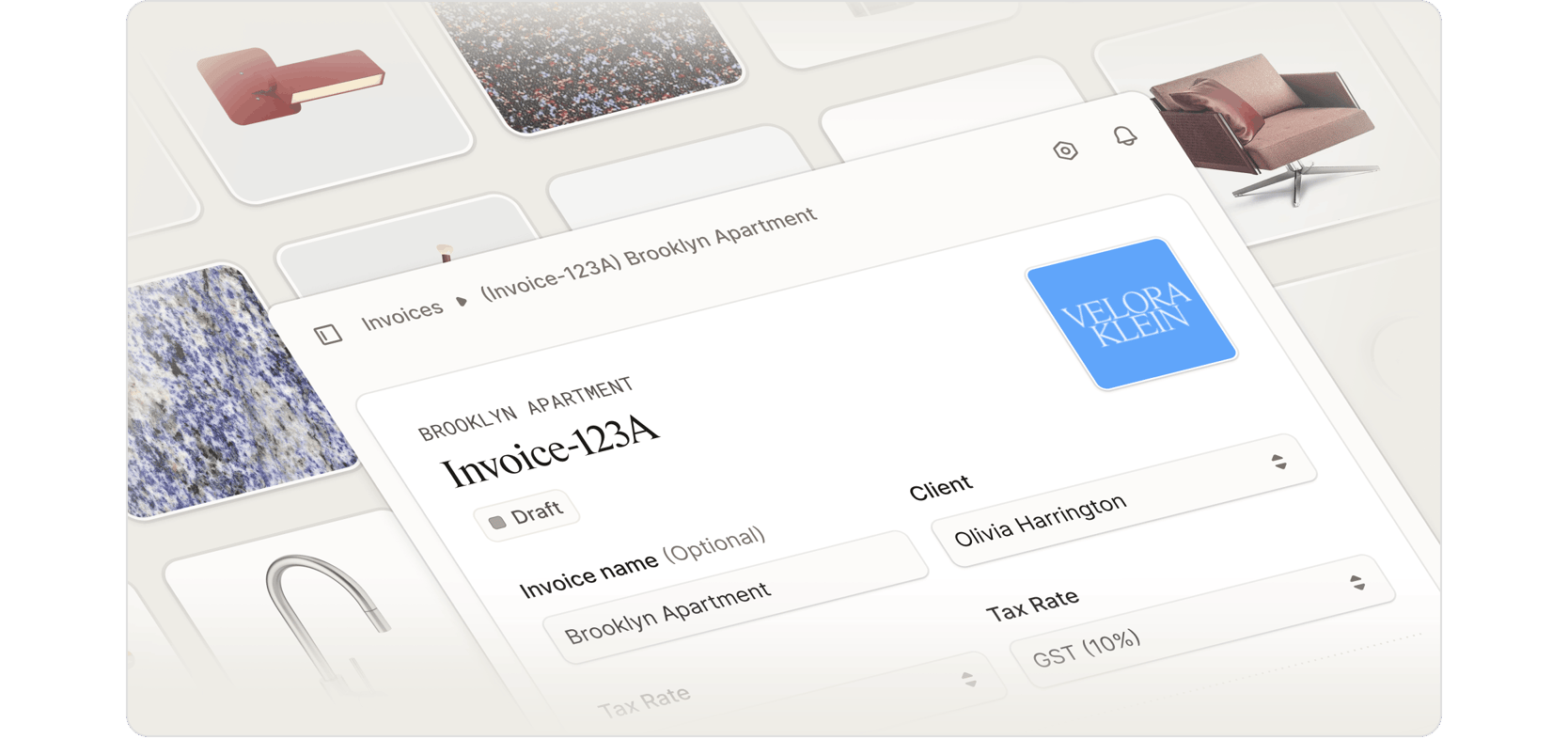
New Invoicing and Programa Pay launched in March, starting in the United States and Australia, with additional regional availability coming in May. The new invoicing experience is built around four key principles: fast, flexible, well-designed, and safe. You can pull directly from your project data, structure instalments around real project milestones, send polished invoices with your logo and product images, and give clients a secure way to pay through Programa Pay.
Pulse also launched in March. It surfaces your most important actions across active projects, so you spend less time jumping between project areas and more time focused on the work that needs attention. With Custom Pulses, you can also create your own recurring checks, so Programa keeps watch on the priorities that matter most to your studio.
Together, these updates strengthen Programa’s role as the operating layer behind project delivery, supporting more of what designers rely on every day.
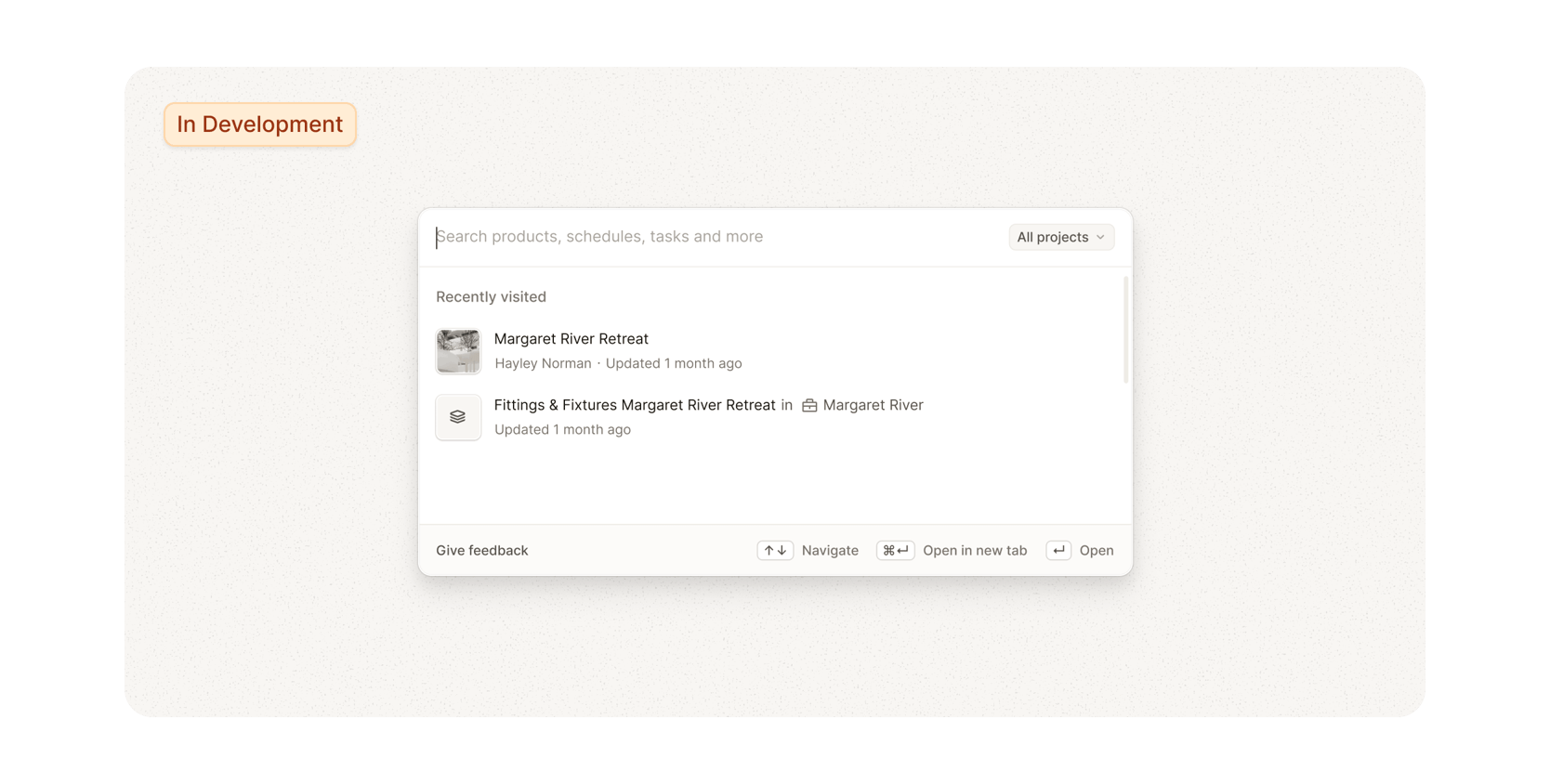
Coming soon: Smart Search
As your studio grows in Programa, quickly finding the right project, product, schedule, task, or contact becomes essential. Smart Search is coming soon to make navigating Programa faster from anywhere in the app.
Instead of clicking through different areas to find what you need, you’ll be able to open search, type what you’re looking for, and jump straight to the right place. Search by project, product name, supplier, client, schedule, task, and more.
Use it to find a product from your library, locate something specified in an older project, jump straight to a schedule or section, check on a task, search supplier-related items, or return to recent work without digging through menus. It’s built to help busy studios move through Programa faster as their project data grows.
More soon.
It's time to get paid
It’s the end of the month, which means it’s time to turn the work you’ve already done into invoices sent and payments collected.
Your hours are logged. Your Schedules are full of sourced, specified, purchased, or delivered products. Open Invoices (New) in Programa to bill from the project work already sitting in your account and make sure April work doesn’t drift into May unpaid.
Recently added features and functionality
The latest updates to Pulse
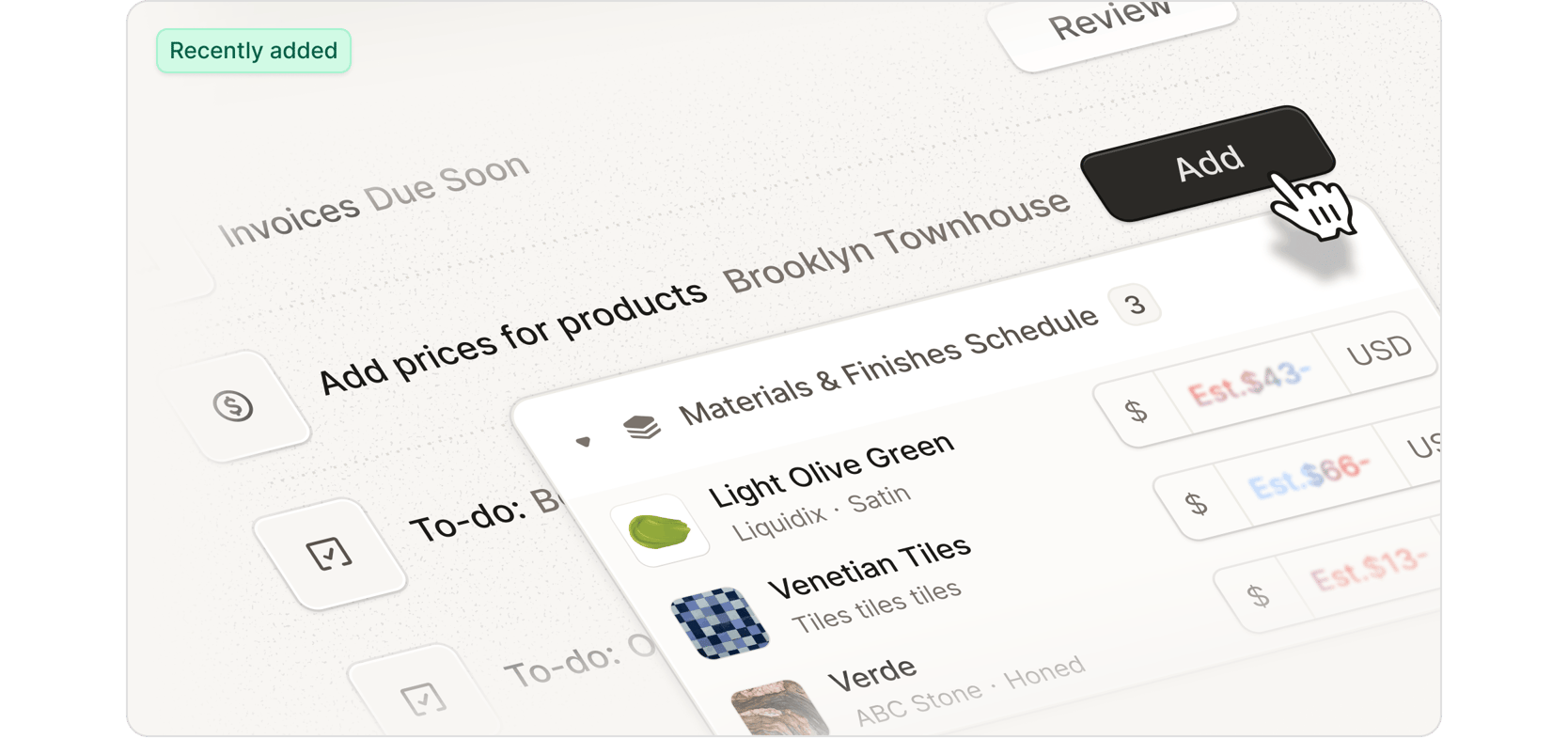
Pulse is built to surface what needs attention before it slows work down. Our team has continued to expand what Pulse can detect, recommend, and bring into focus.
A few highlights:
Unpaid invoices due soon Get an earlier heads-up on invoices approaching their due date.
Price estimate suggestions for products missing prices Pulse now suggests a next action when products are missing prices, instead of only flagging the issue.
Tasks due today in Pulse and To-do List Project Management tasks due today now appear in both Pulse and the To-do List.
Products missing key details Pulse now flags products missing suppliers or lead times, helping you catch gaps before they slow work down.
Smarter Pulse ordering Pulses are being ranked by priority for some users, so the most important items rise to the top.
For the full list of Pulse updates, read our Changelog.