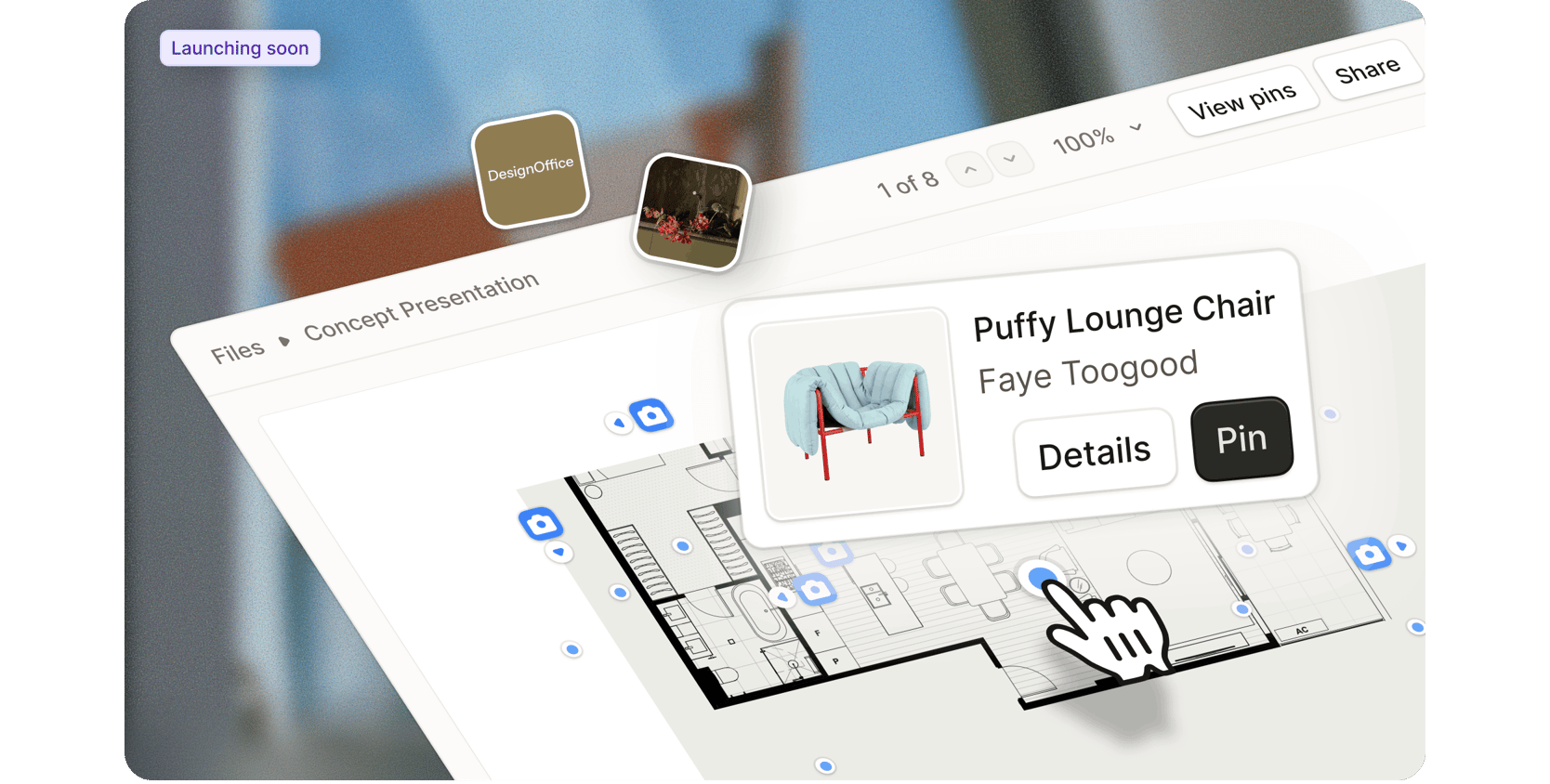
You’re sitting with a client, talking through their project. They point to something on the floor plan and ask for more detail. Instead of switching tabs or digging through your Schedules, you click where they pointed and see everything you need, from product specs to renders and elevations.
This is the future of presentations and it’s almost here.
Programa Presentations is where reference imagery, floor plans, renders, elevations, and Schedules come together into shareable files, connected to your project data. What used to live across disconnected tools and static pages now sits in one place, working within the project rather than alongside it.
More details coming soon as we move closer to release.
Regional availability expanded for New Invoicing & Programa Pay
We’re excited to share that our new invoicing and payments experience is now available in Canada, the United Kingdom and New Zealand.
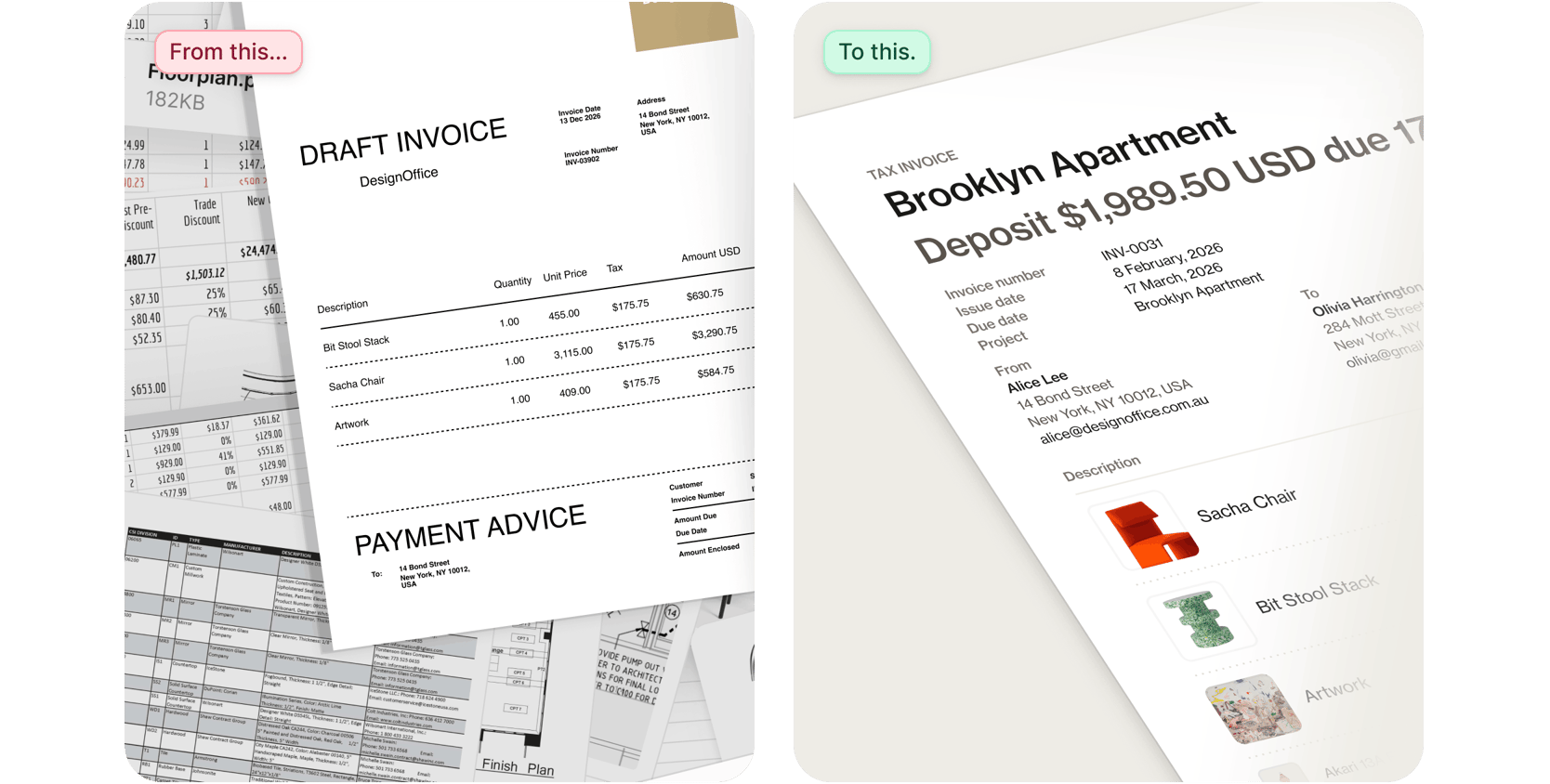
The new invoicing experience is fast enough to fit naturally into your workflow, flexible enough to match the way projects actually move, clear and polished enough to sit alongside the work it represents, and paired with a payments platform built to protect every transaction.
Invoicing setup looks different for every studio. If you're working through the setup and have questions, the Help Center offers step-by-step guidance. Our in-app live support chat is also available if something isn’t clear or your studio has specific requirements.
Log into Programa and navigate to Financials in the side navigation menu to access the new invoicing experience. New to Programa? Click here to start a 7-day free trial.
Accounts in other regions will continue to have full access to existing invoicing tools.
Client Dashboard refresh
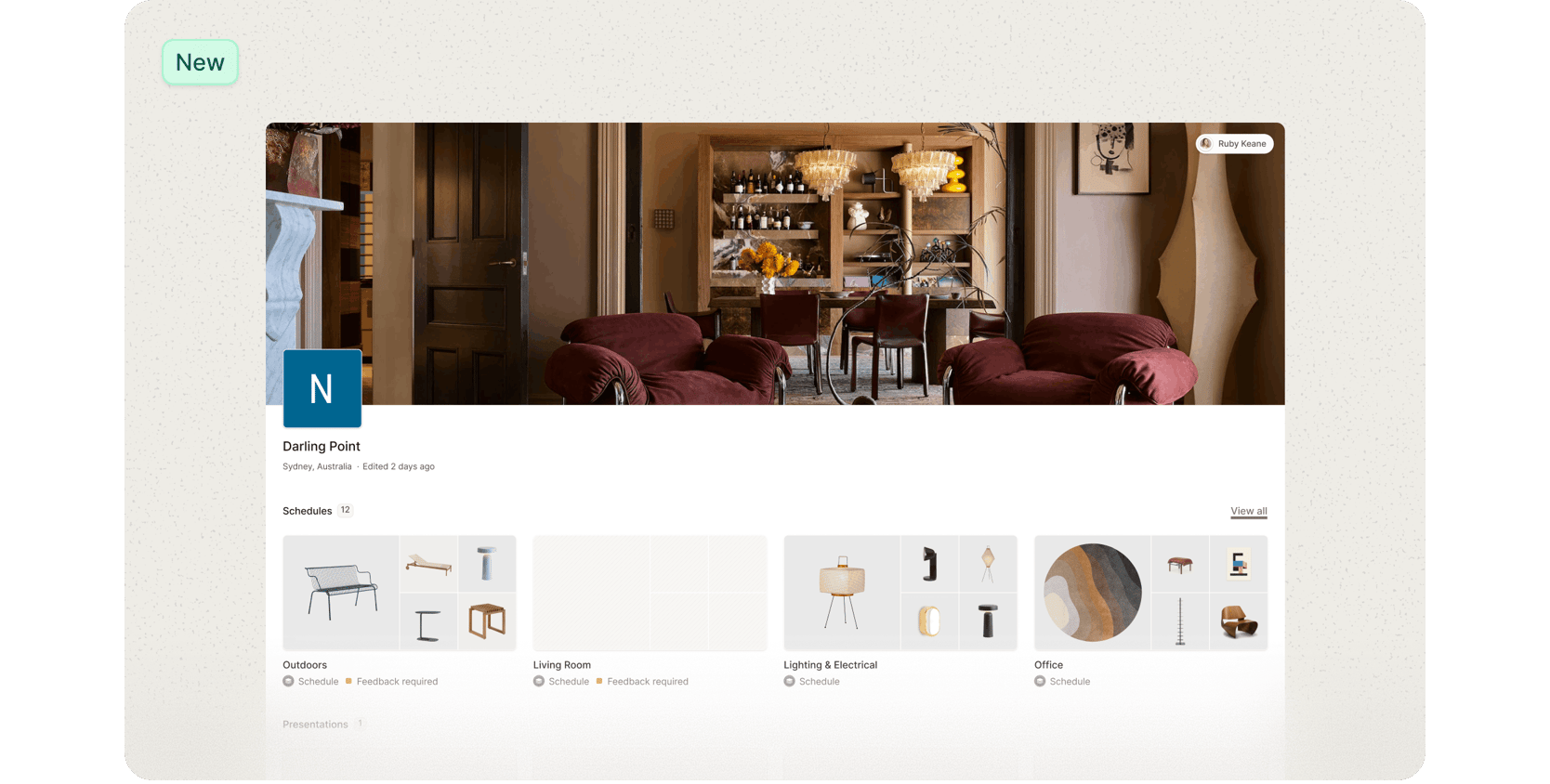
The refreshed Client Dashboard is now live, with an updated visual design, typography set, and color styling to give clients a polished experience.
We’ve also improved overall responsiveness, making the dashboard faster and smoother to navigate day to day.
Recently added features and functionality
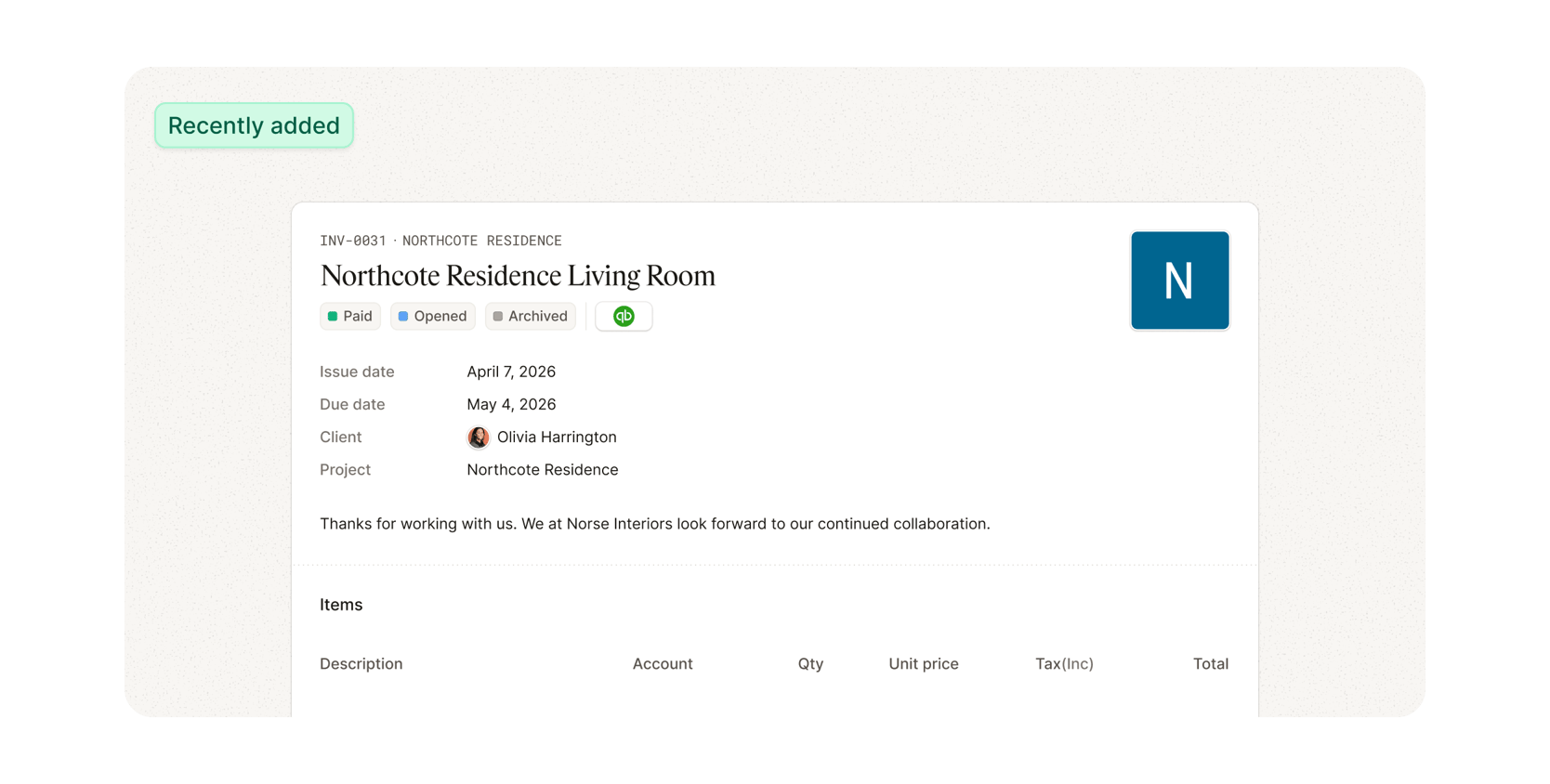
The latest updates to Invoicing
This update adds more control to the invoicing workflow, with several improvements shaped directly by feedback from studios already using new invoicing.
What’s new:
Duplicate invoices Copy any draft, sent, paid, or void invoice from the invoice list to quickly create a new version.
Email tracking See whether an invoice has been sent, delivered, opened, or bounced with real-time delivery status updates.
Custom line item descriptions Choose which product details appear in invoice line items when importing from a Schedule. Select from Product name, Description, Brand, SKU, and Color, then set the order they appear in Invoice Settings.
Accounting sync improvements Manually re-sync an invoice from the invoice page when a Xero or QuickBooks sync needs attention, without contacting support. A synced indicator confirms when the invoice has successfully pushed to your accounting system.
This release also includes multiple fixes across invoicing, accounting integrations, and PDF output, improving reliability across the workflow.