We think the reactions say it best ͏ ͏ ͏ ͏ ͏ ͏ ͏ ͏ ͏ ͏ ͏ ͏ ͏ ͏ ͏ ͏ ͏ ͏ ͏ ͏ ͏ ͏ ͏ ͏ ͏ ͏ ͏ ͏ ͏ ͏ ͏ ͏ ͏ ͏ ͏ ͏ ͏ ͏ ͏ ͏ ͏ ͏ ͏ ͏ ͏ ͏ ͏ ͏ ͏ ͏ ͏ ͏ ͏ ͏ ͏ ͏ ͏ ͏ ͏ ͏ ͏ ͏ ͏ ͏ ͏ ͏ ͏ ͏ ͏ ͏ ͏ ͏ ͏ ͏ ͏ ͏ ͏ ͏ ͏ ͏ ͏ ͏ ͏ ͏ ͏ ͏ ͏ ͏ ͏ ͏ ͏ ͏ ͏ ͏ ͏ ͏ ͏ ͏ ͏ ͏ ͏ ͏ ͏ ͏ ͏ ͏ ͏ ͏ ͏ ͏ ͏ ͏ ͏ ͏ ͏ ͏ ͏ ͏ ͏ ͏ ͏ ͏ ͏ ͏ ͏ ͏ ͏ ͏ ͏ ͏ ͏ ͏ ͏ ͏ ͏ ͏ ͏ ͏ ͏ ͏ ͏ ͏ ͏ ͏ ͏ ͏ ͏ ͏ ͏ ͏ ͏ ͏ ͏ ͏ ͏ ͏ ͏ ͏ ͏ ͏ ͏ ͏ ͏ ͏ ͏ ͏
|
Preview text
|
|
|
|
First look at the Programa x SketchUp Extension
|
|
Here's what designers have to say about our new SketchUp Extension.
|
|
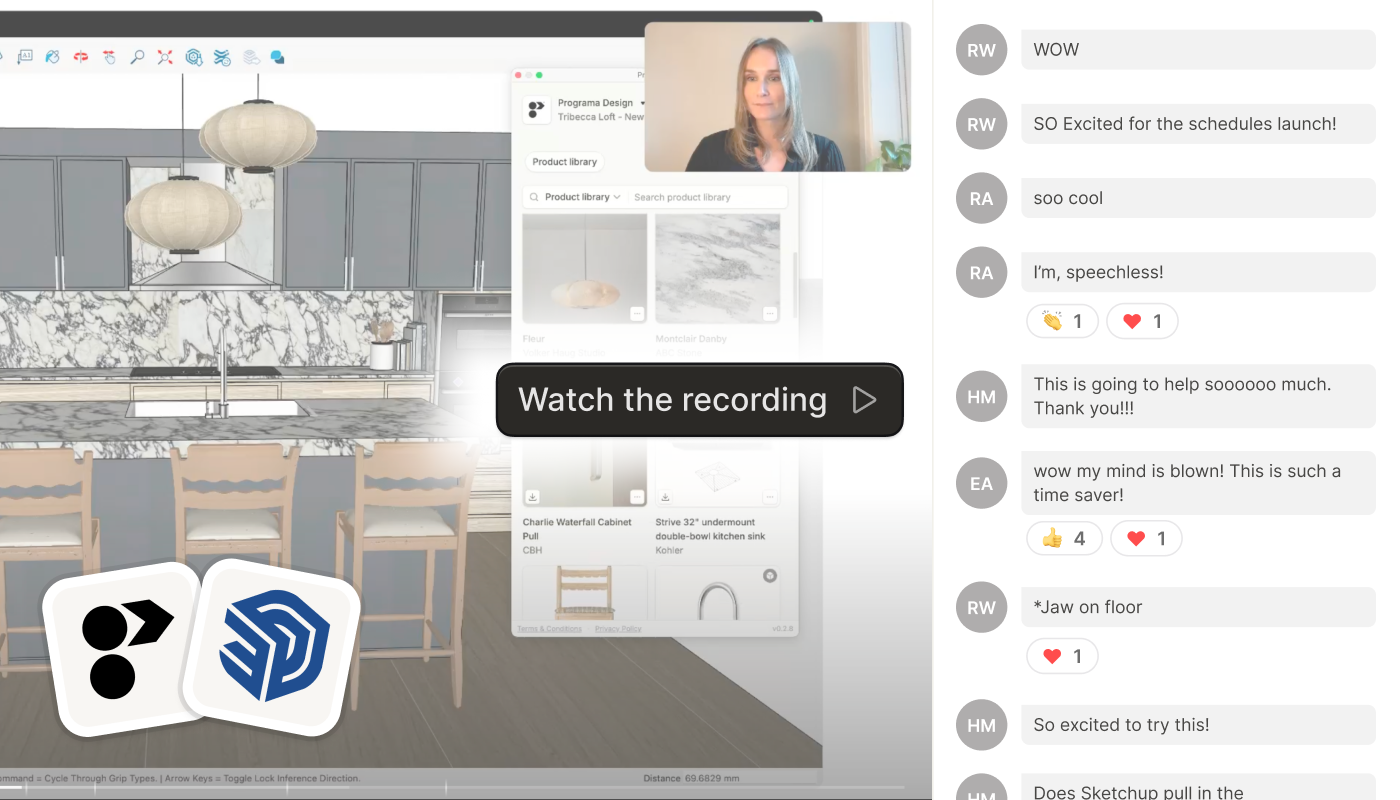
| Your Product Library and SketchUp, finally in one place | | We know how much time disappears into sourcing models and rebuilding finishes during the design phase. So we built the SketchUp Extension and demoed it live with our designer community, and the feedback speaks for itself. Here's a recap of what was covered, with the full recording at the end. |
| Download the extension | |
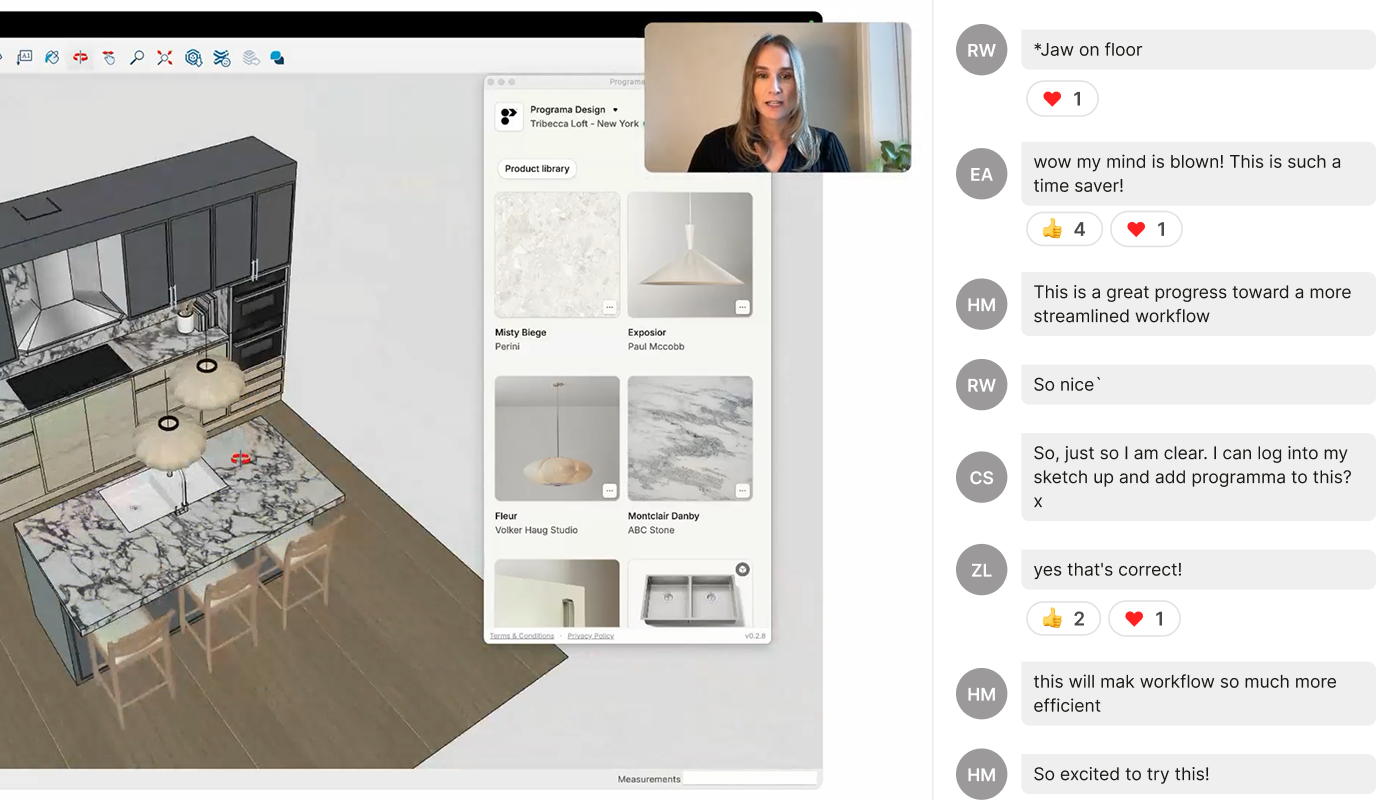
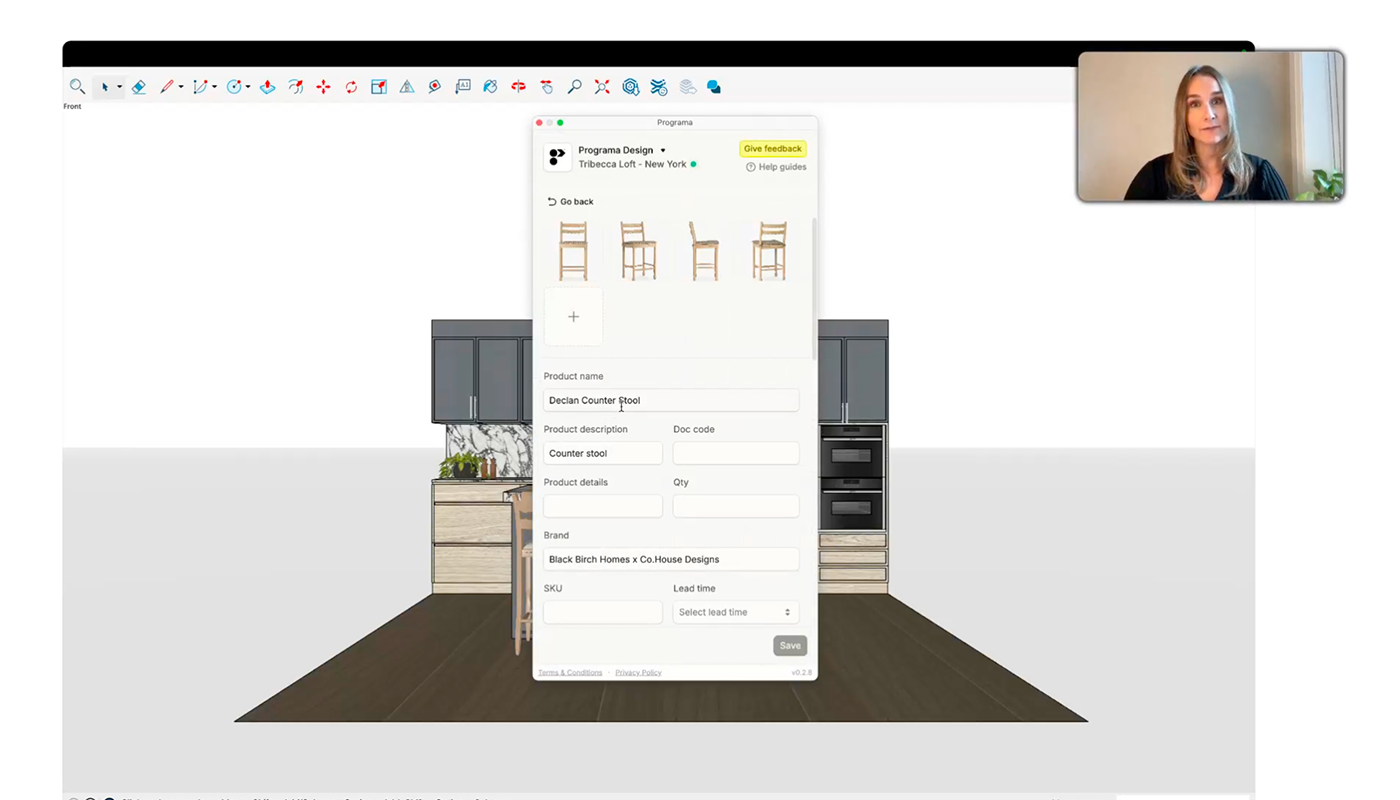
| Add products and materials without switching tabs | | Search your Product Library from inside SketchUp and drop specified products straight into your model as you design. If a product has no 3D file yet, the extension finds a match from the 3D Warehouse for you. Add your materials to the SketchUp materials panel in a couple of clicks, no more screenshotting and resizing swatches. |
|
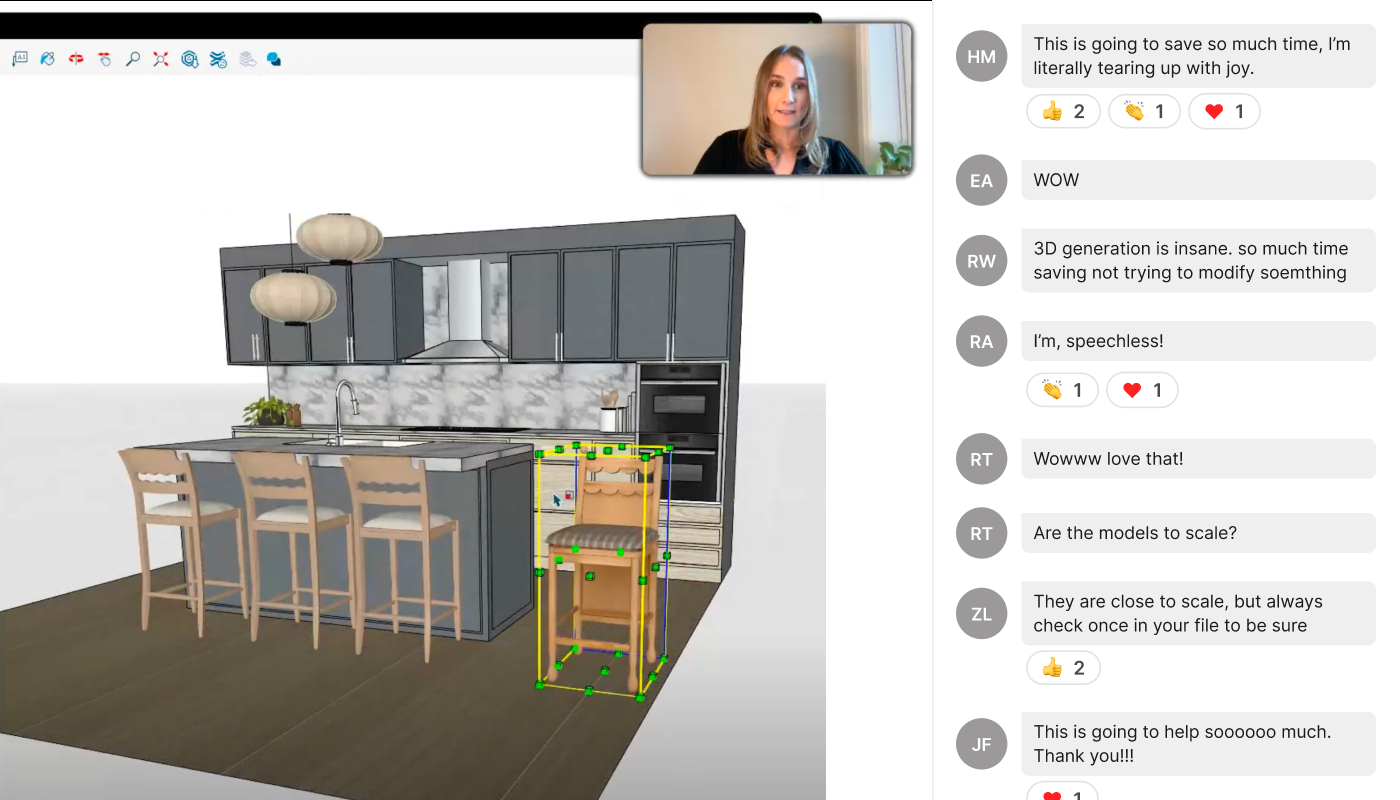
| Generate 3D models of your products inside SketchUp | | Can’t find a model close enough to your product? Create an accurate 3D model using SketchUp’s Generate Object tool instead of hunting one down or modifying something close enough. You can also upload the generated model to your Product Library in Programa to reuse it across projects. (Coming soon to the extension.) |
|
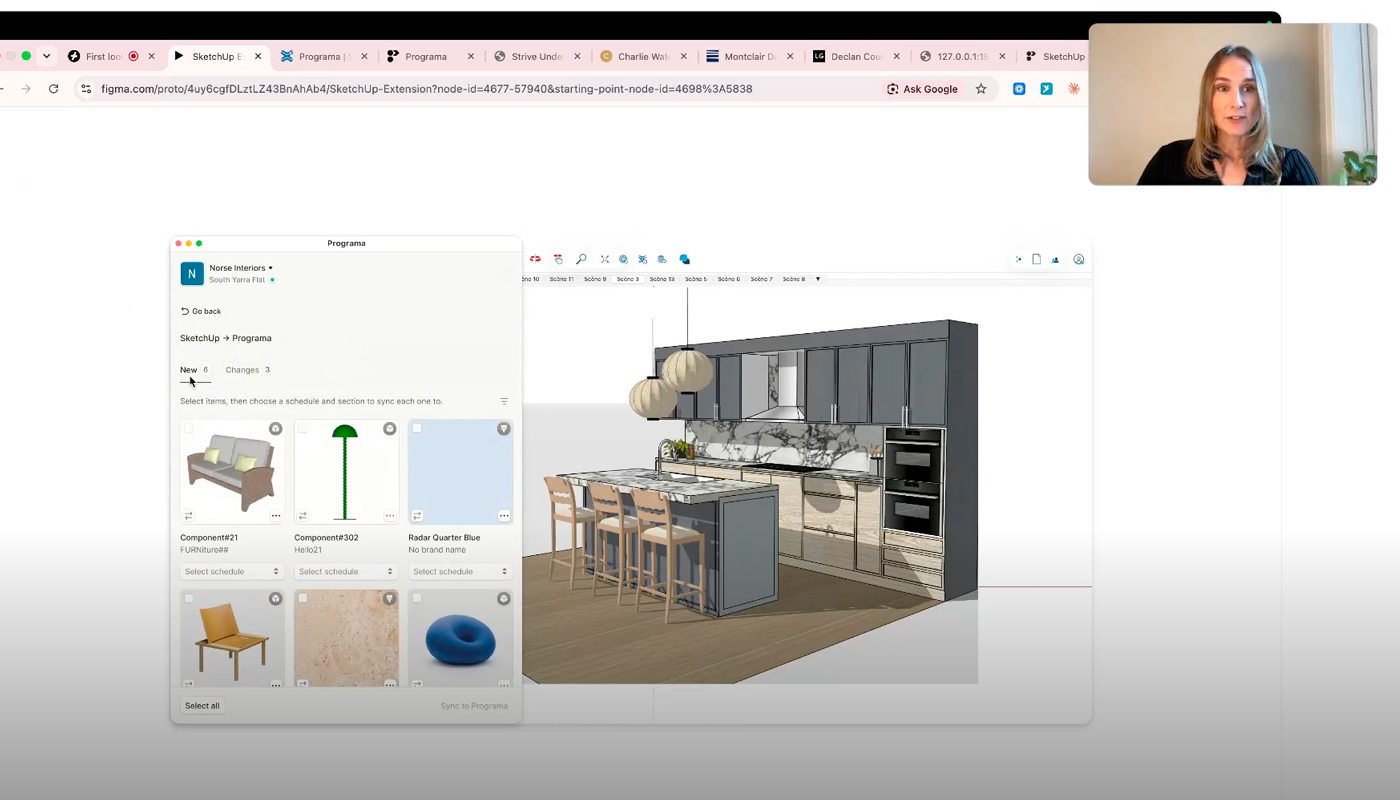
| Sync with Schedules | | We gave a sneak peek of the next update to the extension, Schedules 2-way sync. Connect a Schedule to your SketchUp project, place a product and it syncs to your Schedule, update your Schedule and the extension flags what's changed in your model. This feature is in final testing, and coming soon to the extension! |
|
| Build and connect your Product Library to SketchUp | | We covered how to connect your Product Library to SketchUp and three quick ways to fill it, including clipping products from any supplier site with the Web Clipper, bulk importing files, or adding items from an existing Schedule. Plus a how-to on uploading SketchUp model files to existing products in your Product Library. |
|
| Watch the full session | | We couldn’t fit it all here, catch the whole demo and Q&A below. |
| Watch the recording | |
|