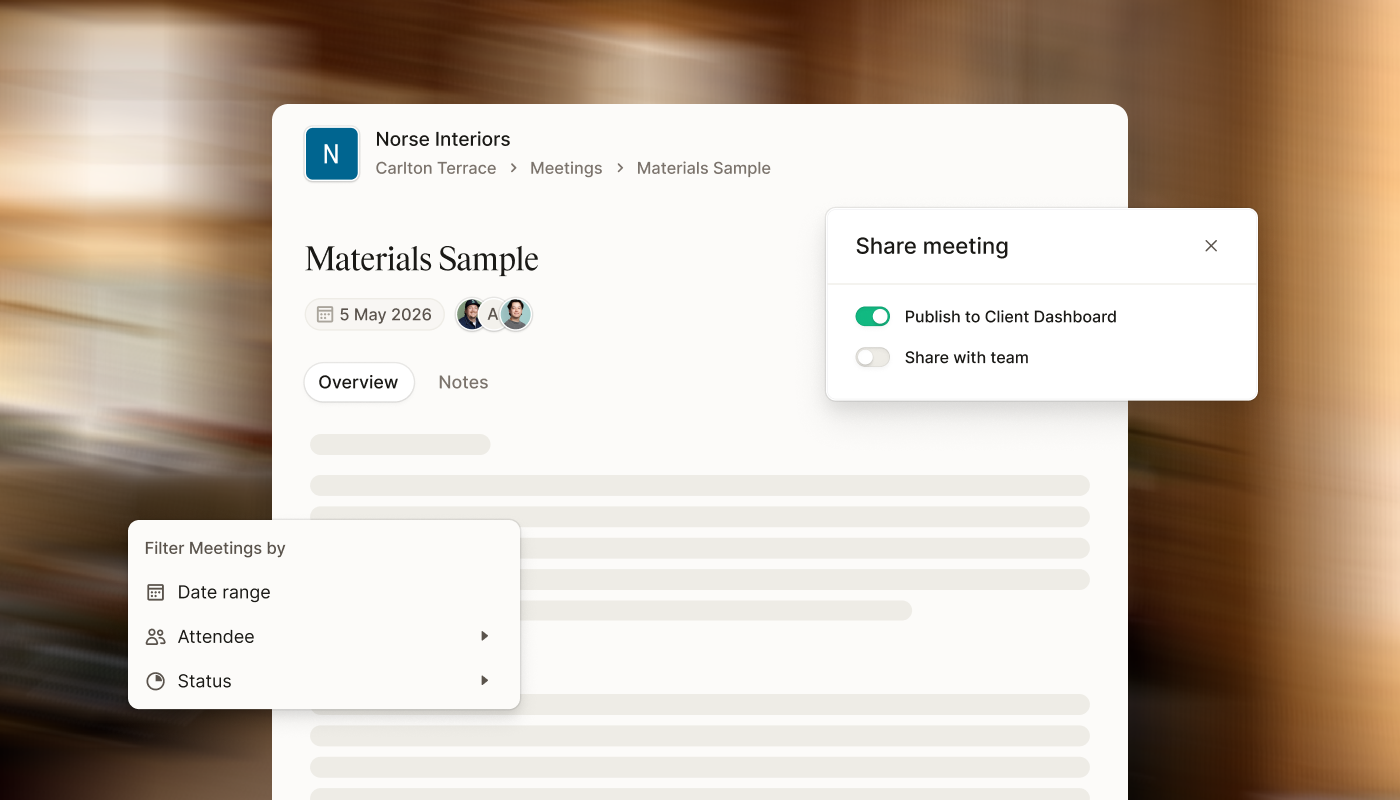
| No more copy and pasting your notes into an email – share Meeting Notes directly with clients and team members | Share with clients -> via the Client Dashboard or send a view-only web link. You control what's visible per recipient. Transcripts and audio recordings are never included. Revoke access any time.
Share with team members -> by assigning either ‘Can-edit’ or ‘Can-view’ permissions. Editors can update notes, add or remove attachments, and edit the overview. Viewers see everything read-only, including the transcript. Only the meeting owner can delete the meeting, manage the recording, or change who has access. |
| Open a project | |
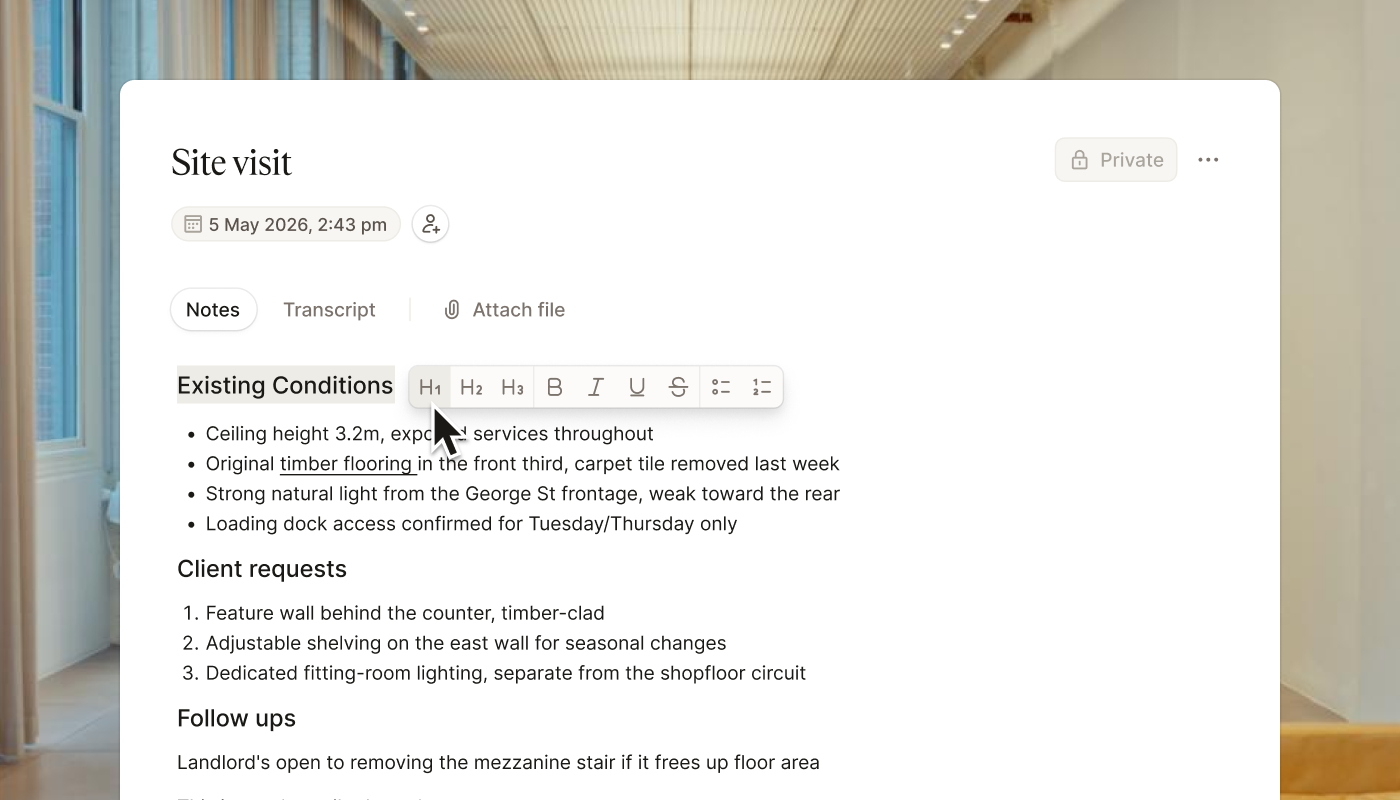
| Structure your notes as you type, so nothing gets lost between a site visit and a fitout brief | | Meeting Notes now also supports rich text formatting, including headings, bold, italic, underline, and strikethrough, plus bulleted and numbered lists. |
|
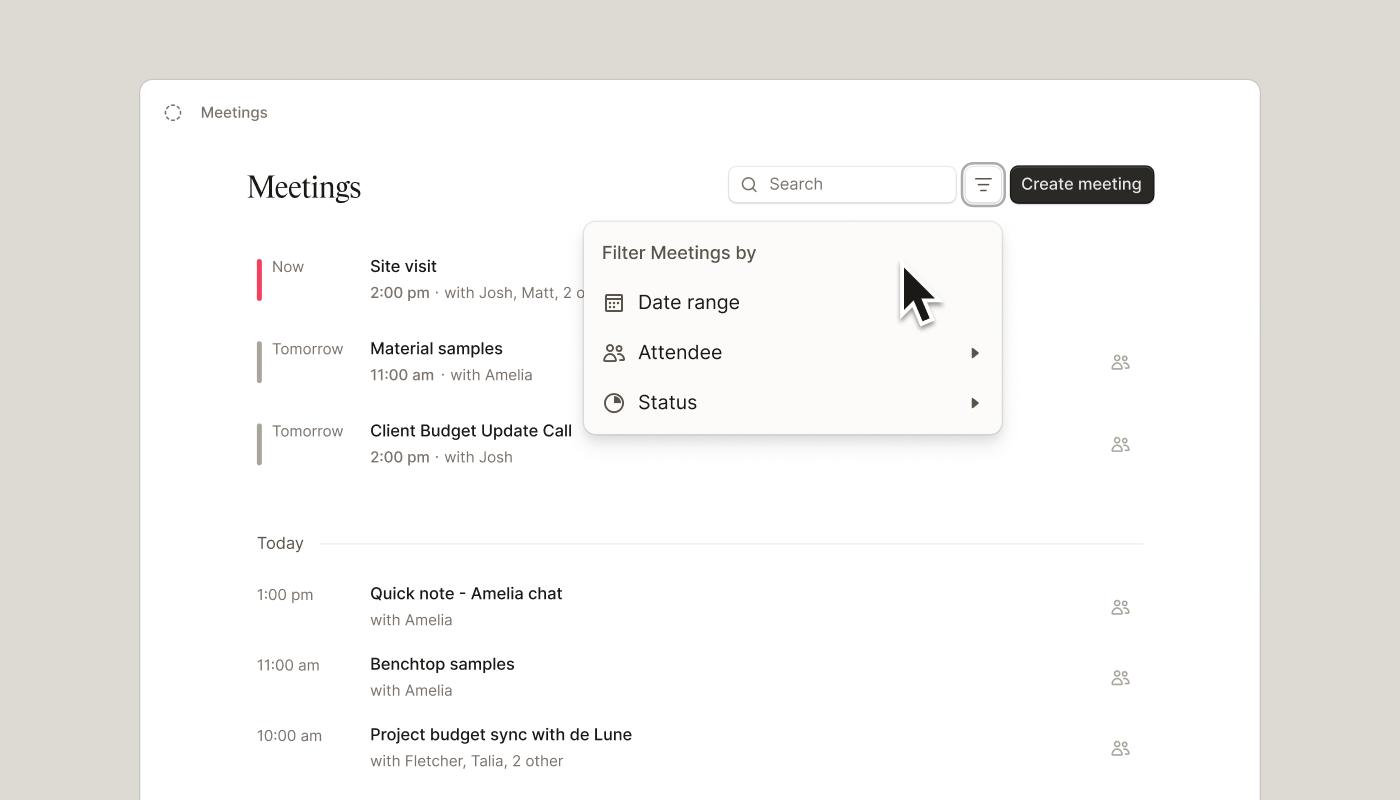
| Save time scrolling through old notes with Meeting list filtering | | Can't remember which meeting the client asked about that budget change? Find any meeting fast – filter by date, attendee, or status – and jump straight to it. |
| Open a project | |
|