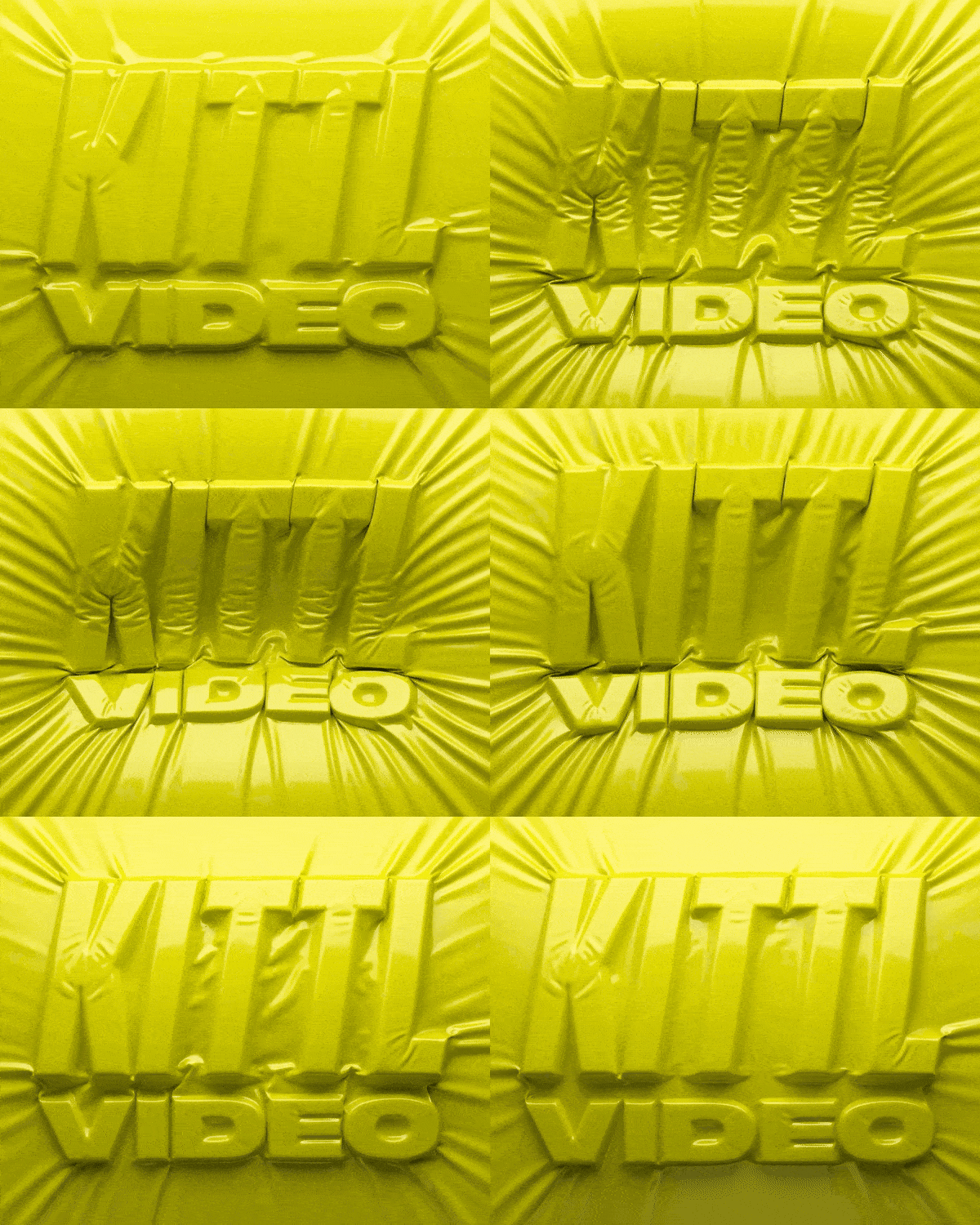
A step-by-step walkthrough: idea → design → mockup → animation. ͏ ͏ ͏ ͏ ͏ ͏ ͏ ͏ ͏ ͏ ͏ ͏ ͏ ͏ ͏ ͏ ͏ ͏ ͏ ͏ ͏ ͏ ͏ ͏ ͏ ͏ ͏ ͏ ͏ ͏ ͏ ͏ ͏ ͏ ͏ ͏ ͏ ͏ ͏ ͏ ͏ ͏ ͏ ͏ ͏ ͏ ͏ ͏ ͏ ͏
From idea to animation, all inside Kittl |
From idea to animation, all inside Kittl |
|
|
Hi Andy King, Kittl Video is live and it’s not just “adding motion”.
It’s a complete workflow: take a rough idea to a finished animated asset without leaving Kittl and having full creative control.
We recorded a 25-minute walkthrough that shows the full loop: idea → design → mockup → animation. |
|
|
What you’ll learn (step by step): -
Idea → design. Turn a rough idea into a polished design using AI.
- Design → mockup. Drop your design into one of our hundreds of mockups.
-
Mockup → motion (right on your canvas). Generate animation, explore a few variations, and keep the one that fits your vision.
Bonus: Unsure where to start? Browse our video templates to jump-start your first project. Kittl team
PS: What would you like to learn next? Reply it in one line, we’ll build the next tutorial from the most common requests. |
|
|
Kittl Technologies GmbH, Saarbrücker Straße 37, 10405 Berlin, Germany |
|
|
|