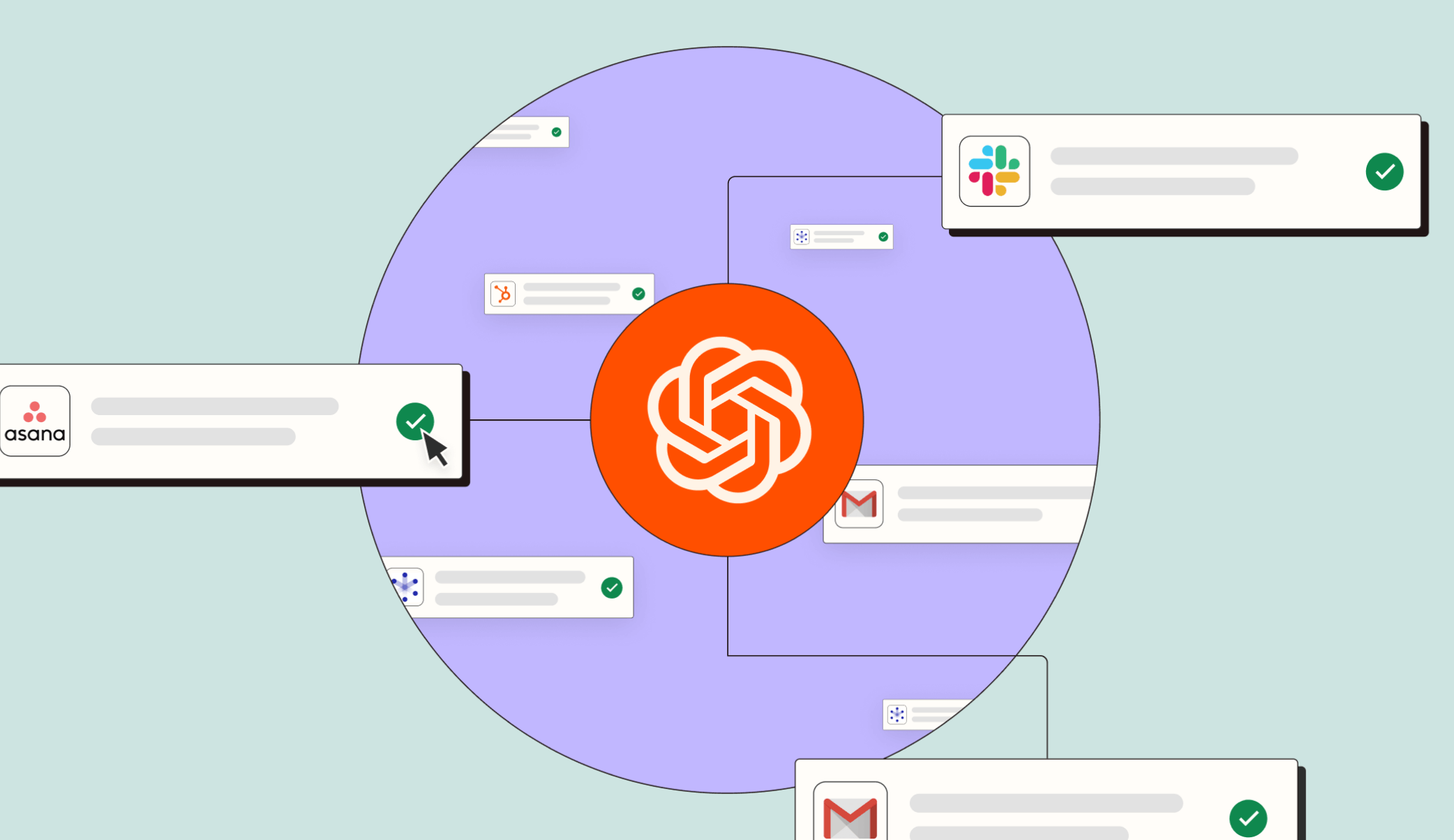
Combining AI and automation is easier than you think.
͏‌ ͏‌ ͏‌ ͏‌ ͏‌ ͏‌ ͏‌ ͏‌ ͏‌ ͏‌ ͏‌ ͏‌ ͏‌ ͏‌ ͏‌ ͏‌ ͏‌ ͏‌ ͏‌ ͏‌ ͏‌ ͏‌ ͏‌ ͏‌ ͏‌ ͏‌ ͏‌ ͏‌ ͏‌ ͏‌ ͏‌ ͏‌ ͏‌ ͏‌ ͏‌ ͏‌ ͏‌ ͏‌ ͏‌ ͏‌ ͏‌ ͏‌ ͏‌ ͏‌ ͏‌ ͏‌ ͏‌ ͏‌ ͏‌ ͏‌ ͏‌ ͏‌ ͏‌ ͏‌ ͏‌ ͏‌ ͏‌ ͏‌ ͏‌ ͏‌ ͏‌ ͏‌ ͏‌ ͏‌ ͏‌ ͏‌ ͏‌ ͏‌ ͏‌ ͏‌ ͏‌ ͏‌ ͏‌ ͏‌ ͏‌ ͏‌ ͏‌ ͏‌ ͏‌ ͏‌ ͏‌ ͏‌ ͏‌ ͏‌ ͏‌ ͏‌ ͏‌ ͏‌ ͏‌ ͏‌ ͏‌ ͏‌ ͏‌ ͏‌ ͏‌ ͏‌ ͏‌ ͏‌ ͏‌ ͏‌ ͏‌ ͏‌ ͏‌ ͏‌ ͏‌ ͏‌ ͏‌ ͏‌ ͏‌ ͏‌ ͏‌ ͏‌ ͏‌ ͏‌ ͏‌ ͏‌ ͏‌ 
Zapier
Log in
How to add AI to your Zapier workflows
Unless you've just returned from a long tech hiatus, you've probably tried out an AI tool by now. You might even be thinking of ways AI can help you do your job better.

Good news—Zapier makes it easy to connect AI tools to the rest of your tech stack. These workflows might look a little different though, as they usually involve setting up a three‑step Zap.
Add AI in three simple steps
"Zapier has allowed our business intelligence team of three to execute as if we had three times the staff."
Robby Tal, Head of Business Intelligence at Vocal
Got a question? Send us a message
© 2025 Zapier, Inc. All rights reserved.
548 Market St #62411, San Francisco, CA 94104-5401
You received this email because you're subscribed to Zapier Content & Resources.
Want to unsubscribe or change which emails your receive?
Update your email preferences
Privacy policy  |  Contact us