Zight Updates [December Edition] |
|
|
Zight’s December update is packed with new features to help you communicate faster, share smarter, and protect sensitive info with confidence.
From powerful video tools and blur options to smarter AI summaries and integrations, here’s what’s available now, and what’s launching soon. |
New Feature Announcements 📢 |
|
|
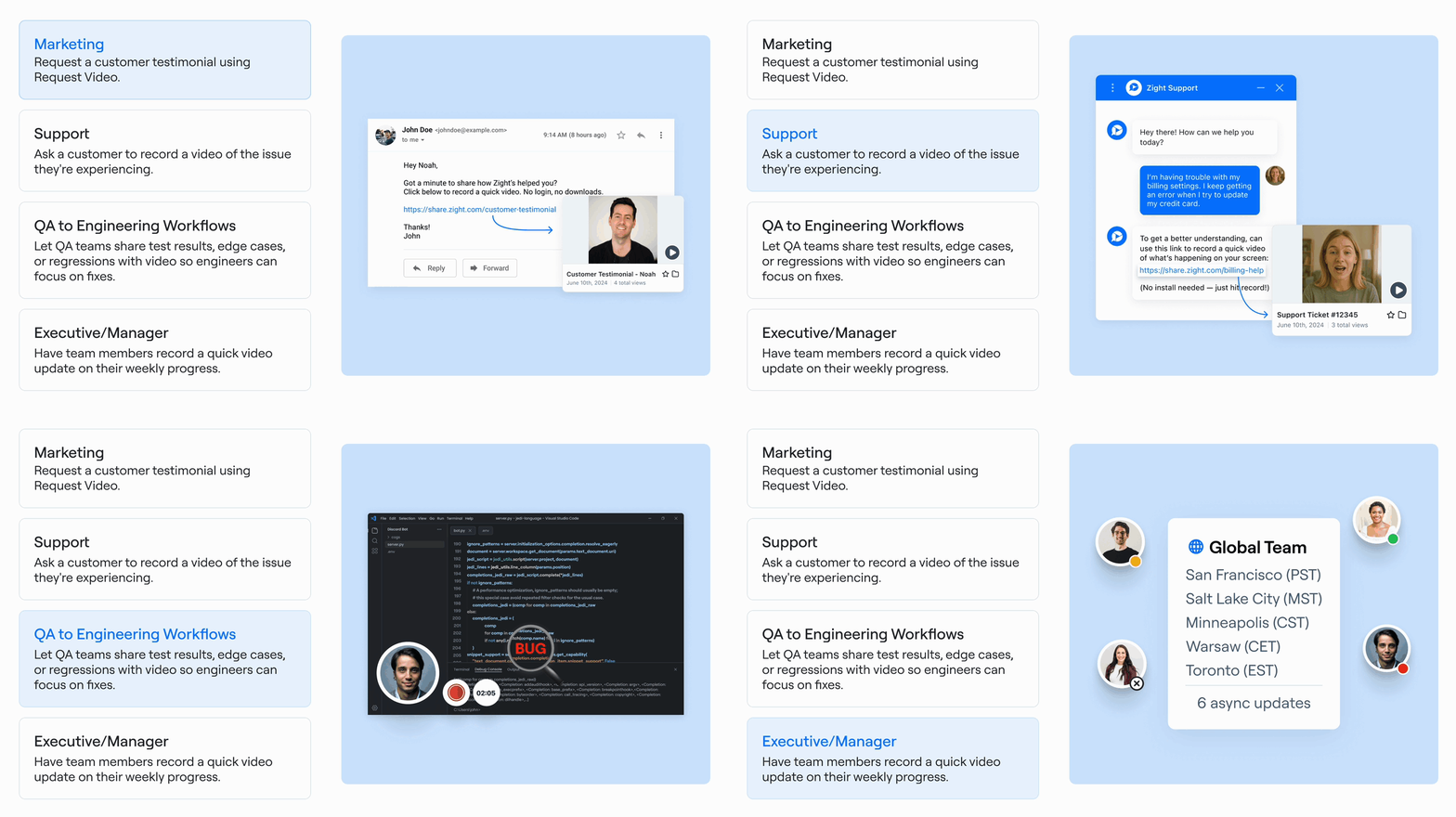
Request videos from customers (now on Mac + Chrome) Let customers show you, not just tell you.
Request video is now available in Zight for Mac and Chrome, making it easier to gather visual context for bugs, feedback, onboarding, and more. Now with full support for Data Logs and AI summaries, it’s never been easier to close tickets faster.
|
|
|
Scrolling Screenshots: Now on Windows too Capture full-page content, instantly.
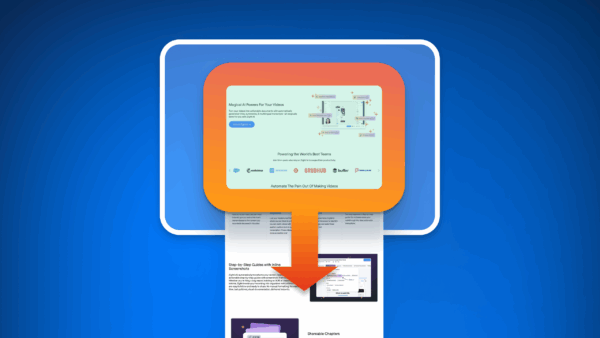
Scrolling Screenshots are now available on both Mac and Windows, great for capturing web pages, dashboards, and conversations in one clean snap.
|
|
|
Intercom integration now live
Bring clarity into every customer conversation without switching tools.
Zight now integrates directly with Intercom, allowing support teams to request videos and data logs from users right inside ongoing conversations.
It’s the fastest way to get visual context, reduce back-and-forth, and resolve issues with confidence.
✅ Ideal for bug reports, troubleshooting, onboarding, and feedback
✅ No switching tabs, all in your existing workflow
✅ Just one click to request a video or log from your customer |
|
|
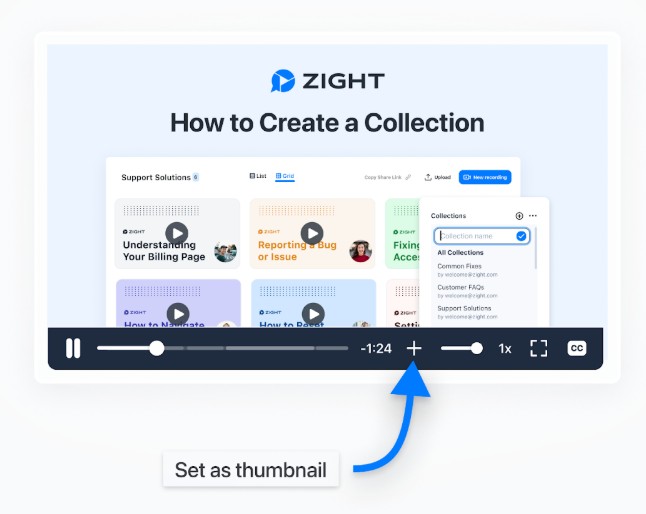
Video thumbnails for every share
Choose the perfect first impression.
You can now set a custom thumbnail for your Zight videos. Just scroll to any moment in your recording, like you would on YouTube, and select the frame you want as the thumbnail.
It’s an easy way to add context, professionalism, or personality to your shared links. |
|
|
More flexible, more stable. The latest Chrome extension now includes: - Movable webcam
- Stability improvements
-
Request Video in the menu
- Improved reliability for error tracking
These enhancements help you create and share videos with more ease and confidence, right from your browser |
|
|
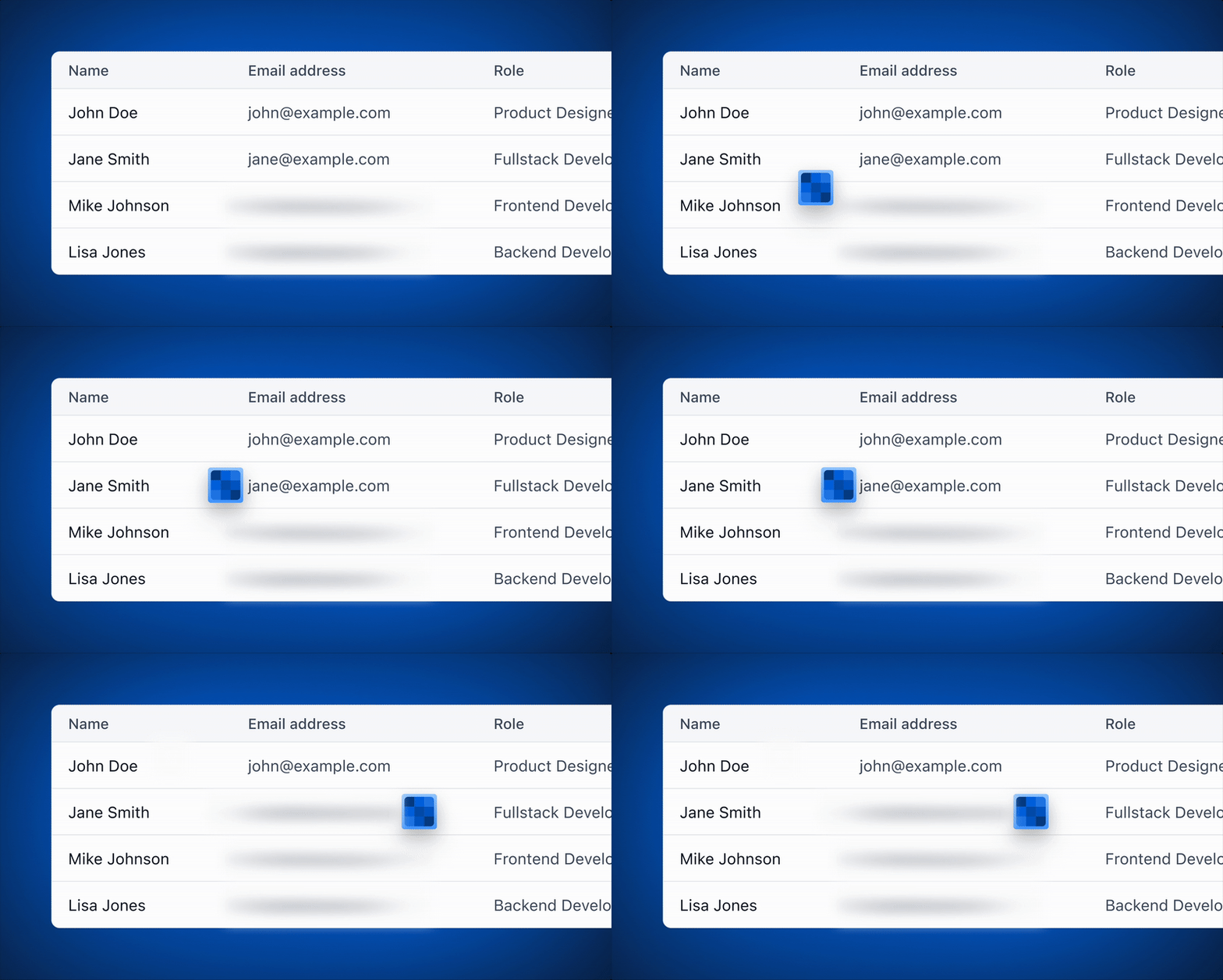
Protect personal data in just one click. Zight will soon let you blur sensitive information like emails, addresses, or account numbers before you hit record.
Whether you’re sharing a walkthrough, troubleshooting, or demoing a product, you’ll be able to:
-
Manually blur anything on your screen (text, images, etc.)
- Automatically detect and hide PII like emails, phone numbers, and credit card numbers
- Keep blur effects active across pages while recording
🔒 A smarter, safer way to share...coming soon! |
|
|
One-click meeting recordings (Mac) |
Capture meetings automatically, no clicks needed.
In early 2026, Zight will be able to detect when you're in a meeting and automatically start recording.
In addition, we are also adding Meeting Prompt Analytics, so you’ll see how often recordings are triggered, and how useful they really are.
We’re excited to bring a simpler, smarter way to record video meetings - no setup, no extra tools, just Zight doing the work for you. |
Request Videos: mobile support |
Collect visual feedback anytime, anywhere. Soon you’ll be able to request videos from customers and teammates, directly from mobile. Perfect for support on the go or quick async updates. |
More Integrations, more ways to work |
We’re expanding our integrations library! Soon you’ll be able to connect Zight with tools like Freshdesk, Linear, Google Workspace, and more, making it even easier to share context where your team already works. |
A big leap forward for Windows users.
The first version of Zight for Windows with System Audio Recording and Request Video is currently in QA and launching early Q1. |
|
|
🎉 That’s a wrap on 2025, thanks for creating, sharing, and growing with us this year. We’ve got even more magic coming your way in 2026.
The Zight Team |
|
|
Capture and Share Instantly |
Copyright © 2025 Zight. All rights reserved.
548 Market Street, San Francisco, CA 94104
Privacy Policy
|
|
|
|