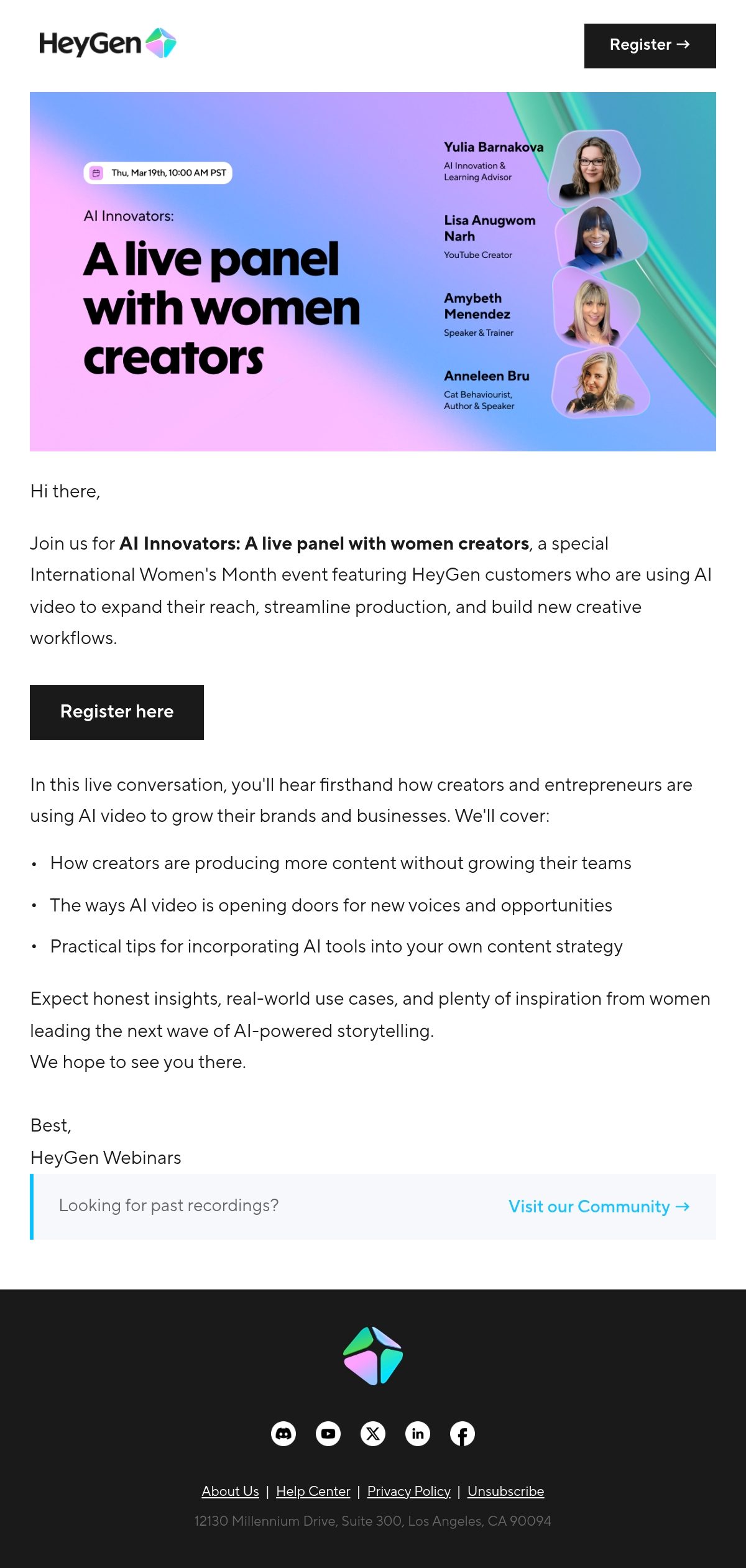
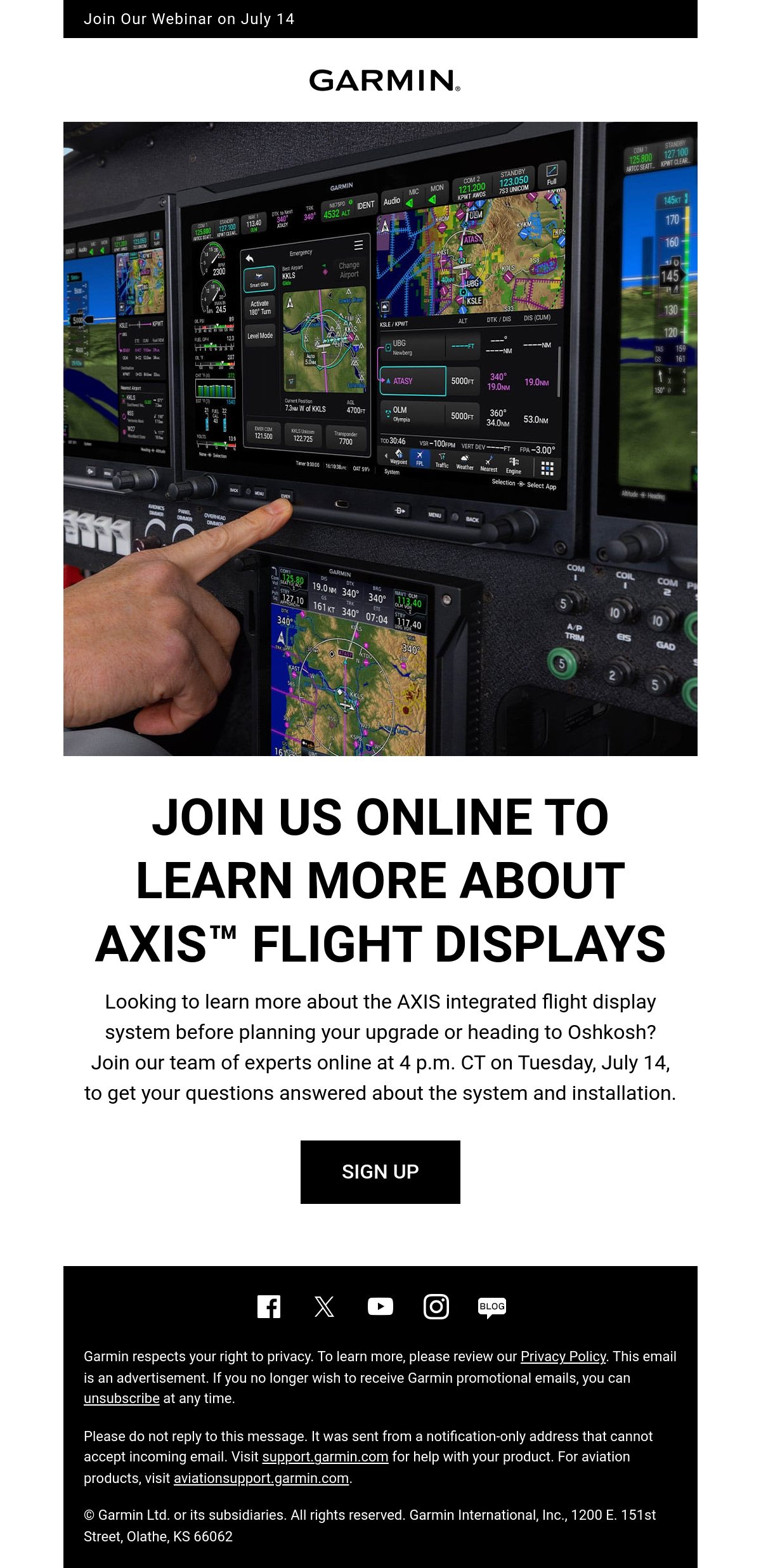
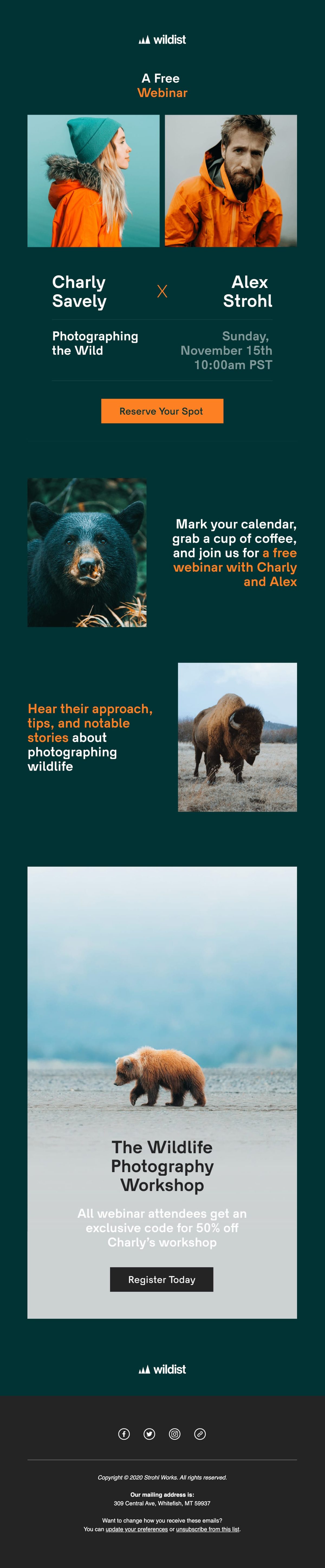
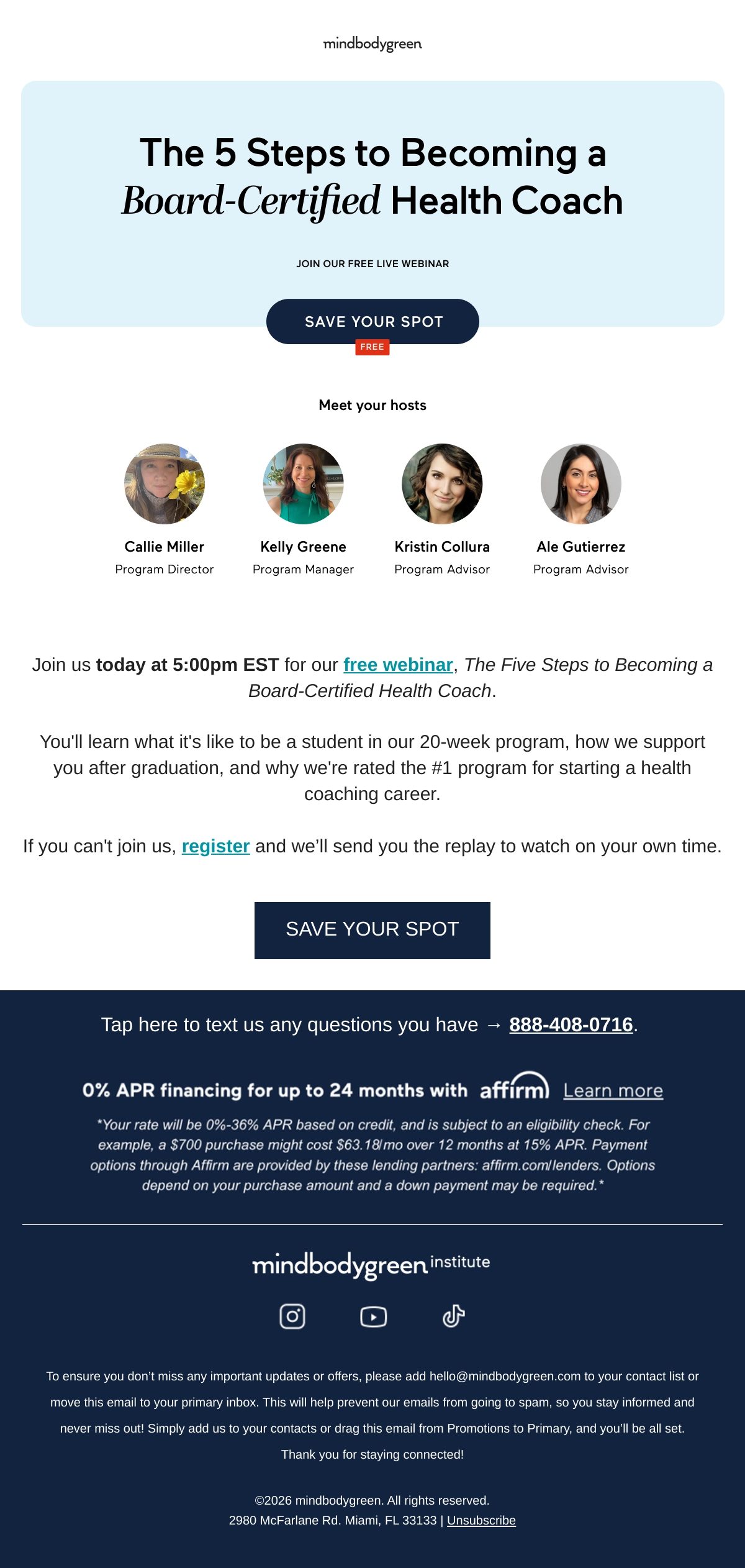
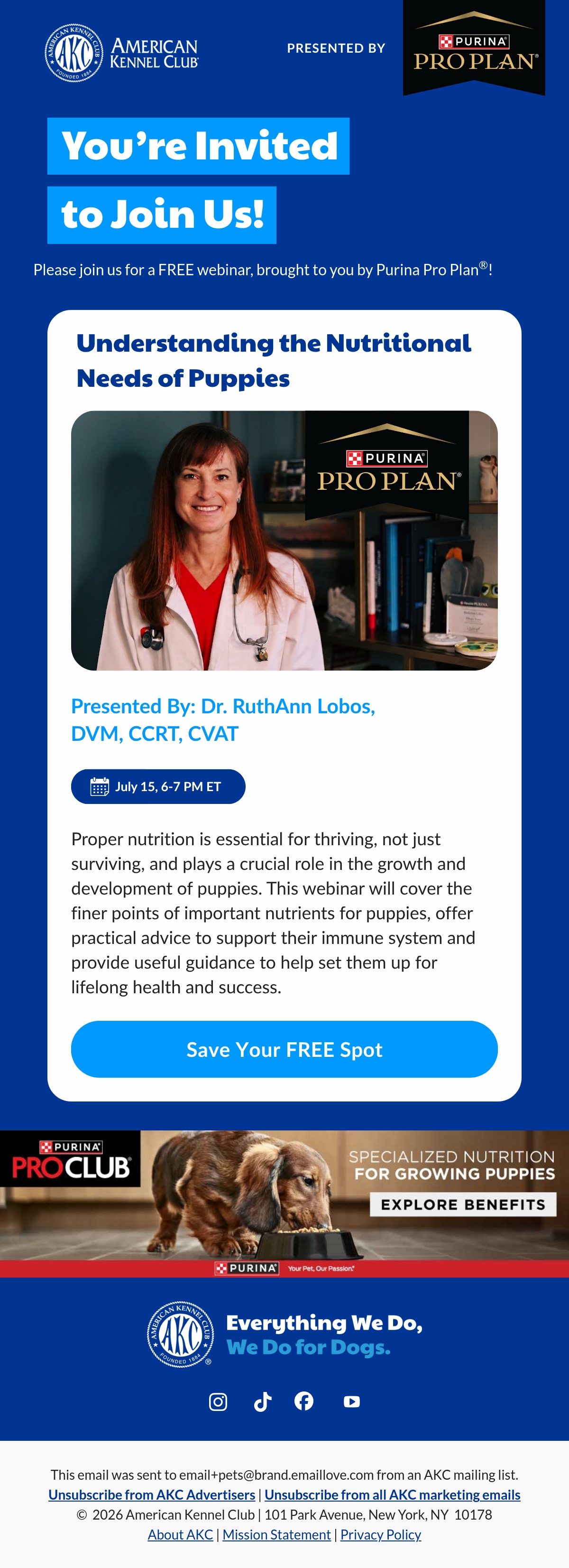
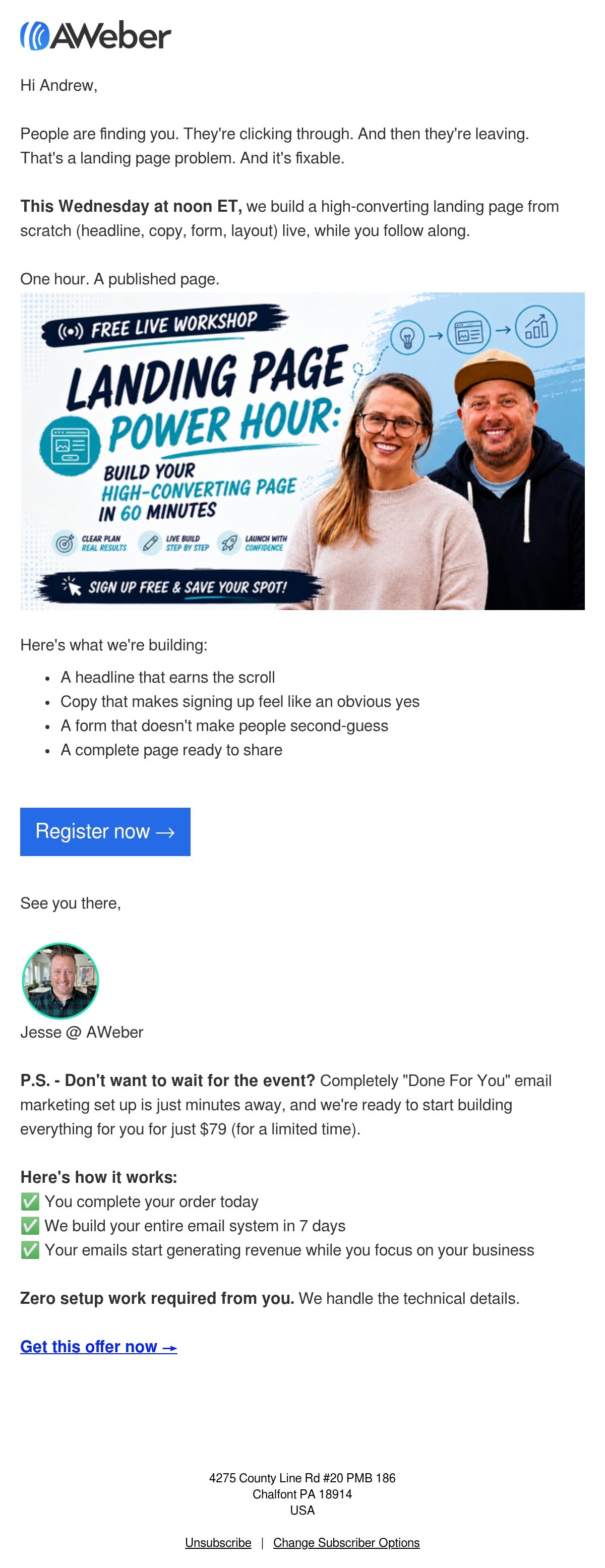
Webinar emails carry an event from announcement to replay: the invite that earns the registration, the reminders that drive actual attendance, and the follow-up that delivers the recording. The best ones answer what, why, and when above the fold and treat the day-before reminder as a first-class design, because that is the send that fills the room.

Webinar emails carry an event across its whole arc: the invite that earns a registration, the reminders that turn registrations into attendance, and the follow-up that delivers the recording to everyone else. This hub collects the sends software and education brands use to fill virtual rooms.
The strongest invites in the grid answer what, why, and when above the fold, use speakers as proof rather than the headline, and reduce registration to one tap. The unsung heroes are the reminders: the day-before and hour-before sends drive a huge share of actual attendance, and the best programs design them as carefully as the invite.
The follow-up is where value gets captured: recording for no-shows, resources for attendees, one next step for both. See the surrounding patterns in event emails and B2B emails.
Ranked by real reader views on Email Love over the last 90 days.
Pulled verbatim from sends in this collection. Every line links to the actual email it opened.
What the sends in this collection actually do, measured from our own archive.
Subject stats from 175 curated emails in this collection; GIF and word stats from the 146 analyzed sends.
The topic as a benefit, the date and time with timezone, the speakers as supporting proof, and one registration CTA the reader can act on in a tap. Agenda detail belongs behind the click; the invite's job is a fast yes.
Two is the working standard: one the day before and one an hour or two before start, join link first in both. Reminders routinely account for a large share of live attendance, so they deserve real design attention.
The recording for people who missed it, the slides or resources for those who came, and one next step matched to interest, such as a demo or the next session. Sending it within 24 hours roughly doubles its engagement.
Two to three weeks out for most audiences: an announcement, a value-focused second send, and a final-days push. Shorter runways work for existing engaged lists; longer mostly adds no-shows.
Designing your webinar email?
Design it in Figma and export production-ready HTML straight to your ESP with the Email Love plugin. Build it in Figma →