On this page · 8 min read
You know that moment when your designer hands you a gorgeous Figma file and says, “Here’s the new welcome series”?
For about three seconds, you feel great. The designs are beautiful. The brand looks sharp. Everything’s pixel-perfect.
Then you remember: you’re a marketer, not a designer. You don’t live in Figma. And even if you did, you’d still need to somehow get this design into a format you can actually edit, personalize, and send.
This is the handoff problem. And it’s been breaking email workflows for years.
The Real Gap We Kept Hearing About
Over the past two years, we’ve talked to hundreds of email teams using the Email Love Figma Plugin. Enterprise brands, mid-market companies, agencies. And a pattern kept emerging.
The plugin was working great for design teams. Designers love it. They’re already in Figma, they understand components, they can build and export beautiful, production-ready emails.
But the marketing teams? Different story.
Marketers don’t live in Figma. They use it to leave comments and feedback, sure. But when it comes to actually building emails (swapping images, editing copy, creating variations for different segments) they want a drag-and-drop builder. Something visual. Something where they can’t accidentally break the code.
We kept hearing the same request: “We love that our designers can create emails in Figma. But we need a way to edit them ourselves without going back to the design team every time.”
Some ESPs offer this. Our Marketo integration, for example, lets you edit your email directly inside Marketo after export. We built Klaviyo support too, but Klaviyo’s editor tends to mangle the HTML. The clean code goes in, something else comes out.
Most ESPs? They either don’t have a real builder, or the builder is so limited it defeats the purpose of starting with a custom design.
So we built something new.
Introducing Email Love Builder
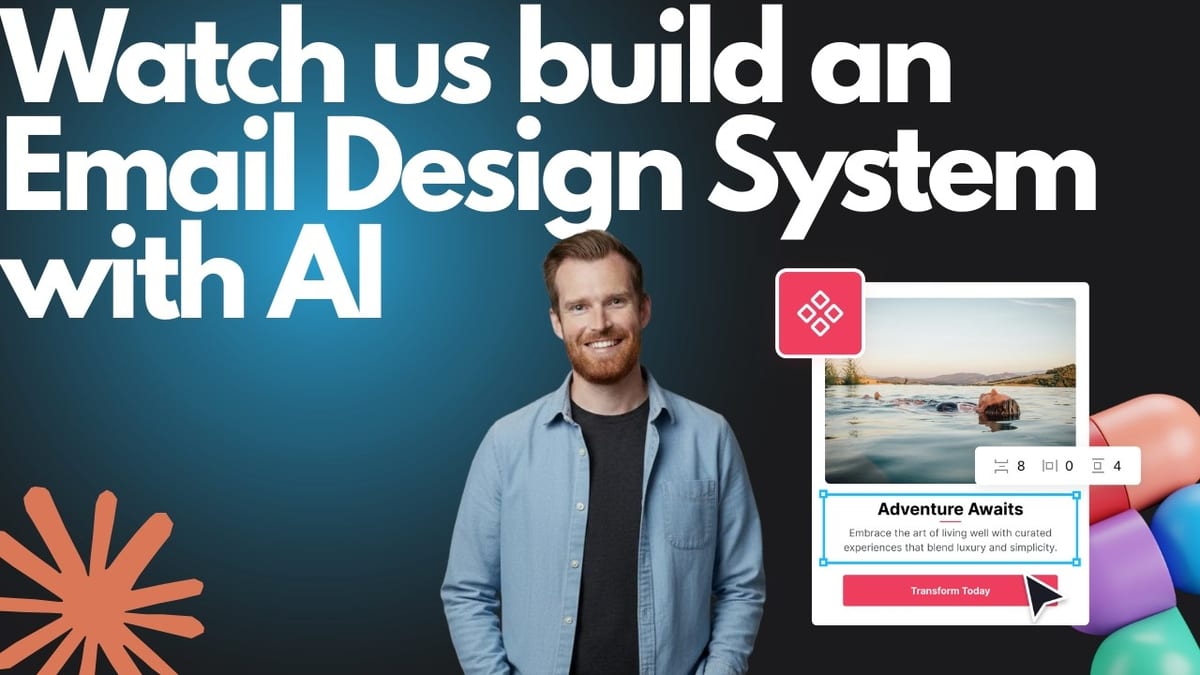
Email Love Builder is where marketing teams build emails using the design system their designers created in Figma.

Here’s the idea: Designers control the brand. Marketers build the emails.
Your design team works in Figma, where they’re most productive. They create components using the Email Love Figma Plugin: headers, footers, CTAs, content blocks, full templates. Everything structured, on-brand, production-ready.
Then they sync that design system to Email Love Builder.
Now your marketing team has a drag-and-drop builder populated with real components. Not generic blocks. Not “kind of looks like the brand” approximations. The actual designs your team created, ready to assemble into emails.
Marketers can swap images, edit copy, build new emails from templates. All without touching Figma, without writing code, and without any risk of breaking the brand. The components are locked. The fonts are locked. The colors are locked. They can build freely within the system designers created.
Designers stay in control. Marketers move fast. Nobody’s waiting on anybody.
How It Actually Works
Designers create the system in Figma. Using the Email Love Figma Plugin, your design team builds components and templates. Headers, footers, buttons, content blocks, whatever your brand needs. They save these as a design system inside the plugin.
Sync the design system to Email Love Builder. When the design system is ready, designers push it to Email Love Builder. Components show up exactly as designed. No rebuilding inside a proprietary module system. No “translating” into someone else’s block format.
Marketers build emails in Email Love Builder. Your marketing team opens Email Love Builder and sees a library of on-brand components and templates. They drag, drop, edit copy, swap images, and build emails visually. The design system guardrails keep everything on-brand automatically.
Push directly to your ESP. Email Love Builder integrates with Braze and Iterable at launch, with more ESPs coming. When the email’s ready, it goes straight to your sending platform. Production-ready, responsive, tested.
When the brand evolves, sync the update once. Here’s where the maintenance headache disappears. Your design team updates a component in Figma: new button style, refreshed header, updated footer. They sync that change to Email Love Builder, and every email using that component inherits the update. No hunting through 50 templates. No manual find-and-replace. One sync, global update.
Why This Is Different
The enterprise email platforms (the “governed creation” tools, the modular builders) promise to solve this same problem. Designers design, marketers build. But here’s what actually happens:
The translation layer. These tools don’t use your Figma designs. They ask designers to rebuild everything inside their proprietary system: their “blueprints,” their “blocks,” their “themes.” Your designer hands over their vision, and it gets spliced into a module system with its own constraints. That’s not Figma integration. That’s Figma abandonment.
The snapshot problem. When you do sync a design, you’re syncing individual emails. One-time transfers that immediately disconnect. Update the design? Re-sync that specific email. Update a component used in 50 emails? Re-sync 50 times. Manually.
The “good enough” trap. Marketers end up with a builder that looks like it has their brand, but doesn’t actually match what the design team created. Close enough, but not quite right. Over time, the gap widens. Design Drift sets in.
Email Love Builder works differently.
Your design system syncs from Figma, not individual emails. The components marketers use in Email Love Builder are the actual designs, not rebuilt approximations. And when designers update and sync a component, that change flows to every email using it.
Designers never leave Figma. Marketers never touch code. And the brand stays consistent across every email, automatically.
How This Connects to the Figma Plugin
First, let’s be clear: the Email Love Figma Plugin isn’t going anywhere.
If your team operates in Figma and everyone’s comfortable there, the plugin is still a great solution. Designers create emails, export production-ready HTML, and send. Simple. That workflow works well for a lot of teams, and we’re continuing to invest in making the plugin even better.
But over the past two years, we kept hearing from plugin customers who had a specific challenge: their designers loved the plugin, but their marketers struggled with Figma.
The designers were productive. The marketers were stuck. Either they had to learn Figma (which most didn’t want to do), or they had to wait on the design team for every email variation, or they ended up rebuilding designs in their ESP’s drag-and-drop builder anyway.
If that sounds familiar, Email Love Builder is the missing piece.
The plugin remains at the center of the design workflow. Designers create in Figma, structure components with the plugin, and export production-ready HTML. That hasn’t changed.
What’s new is what happens next.
Without Email Love Builder: Designers create a beautiful email in Figma. They hand it off to marketing. Marketing opens their ESP’s drag-and-drop builder and tries to recreate it block by block, section by section, squinting at the Figma file for reference. The result looks… okay. Kind of like the design. But not really. And it took three hours. Every week, same story.
With Email Love Builder: Designers sync their design system once. Marketing builds emails by dragging in the actual components designers created, not approximations they’re trying to match by eye. The email looks exactly like the Figma file because it is the Figma file, just assembled in a builder. What used to take hours takes minutes. And it’s on-brand every time.
The plugin is for design-to-code. It’s still the best way to design emails in Figma and export clean HTML. For freelancers, small teams, and anyone who needs design-to-code without complex workflows, the plugin is still the right tool. Keep using it.
Email Love Builder is for teams who also need marketer-friendly building. A shared component library. Role-based access. A drag-and-drop builder where marketers can work independently while designers maintain control of the brand in Figma. If your marketing team struggles with Figma but you don’t want to sacrifice design quality, that’s exactly what we built Email Love Builder to solve.
Who Email Love Builder Is For
Email Love Builder makes the most sense for teams where:
- Designers and marketers need to collaborate, but shouldn’t be blocking each other. Designers control the system in Figma. Marketers build emails in Email Love Builder. Everyone works in their preferred tool.
- You’re already using the Email Love Figma Plugin (or ready to start). The plugin is the bridge. It’s how your design system stays connected to Email Love Builder.
- Your ESP’s native builder isn’t cutting it. Maybe it destroys your HTML. Maybe it’s too limited. Maybe it doesn’t exist. Email Love Builder gives marketers a real builder without sacrificing design quality.
- You manage a real template library. If you’ve got 50+ live templates and dread the next brand refresh, you’ll feel the cascade updates immediately.
- Brand consistency actually matters. Email Love Builder’s guardrails mean marketers can’t accidentally go off-brand. Fonts, colors, spacing: all locked by the design system.
If you’re a team that’s happy with pre-made templates and doesn’t invest much in custom design, Email Love Builder probably isn’t for you. But if your brand identity is a competitive advantage, if you’ve invested in a design system because you care about how your emails look and feel, we built Email Love Builder for you.
What’s Next
We’re building Email Love Builder alongside a small group of design partners right now. These are teams helping us shape the product: giving feedback, testing workflows, telling us what’s missing.
If what I’ve described resonates with how your team works (or how you wish it worked), I’d love to talk.
We’re not looking for hundreds of beta users. We’re looking for a handful of teams who feel this problem deeply and want to help us solve it right.
Our goal with Email Love Builder is simple: let designers control the brand in Figma, let marketers build emails without breaking anything, and make updates flow through the system instead of requiring manual cleanup.
That’s the product we’re building. And we’re just getting started.
Interested in early access? Join the Email Love Builder waitlist →
Already using the Figma Plugin and wish your marketing team could build emails without bugging you? Let’s talk.
Much love,
Andy

Andy has spent two decades building email programs for brands and agencies, and now co-runs Email Love: the inspiration gallery of 479,000+ emails and the Figma plugin that lets teams design, build, and export production-ready email without leaving their design file. He writes about email design systems, production workflow, and where the industry is heading.

Customer.io is an AI-powered customer engagement platform designed for organizations to create personalized customer journeys that engage, convert, and scale. Orchestrate messages across all channels, including email, in-app, SMS, push, and webhooks. Over 8,000+ companies, including Notion, LESMILLS+, and Angi, rely on Customer.io to power their messaging needs.