





Give your agent 514,000+ real emails.

Connect Claude, ChatGPT, Cursor, or Codex to the Email Love MCP. Your agent searches real campaigns, compares offers across brands, and walks lifecycle journeys, with a link to every email it cites.

Free with an Email Love account. No credit card needed.

Works with
Claude ChatGPT Codex Cursor

What you can ask.

Your agent searches 514,000+ marketing emails from 8,400+ brands, reads the expert notes on each one, and answers with the emails it used.

Compare offers across brands

See what brands in your category offer at each moment: the discount, how it is applied, and what the email leans on instead.

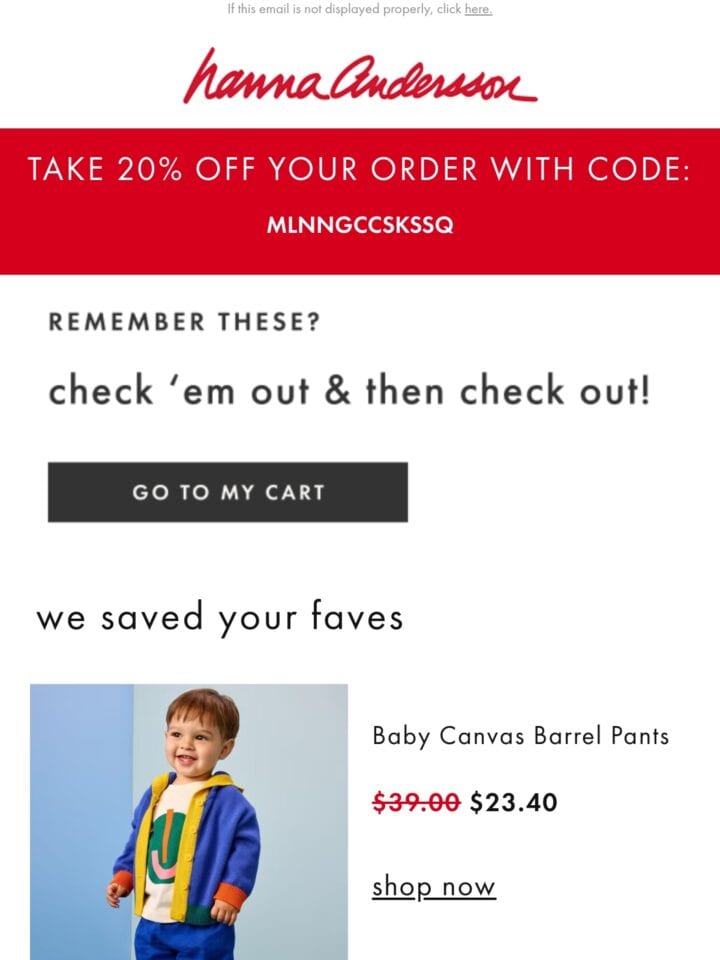
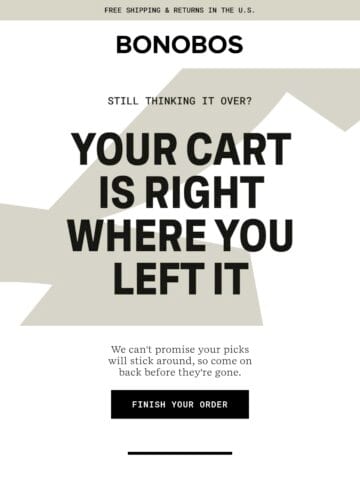
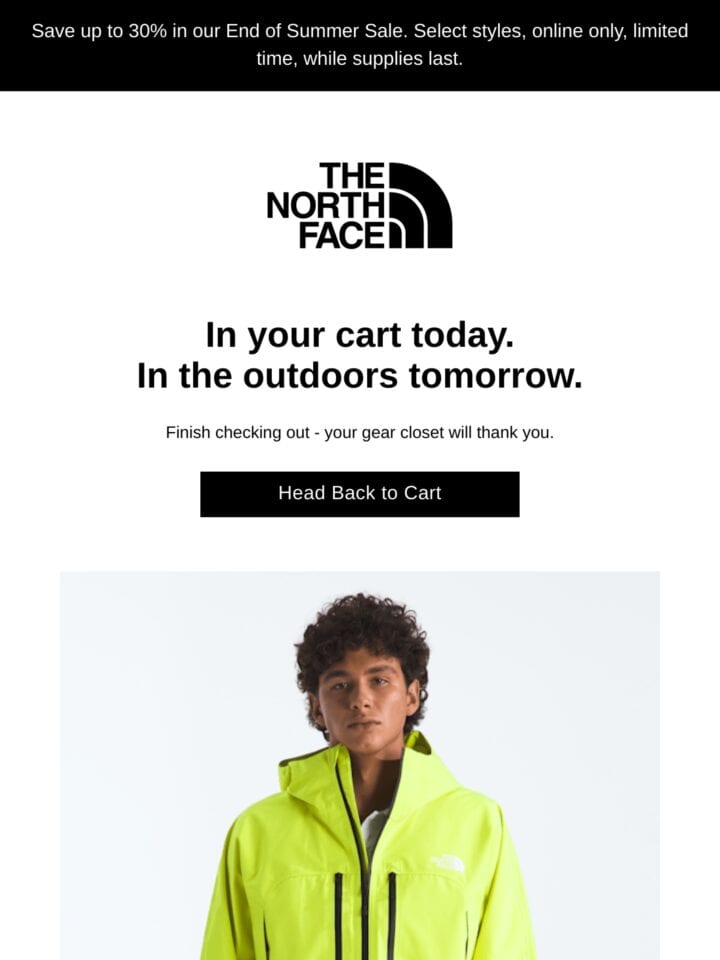
  • “Find abandoned cart emails from apparel brands. What are they offering?”
  • “Compare welcome offers from five skincare brands.”
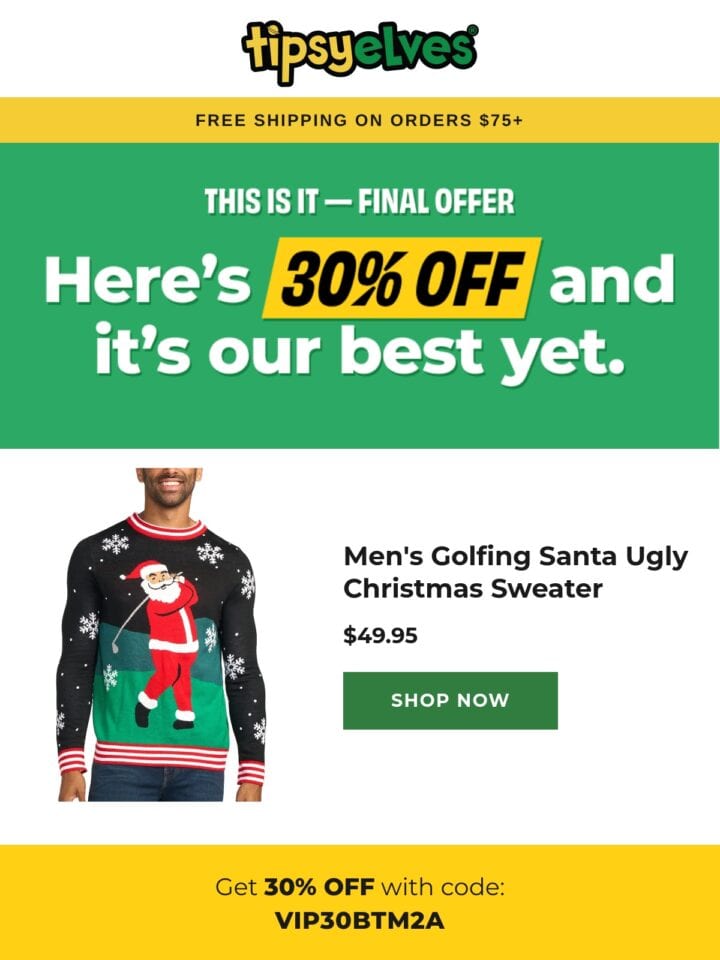
The emails and offers are real. Tipsy Elves calls its 30% the final offer; Bonobos and The North Face hold full price.

Walk a lifecycle journey

Your agent follows a brand’s welcome, browse abandonment or win-back emails stage by stage, with the timing between each send.

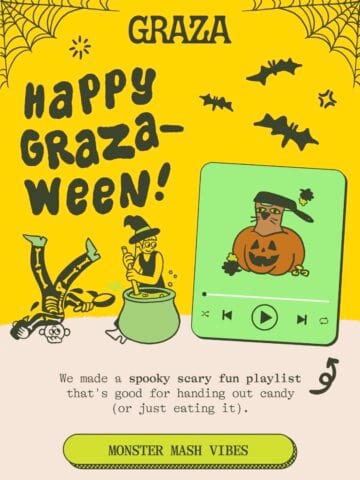
  • “Walk me through Graza’s emails, from first visit to post-purchase.”
  • “How long do beauty brands wait before a win-back email?”

Read how a brand sends

Send days and times, how often a brand sends, its sending platform and its subject line patterns, worked out from the brand’s own emails.

  • “Which days does Lululemon send on, and at what time?”
  • “Which ESP does Vuori use?”
LululemonBrand insights · 440 emails tracked
Day of the week
Busiest dayTuesday
Weekday avg87.73%
Weekend avg12.27%
Sunday19
Monday35
Tuesday123
Wednesday71
Thursday53
Friday104
Saturday35
Time of day
Top send hour8:00 PM ET

Study how an email is built

Pull the complete HTML of any email to see how it is put together, or to brief your own team on a layout.

  • “Show me how Patagonia builds its footer.”
  • “Find holiday gift guides with a product grid.”
Patagonia’s footer HTML
Layout
One table, 3 rows
Text
12px, #999999
Phones
Under 540px
<!--CUSTOMER SERVICE-->
<tr>
  <td class="NoSerif" style="font-family:'RidgewayEmail', Helvetica,
    sans-serif; font-size:12px; line-height:1.4;
    padding:8% 8% 0% 8%; color:#999999; text-align:center;">
    <span style="font-weight:bold;">Patagonia Customer Service</span><br>
    8550 White Fir St Reno, NV 89523
    <span class="hide">&nbsp;&nbsp;|&nbsp;&nbsp;</span>
    <br class="show" style="display:none;">
    <a href="#" style="color:#999999; text-decoration:none;">Help Center</a>
  </td>
</tr>
<!--EMAIL PREFERENCES-->
From get_email_html on Patagonia’s “Best layers for under your down jacket”, trimmed, with the recipient’s address left out.

Works with your agent.

How the Email Love library and skills install in each agent
Agent Email Love library Skills
Claude Code One command Plugin marketplace
Claude.ai and Claude Desktop Custom connectorFree plans allow one custom connector Upload the .skill filesNeeds code execution on
ChatGPT Custom MCP pluginPaid plans, on the web Upload the skillsBusiness, Enterprise, or Edu plans
Cursor MCP settings One command per packLocal sessions, not Cloud Agents
Codex Two commands One command per pack

Using another app that supports remote MCP servers? Add https://chat.emaillove.com/mcp as a server to connect the library.

Set up your agent.

Choose your assistant and follow the steps. The first time it uses the library, you sign in with a free Email Love account in the browser.


The setup brief is the same steps, written for your agent to run.

Want your agent to build emails in Figma, write ESP code or plan a campaign calendar? See the Email Love skills.

Building an app? Use the REST API.

The same library is available as a JSON API, with cleaned HTML, brands, journeys, and brand insights. Sign in with your Email Love account to get a key.

Questions, answered.

Something else? Email [email protected].

What do I need to get started?

A free Email Love account, plus an AI agent that can use MCP servers: Claude, ChatGPT, Codex or Cursor. The first time your agent uses the library, you sign in to Email Love in the browser, so there is no API key to copy. The Email Love skills for building emails in Figma, writing ESP code and planning a campaign calendar are separate: see Skills and MCP.

Which agents does it work with?

ChatGPT, Claude (Claude.ai, the desktop app and Claude Code), Codex and Cursor, plus any other app that supports remote MCP servers with sign-in. The server address is https://chat.emaillove.com/mcp.

What can my agent see and do?

It can search the library, open an email’s screenshot, expert notes and HTML, look up brands and how they send, walk lifecycle journeys, and read the collections and liked emails in your own account. Every tool is read-only, so it can’t send email or change anything in your account.

Is it free?

Yes. Every tool and the whole library are free with an Email Love account, through the MCP server and the REST API, with no monthly limit. Requests are limited per minute so one client can’t overload the service; see Rate limits.

Can I use what I find in client work?

Yes. You can use what you find in work for your own clients, such as private reports and presentations. Credit Email Love when you show library content outside your organisation. The emails belong to the brands that sent them, so publishing or reselling them isn’t allowed. See Usage and attribution.

Design emails like
the best brands.

Browse the archive for inspiration, then build your own emails in Figma and export production-ready HTML with the Email Love plugin.