On this page · 6 min read
I’ve been designing and building emails for 15+ years, and I’m going to be honest with you: the process has always kind of sucked.
You spend hours crafting the perfect email design in Figma. Your team loves it. Your stakeholders approve it. Then you open up your ESP’s drag-and-drop editor and… nothing matches. The fonts are wrong. The spacing is off. That beautiful layout you designed? Good luck recreating it with those clunky content blocks.
So you do what every email marketer does: you compromise. You simplify. You rebuild. And three hours later, you’re looking at something that’s maybe 70% as good as what you originally designed, wondering why email has to be this hard.
Why email code is stuck in the 90s
Here’s the thing most people don’t realize: email clients are basically time machines to the early 2000s.
While the rest of the web evolved to use modern CSS and flexbox layouts, email clients (I’m looking at you, Outlook) still require table-based layouts and inline CSS. It’s like trying to build a Tesla with Model T parts.
But why?
Email clients prioritize security and consistency over innovation. They’re terrified of letting emails run scripts or use modern CSS that could break their interface or pose security risks. So they strip out most modern HTML and CSS features before rendering your email.
Microsoft Outlook is the worst offender. It uses Microsoft Word’s rendering engine (yes, the same one from your word processor) to display emails. That’s why your perfectly designed email looks like hot garbage in Outlook—you’re literally asking a document editor to render a web page.
Gmail has its own quirks. It strips out <style> tags in the <head>, which means any CSS that isn’t inline gets thrown away. Apple Mail supports more modern CSS, but only about 30% of your subscribers use it. And don’t even get me started on the dozen different Android email clients, each with their own interpretation of what HTML should look like.
This is why email developers are stuck using:
- Tables for layout (remember those from 1998?)
- Inline CSS (writing
style="font-size: 16px; color: #333333;"on every single element) - Nested tables (tables inside tables inside tables, like some kind of HTML inception nightmare)
- Spacer GIFs (I wish I was kidding, but sometimes you still need these)
- Conditional comments (special code just for Outlook that other clients ignore)
When I tell designers they can’t use flexbox, CSS Grid, or even basic things like padding that work consistently… they look at me like I just told them we’re going back to dial-up internet.
Because basically, we are.
How we solved this and created a better workflow
The Email Love Figma Plugin does something most other tools don’t: it uses MJML under the hood.
It is the same engine behind our email template builder, where marketers build from synced components without code.
(If you’re not familiar with MJML, it’s basically a framework that writes the awful table-based code for you, ensuring your emails look consistent across Outlook, Gmail, Apple Mail, and all those random Android clients nobody thinks about.)
Here’s what that means for you:
Design in Figma Use auto-layout, components, variants—all the Figma features you’re used to. We’ll handle the translation to email-compatible code.
Export directly to your ESP We’ve built integrations with Iterable, Braze, Salesforce Marketing Cloud, HubSpot, Klaviyo, Customer.io, and Loops. No more copying and pasting code. Just click export and you’re done.
Actually responsive emails Your emails will adapt to mobile, tablet, and desktop automatically. No creating separate mobile-specific components or images.
Built-in image hosting We host your images on our CDN, so you don’t have to worry about upload limits or broken image links.
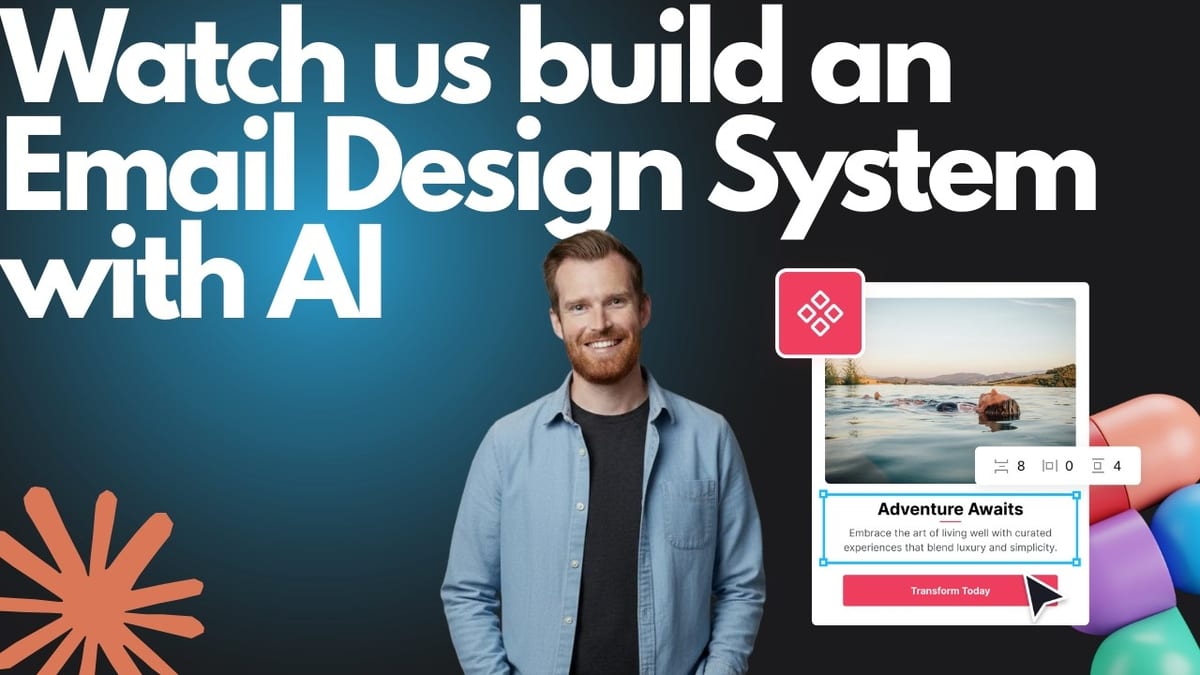
See how it works in this short video:Features that actually matter
100+ Pre-Built Email Components
Headers, footers, CTAs, product cards, testimonials—all optimized for email and ready to customize. Plus, you can duplicate our Ultimate Email Design System to get started.
Test Emails Before You Send
Send test emails directly from Figma to see exactly how they’ll render in different clients or send directly to Litmus or Email on Acid. Catch issues before 50,000 subscribers do.
Real Support From Email Experts
This isn’t just a plugin company. We’ve been doing email marketing for 15+ years. When you get stuck, you’re talking to people who’ve actually built campaigns for enterprise brands.
Version Control & Collaboration
Keep your email designs organized in Figma where your whole team can access them. No more digging through old ESP drafts to find “that newsletter from Q3.”
How this works
- Open the Email Love plugin in Figma and either generate components directly or duplicate our Ultimate Email Design System (your choice—both give you the same email-optimized components)
- Design your email using auto-layout and the component library
- Preview and test your email to make sure everything looks right
- Export directly to your ESP (Iterable, Braze, Klaviyo, etc.) or copy the HTML/MJML code
- Send your campaign without rebuilding anything
That’s it. No developer handoff. No code cleanup. No rebuilding your design in a clunky drag-and-drop editor.
Who’s Using This
We’ve got everyone from solo email marketers to enterprise teams using the plugin:
- One of the largest AI companies in the world
- A Fortune 100 pet care company
- Some of your favorite SaaS companies
- Dozens of agencies and freelancers use it for client work
The common thread? They all got tired of the old workflow and wanted something that actually respected their designs and saved them time.
The truth about most email design tools
Look, I’m not going to tell you this plugin is “revolutionary” or “game-changing” or whatever other hyperbolic nonsense most SaaS companies use.
Here’s what it actually is: a tool that removes the annoying parts of email production so you can spend more time on strategy and less time fighting with code.
It won’t magically make your emails get better open rates. It won’t write your copy for you. It won’t fix your data strategy.
What it will do:
Save you 3-5 hours per campaign. That’s time you can spend on actual email strategy, testing subject lines, or analyzing your data instead of manually adjusting padding in a drag-and-drop editor.
Let you ship the designs you actually created. Not watered-down, compromised versions. The actual design your team approved in Figma.
Free you from ESP lock-in. Here’s something most people don’t think about until it’s too late: when all your email templates live inside your ESP’s proprietary editor, you’re stuck. Want to migrate from Salesforce to Braze? Start rebuilding. Adding SendGrid to your stack for transactional emails? Rebuild everything again.
With the Email Love plugin, all your templates live in Figma. Your ESP is just where you send them. When you migrate (and you will eventually—everyone does), you just export to the new platform. No rebuilding. No “close enough” recreations. No paying a contractor $5,000 to manually recreate 47 email templates.
I’ve watched companies delay ESP migrations for months because they dreaded rebuilding their entire email template library. That’s a stupid reason to stick with a tool that’s not working for you.
Give your designers actual ownership. They can version control, collaborate, and maintain your email design system in a tool they already know. No more asking developers to “just make this small change” to an email template buried in your ESP.
That’s the real value. Not revolutionary. Just practical. And honestly? That’s more useful.
Try it free
We offer a no-credit-card-required trial because I genuinely want you to try it before you buy it. Export 10 emails for free and see if it fits your workflow.
If you’re on a team, we can set up a call to walk you through setting up your design system and ESP integrations. (Again, real humans who know email, not just support bots.)
What’s your current email design workflow?
I’m curious: how are you handling email design right now? Drag-and-drop editor? Hand-coding? Suffering in silence?
Email me at [email protected] and let me know. I read every response, and your answer might turn into a future blog post (with your permission, obviously).
Build it faster: the Email Love Figma to HTML email plugin turns your Figma designs into production-ready HTML email you can export to any ESP in minutes.
Much love,
Andy

Andy has spent two decades building email programs for brands and agencies, and now co-runs Email Love: the inspiration gallery of 577,000+ emails and the Figma plugin that lets teams design, build, and export production-ready email without leaving their design file. He writes about email design systems, production workflow, and where the industry is heading.

Customer.io delivers more impact from every message–unifying data, messaging, and AI into one platform so every customer interaction gets smarter over time. We help teams build personalized campaigns across email, SMS, push, in-app, and webhooks, using their own first-party data to reach the right people with the right message at the right moment. AI is built into the platform to remove the grunt work, letting marketers focus on strategy, not setup. Over 9,000 brands trust us to power their messaging.