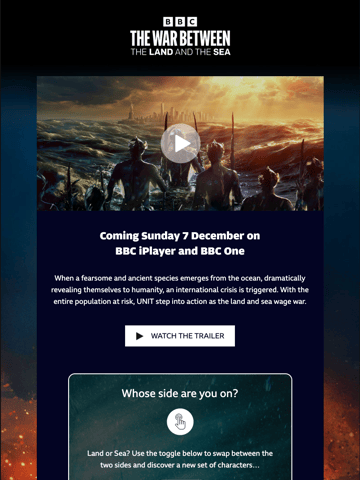
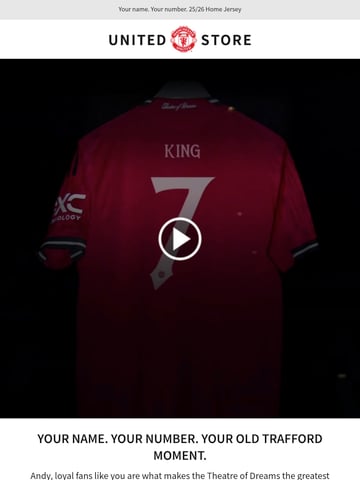
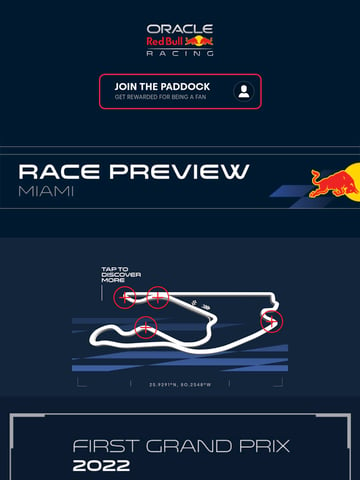
Interactive emails embed live functionality inside the message (AMP for Email or kinetic CSS): carousels, accordions, polls, add-to-cart, or appointment booking that work without leaving the inbox. The best ones remove a step from a real task, like confirming an RSVP or browsing products, rather than adding novelty. Build a static fallback first, since client support is uneven, and reserve motion for the one moment that earns the tap.

Interactive emails do something when you touch them: polls, quizzes, carousels, accordions, hover reveals, and add-to-cart flows that run inside the inbox instead of on a landing page. This hub collects the sends pushing what email clients can actually render.
Real-world interactivity splits into two camps: CSS-only techniques (carousels, tabs, hover states) that work broadly in Apple Mail and many clients, and AMP for Email (live forms, real-time content) with narrower support. The best examples here always design a graceful fallback, because a reader on an unsupported client should see a beautiful static email, never a broken one.
Interactivity earns attention but costs complexity, so the standouts use it where it changes the outcome: a one-tap poll that beats a survey link, a size selector that removes a checkout step. Compare with survey emails for the feedback patterns and SaaS emails where interactive modules are most common.
Ranked by real reader views on Email Love over the last 90 days.
Pulled verbatim from sends in this collection. Every line links to the actual email it opened.
What the sends in this collection actually do, measured from our own archive.
Subject stats from 43 curated emails in this collection.
Any email where the reader acts inside the message: tapping a poll, flipping a carousel, expanding an accordion, or completing a form, without leaving for a browser. It ranges from CSS tricks that work almost everywhere to AMP modules with live data.
Apple Mail and many mobile clients handle CSS-based interactivity well; Gmail supports AMP for approved senders; Outlook is the most restrictive. That spread is why every interactive email in this hub ships with a static fallback version.
When the interaction replaces a click-through step, yes: in-email polls multiply response rates, and in-email product selectors shorten the path to checkout. As decoration, rarely; the engineering cost only pays back when it removes friction.
A one-tap poll or rating with each option as a tracked link. It reads as interactive, works in every client because it is just links, and the reply data feeds segmentation immediately. Carousels and accordions come next.
Designing your interactive email?
Design it in Figma and export production-ready HTML straight to your ESP with the Email Love plugin. Build it in Figma →